
Shop Battery Monitors, Shunts, and Solar System Monitoring
You can’t manage what you can’t see. We carry Victron SmartShunts, BMV battery monitors, and Cerbo and Ekrano GX system controllers, Emporia home energy monitors, and WiFi and cellular gateways from EG4, Pytes, Fortress Power, Aptos, and Victron.
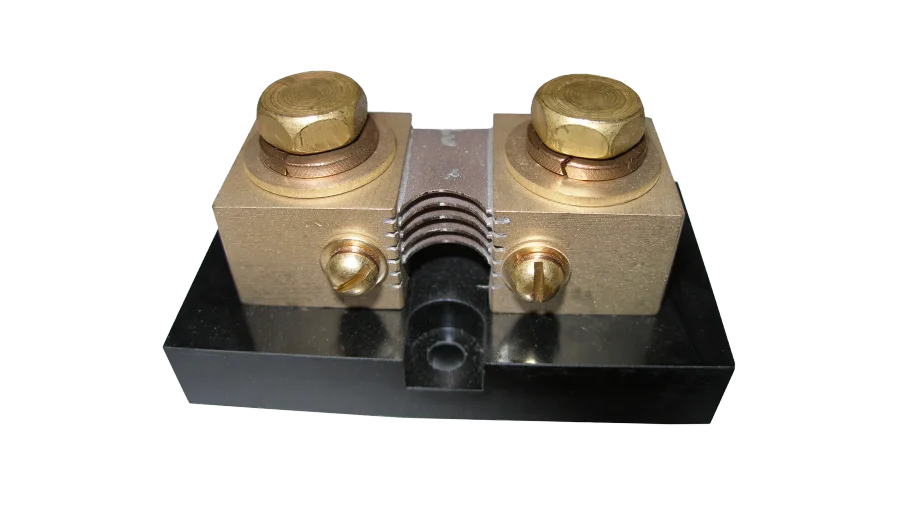
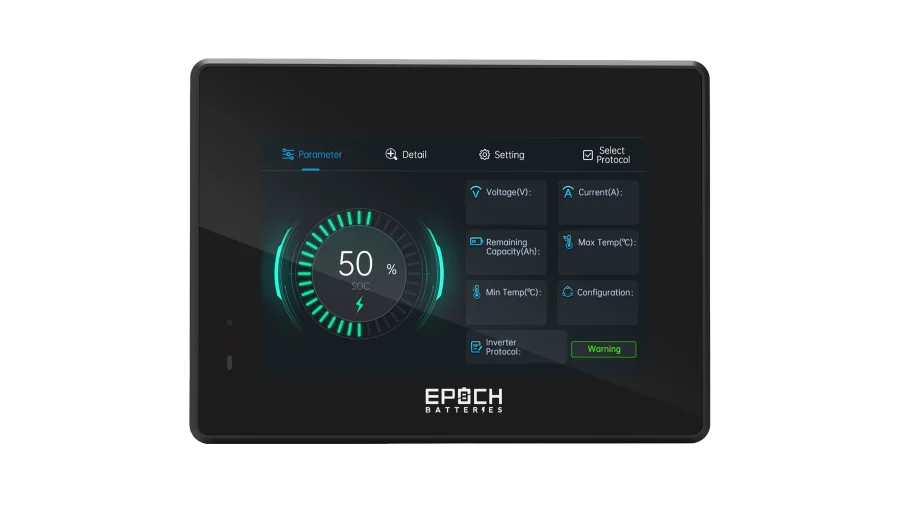
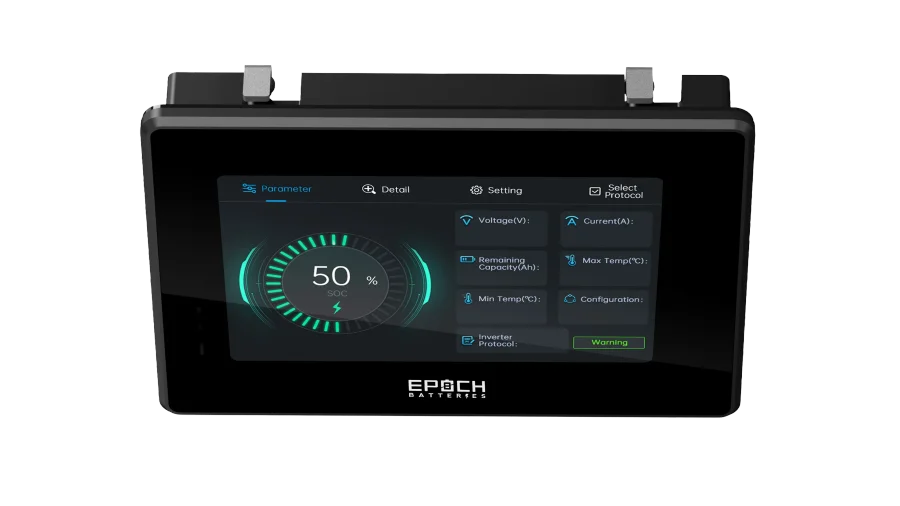
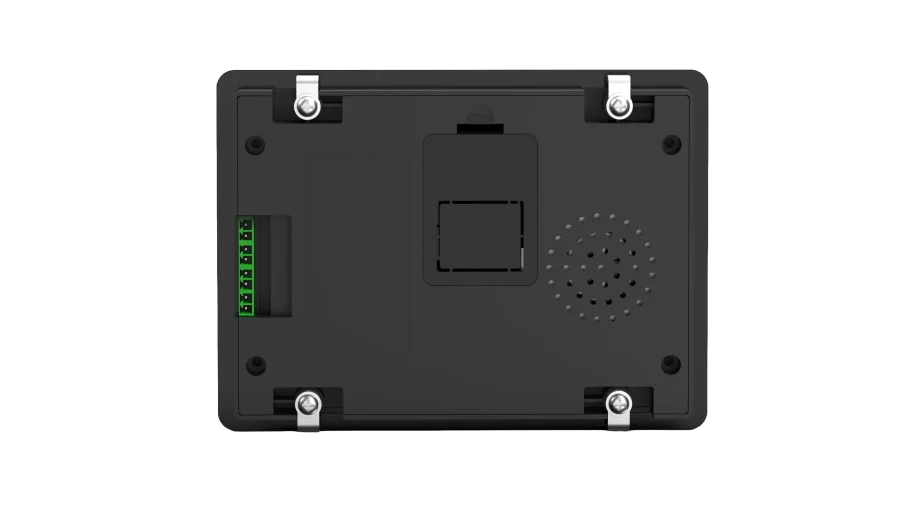
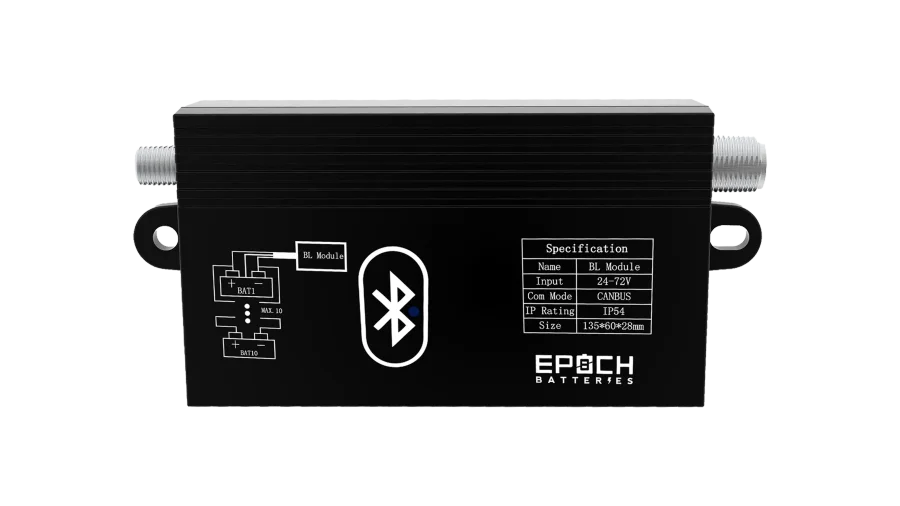
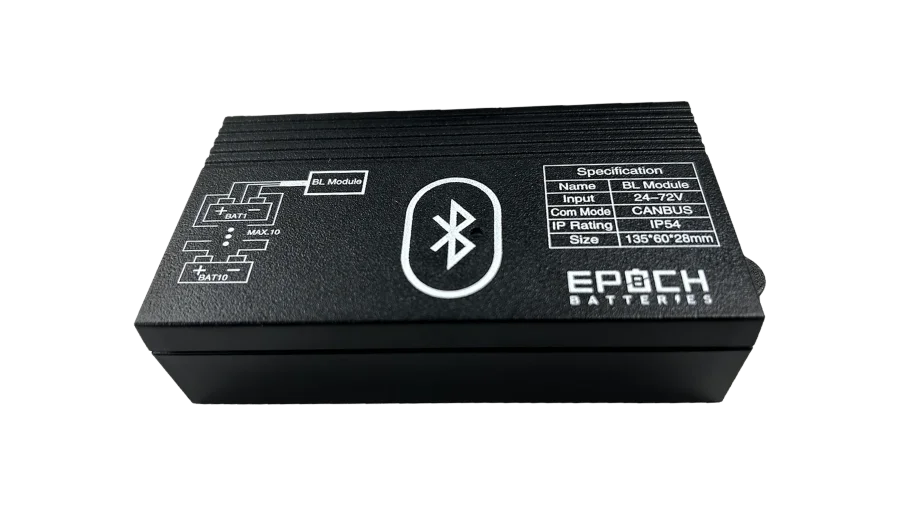
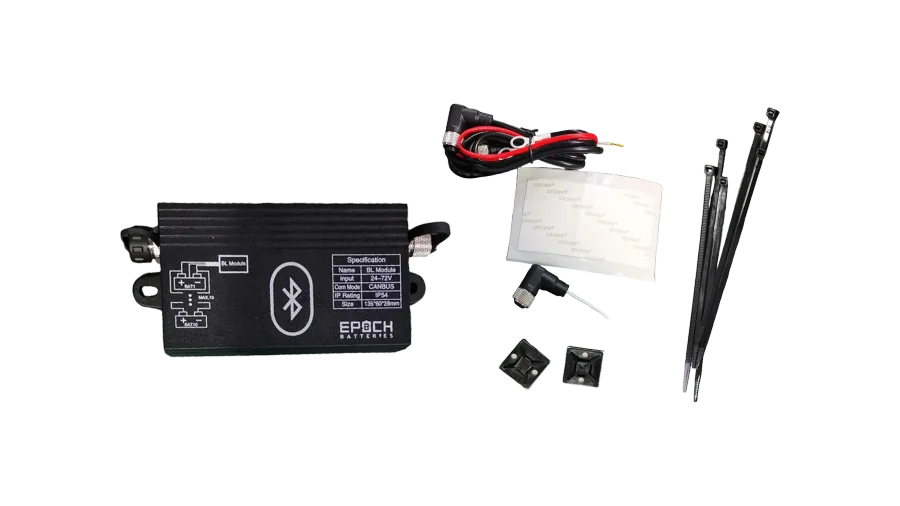
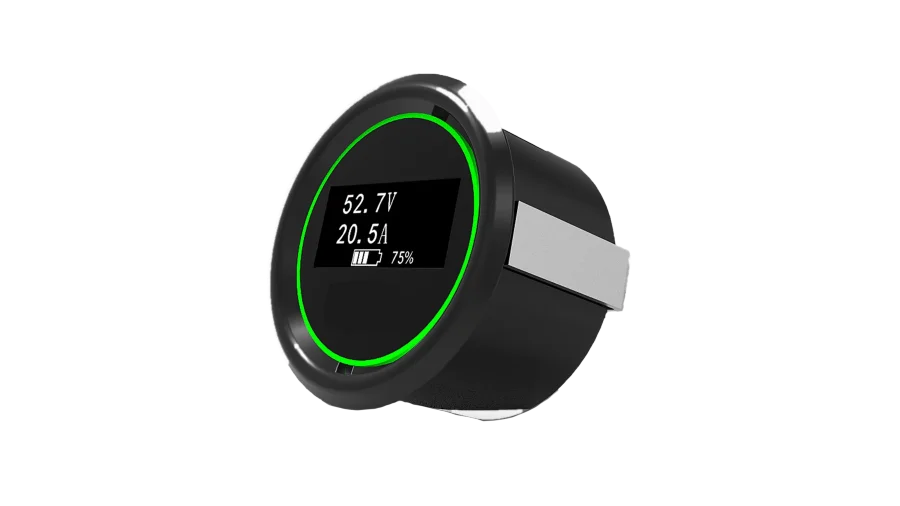
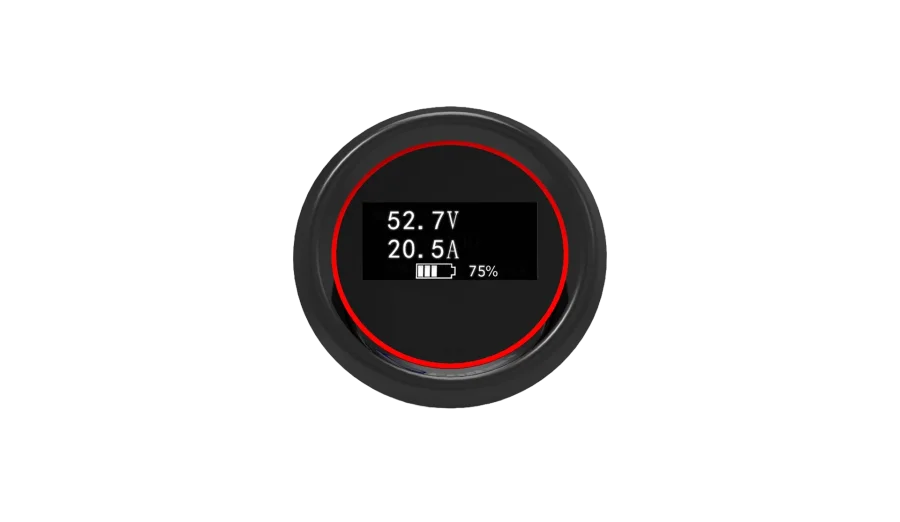
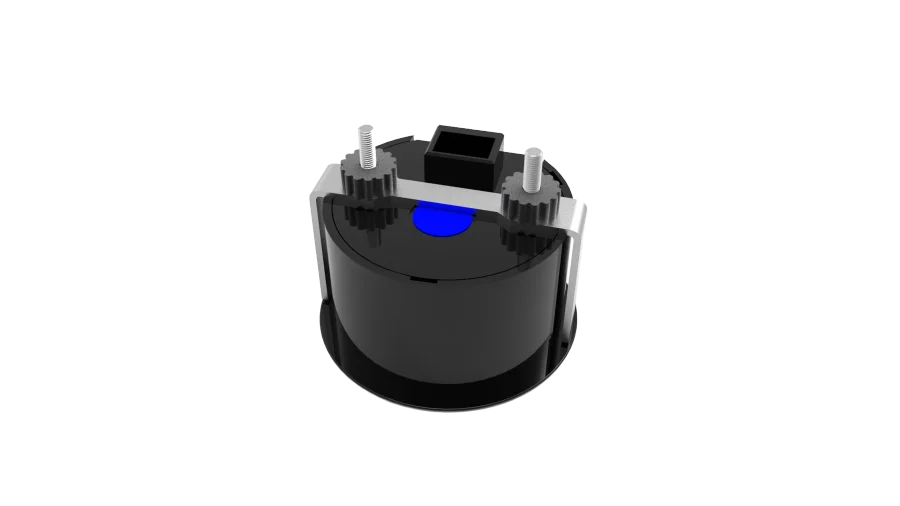
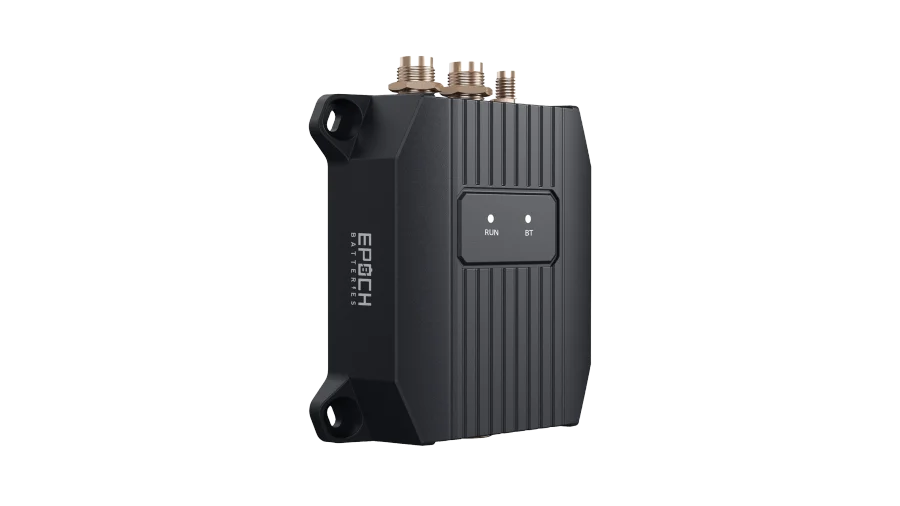
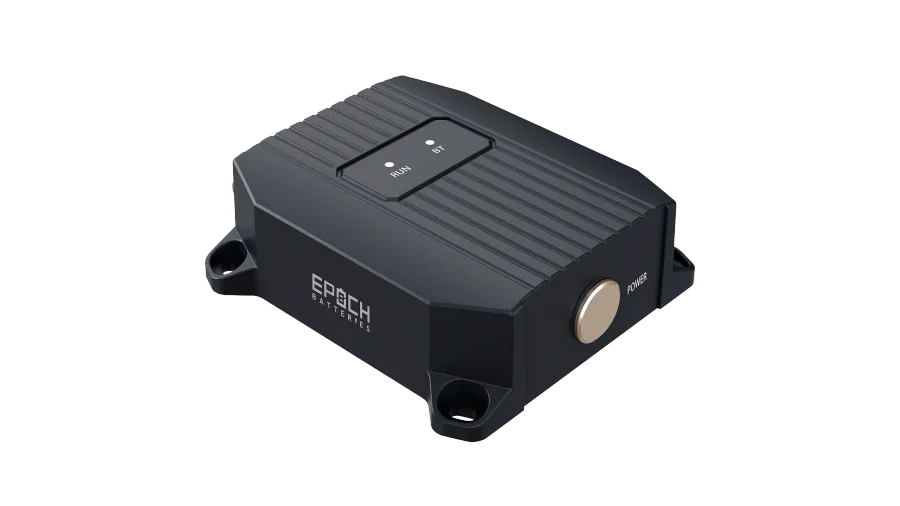
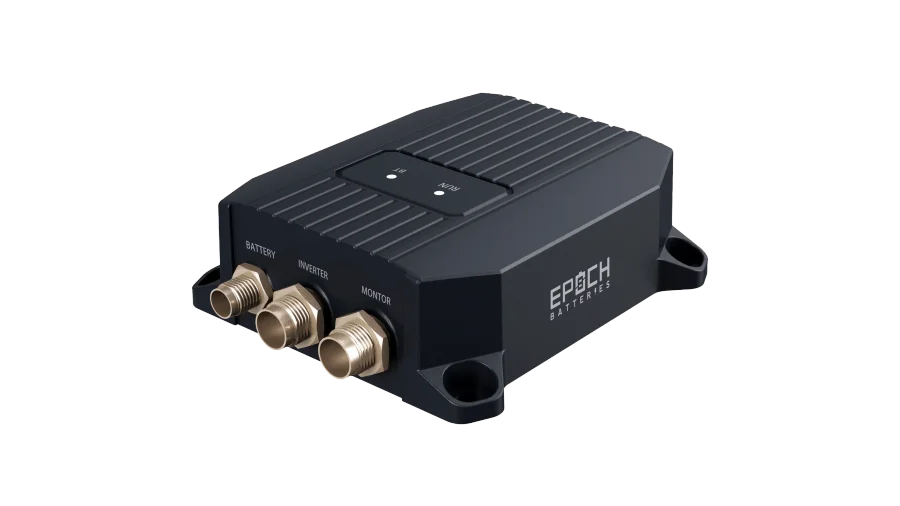
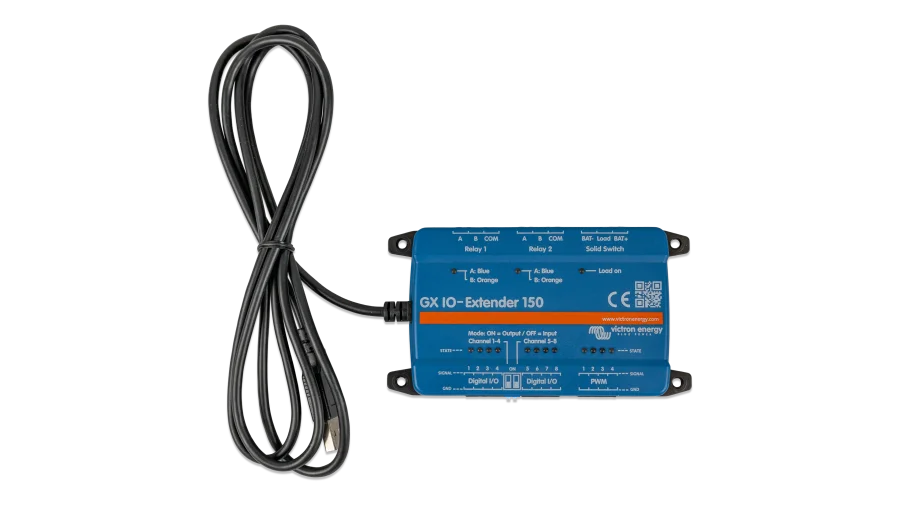
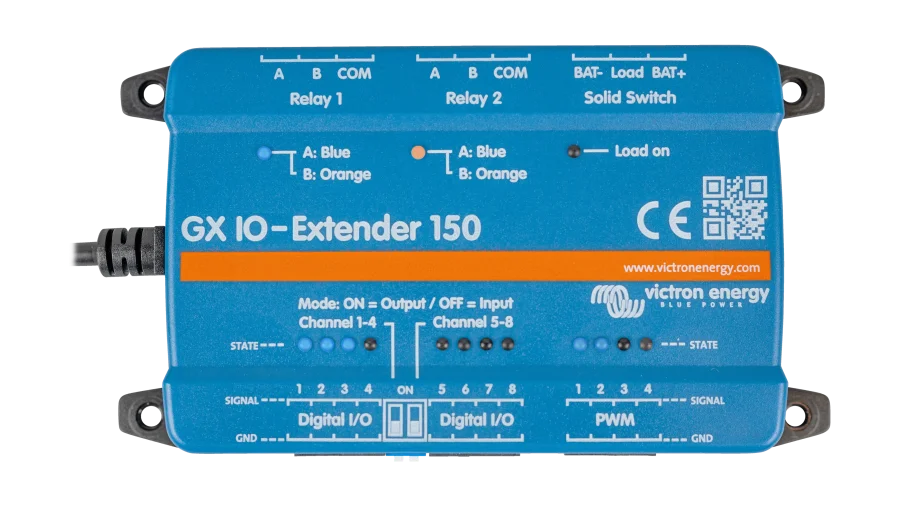
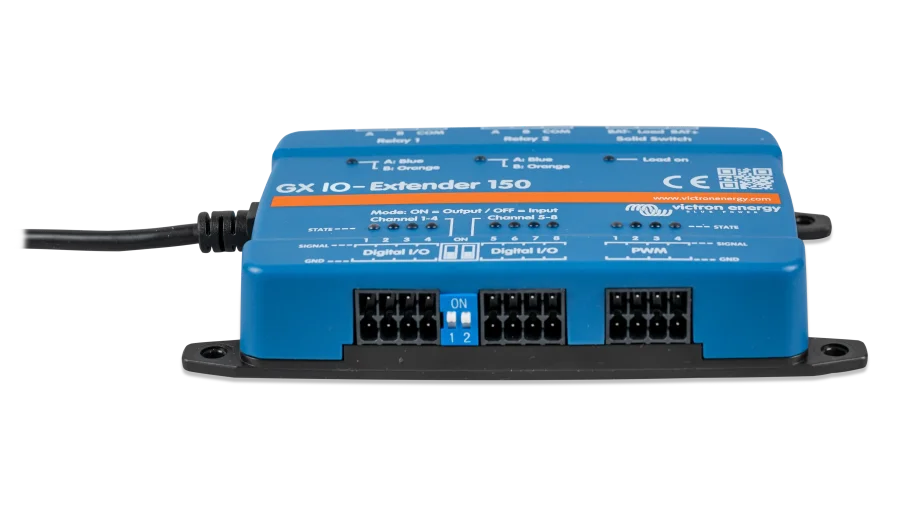
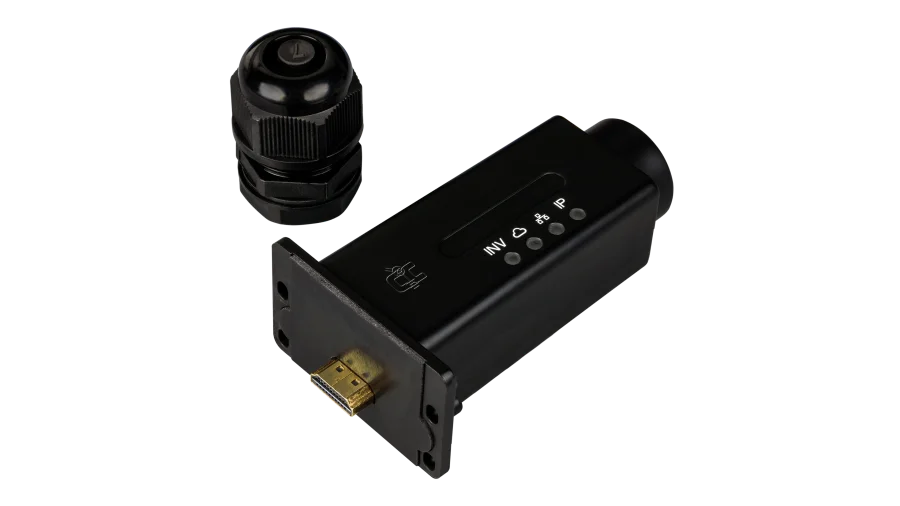
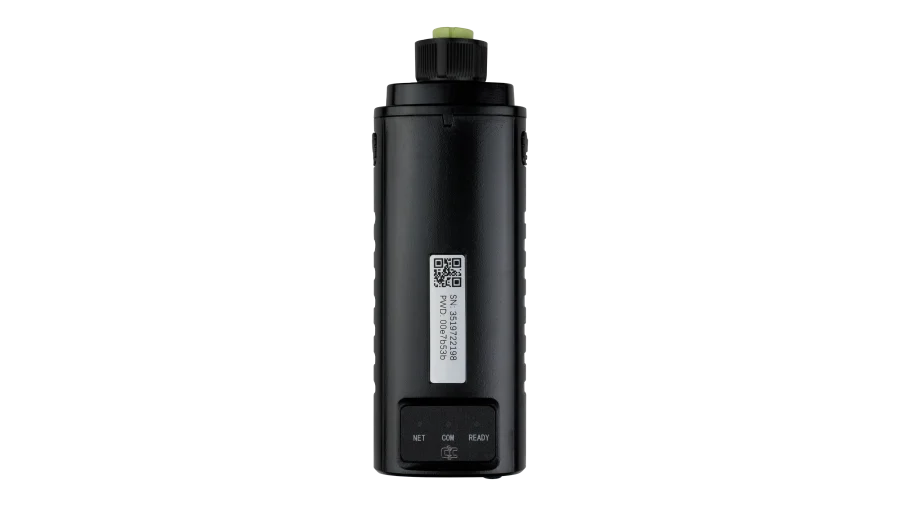
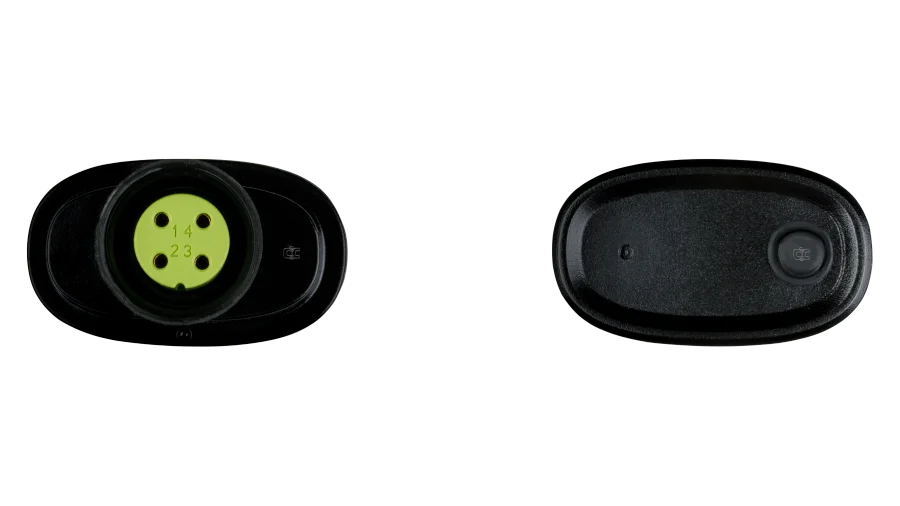
Fortress Power Envy Monitoring Dongle, WLAN or Cellular Monitoring Modules for Envy 8kW, 10kW, and 12kW Inverters, Remote Monitoring via Fortress Power App
WLAN or 4G cellular connectivity for remote monitoring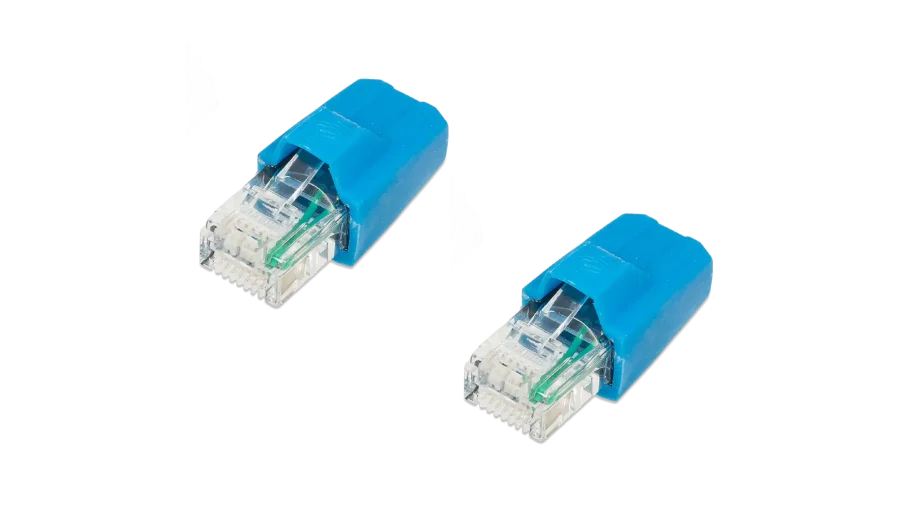
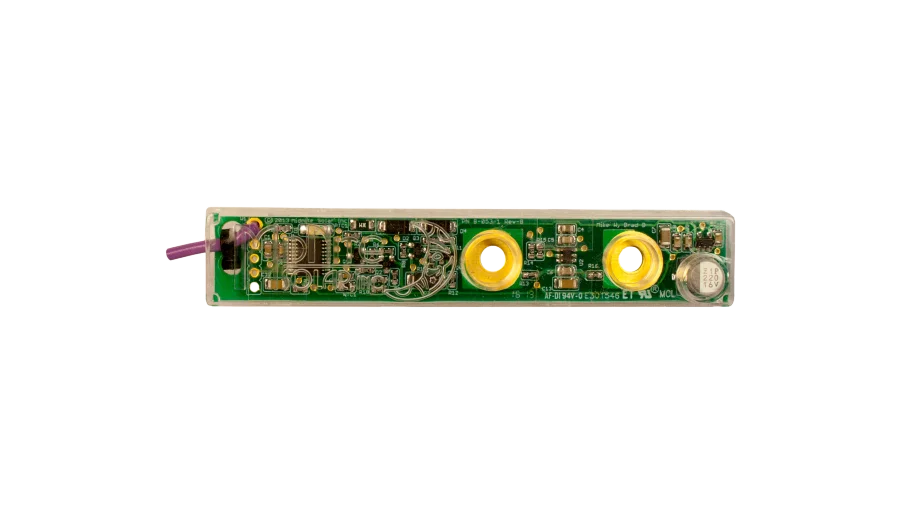
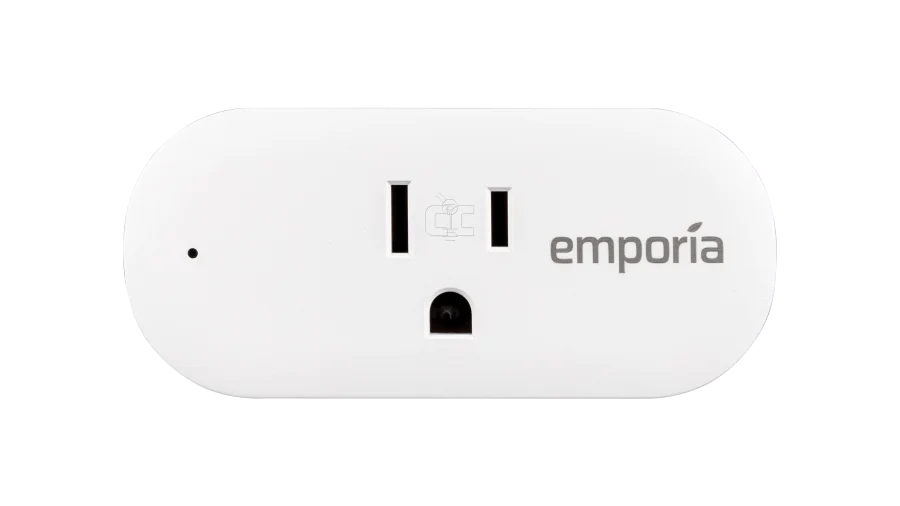
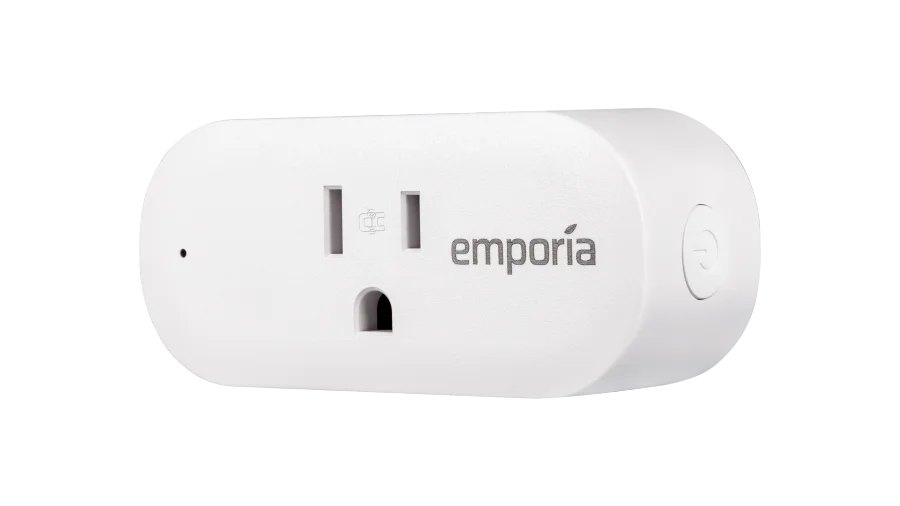
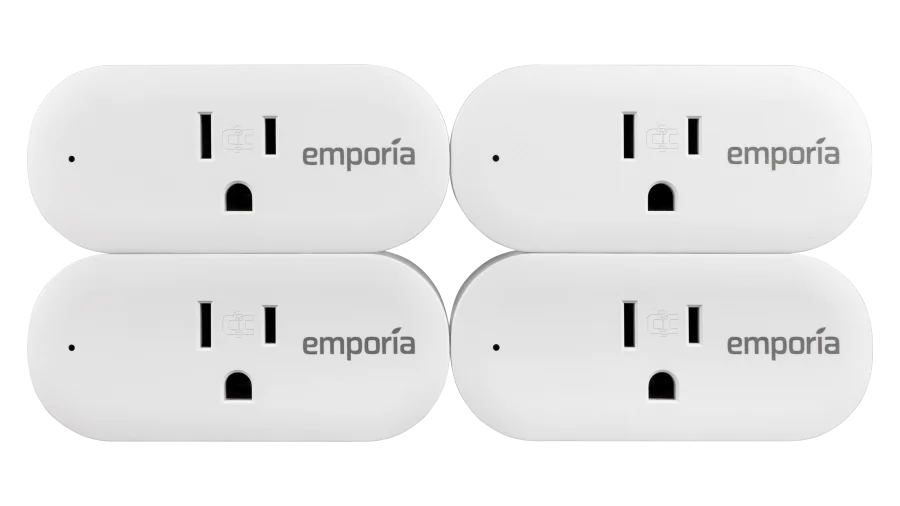
Emporia Smart Plug for Real Time Monitoring Electricity Use, Wall Plug Style, Measures Appliance Power Consumption
Monitor the energy flow of a single outlet with the Emporia Smart Plug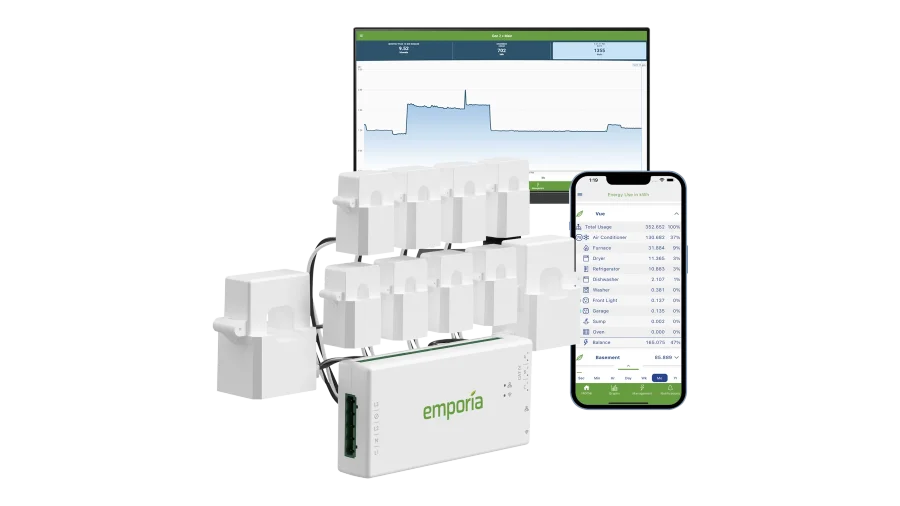
Emporia Vue 3 Smart Home Energy Monitor for Tracking Whole Home Energy Use, Real-Time Remote Energy Monitoring, UL Listed
Monitor your energy usage at your main electrical panelAsk About This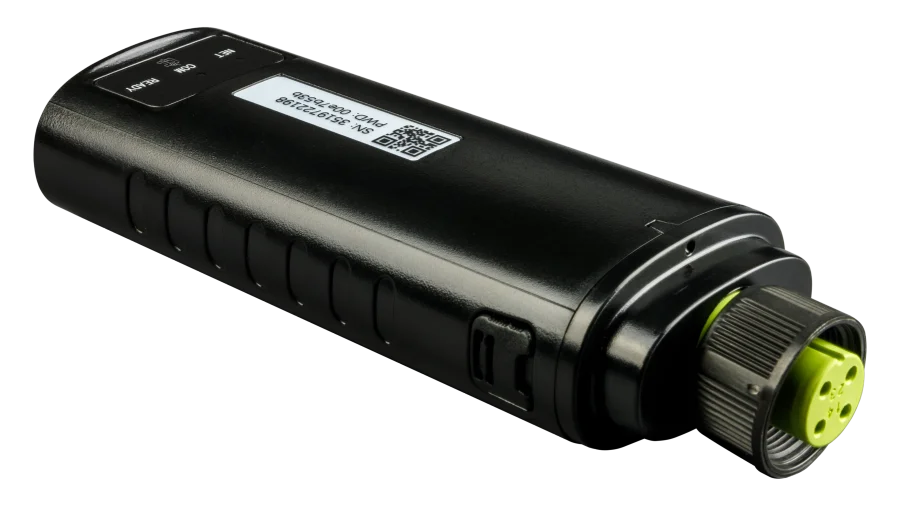
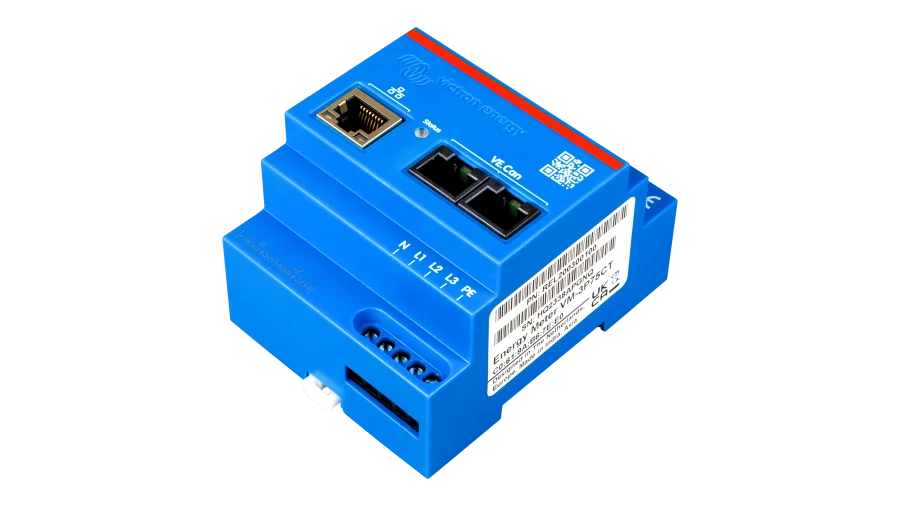
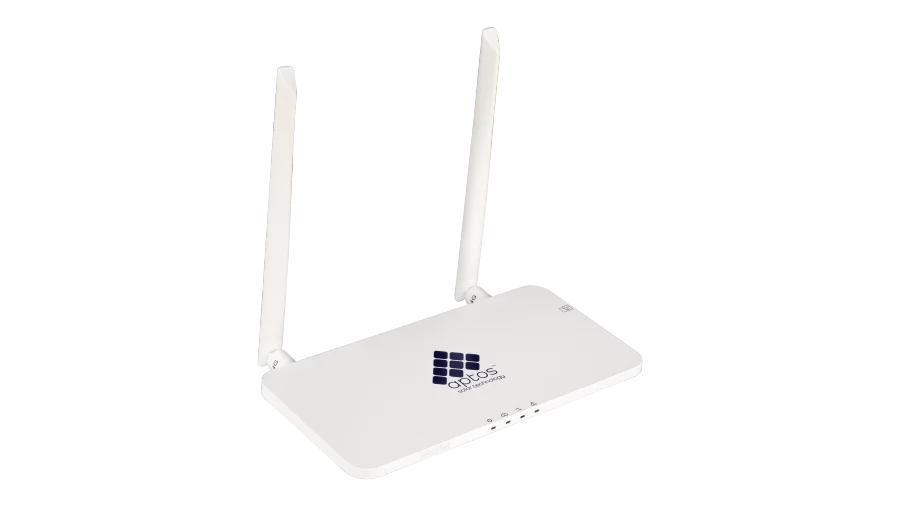
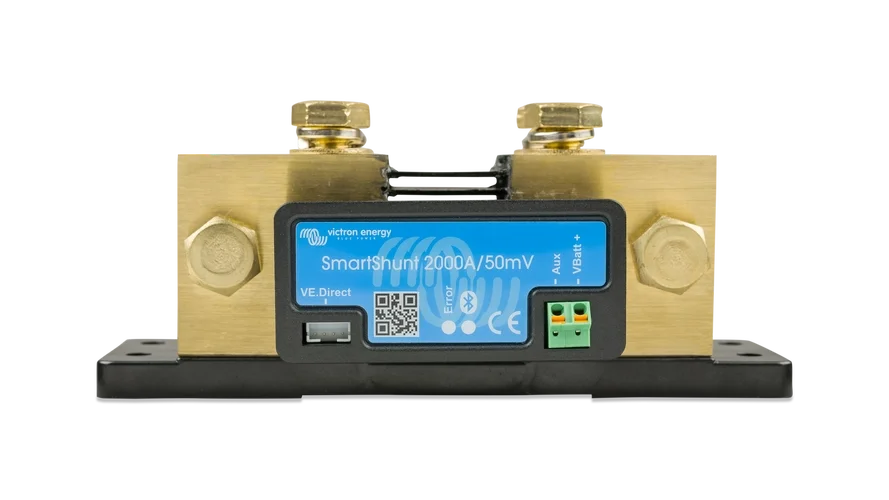
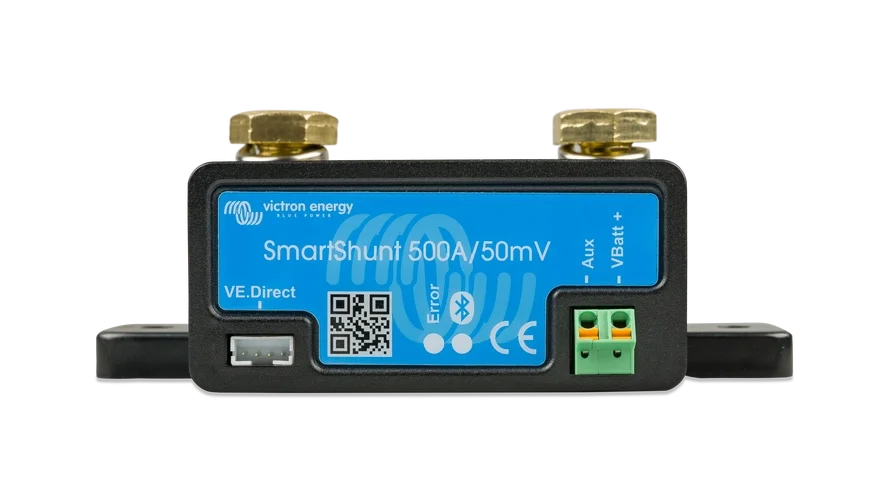
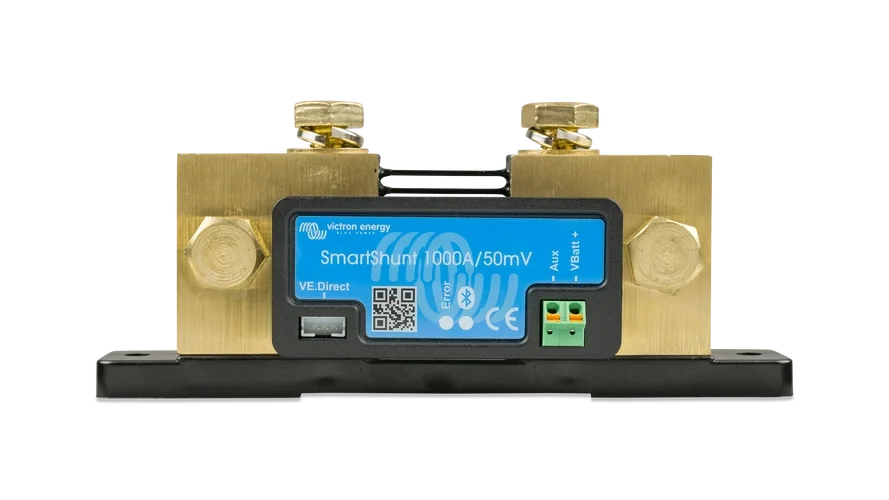
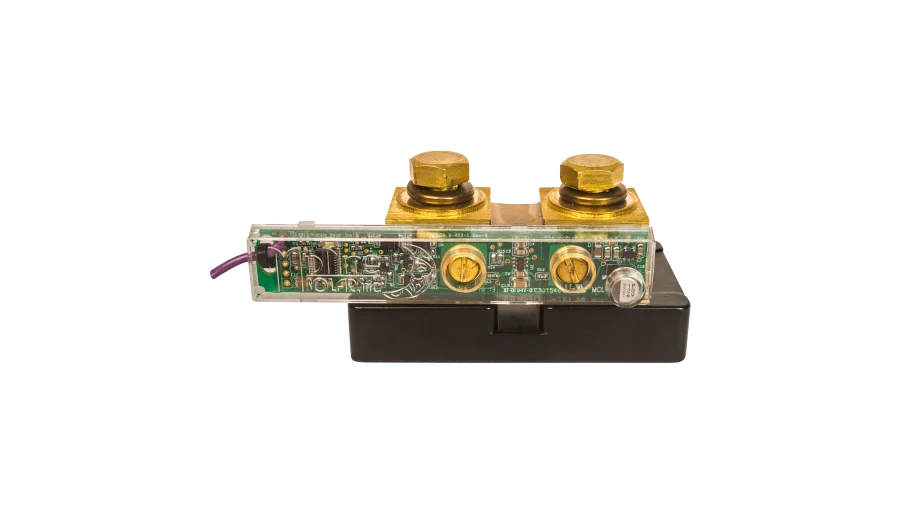
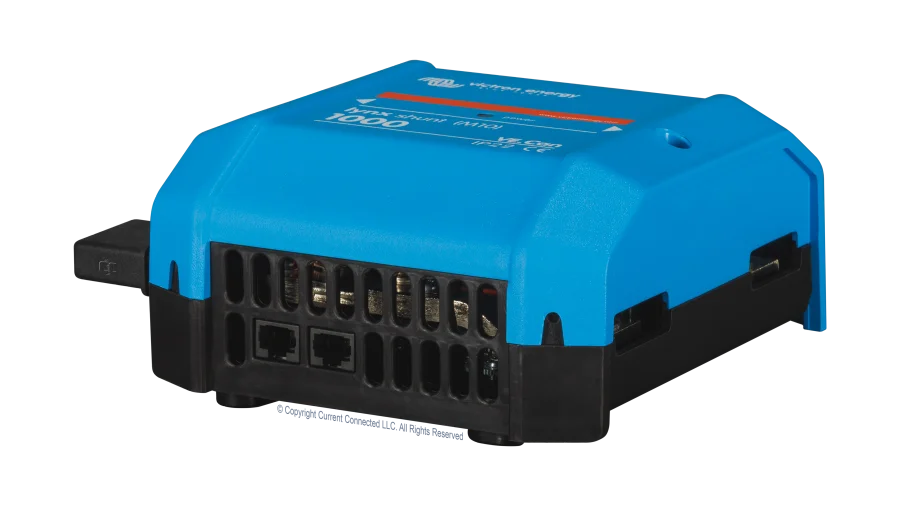
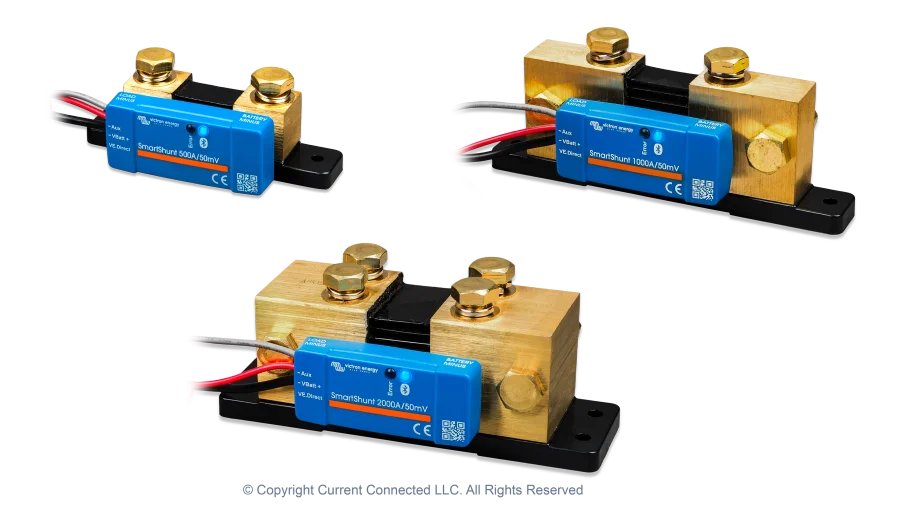
Victron Energy SmartShunt IP21, 300A-2000A Rated Shunts for Measuring Current Flow and Calculating State of Charge
Simple, accurate, and reliable battery charge level monitoring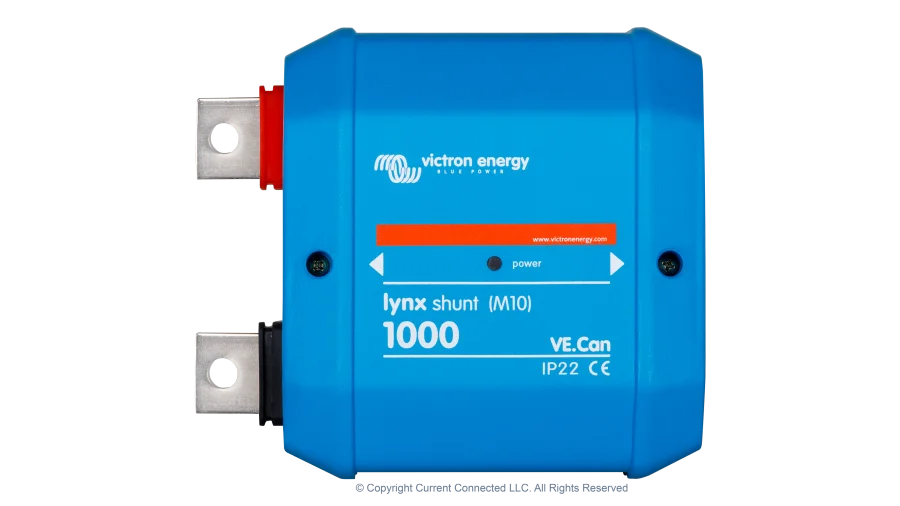
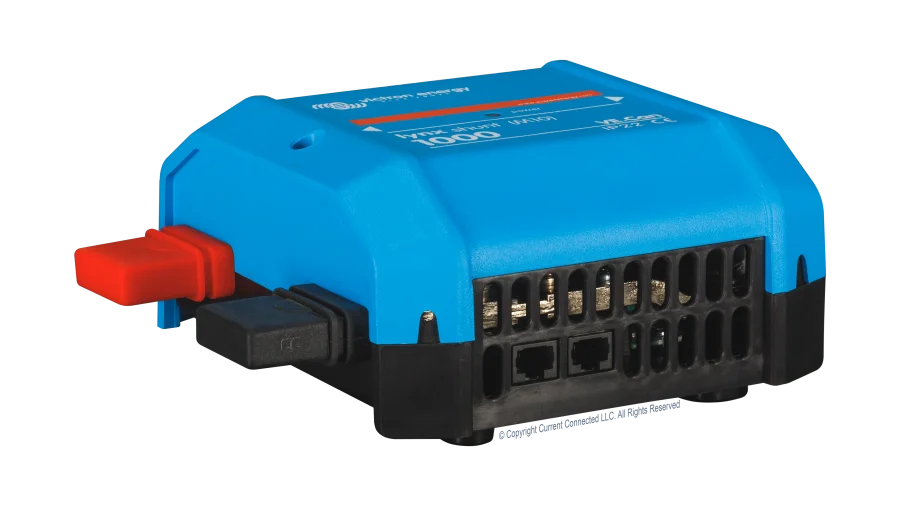
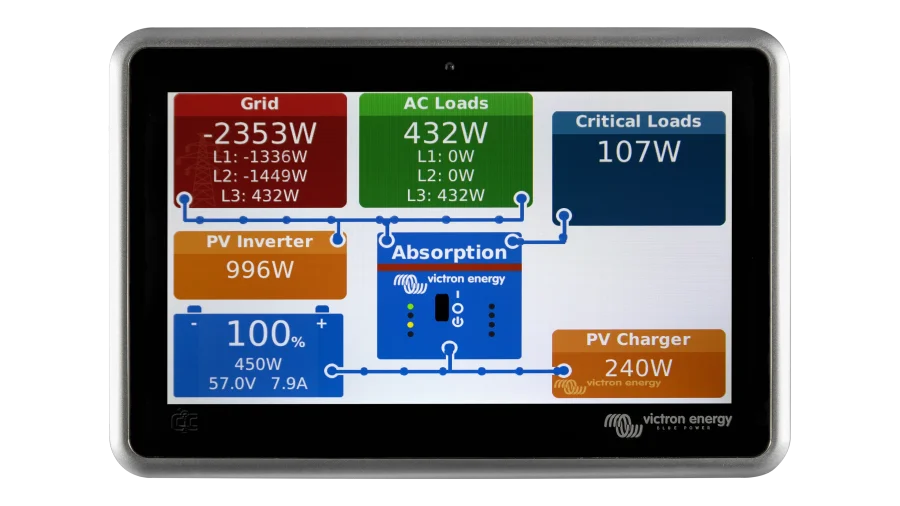
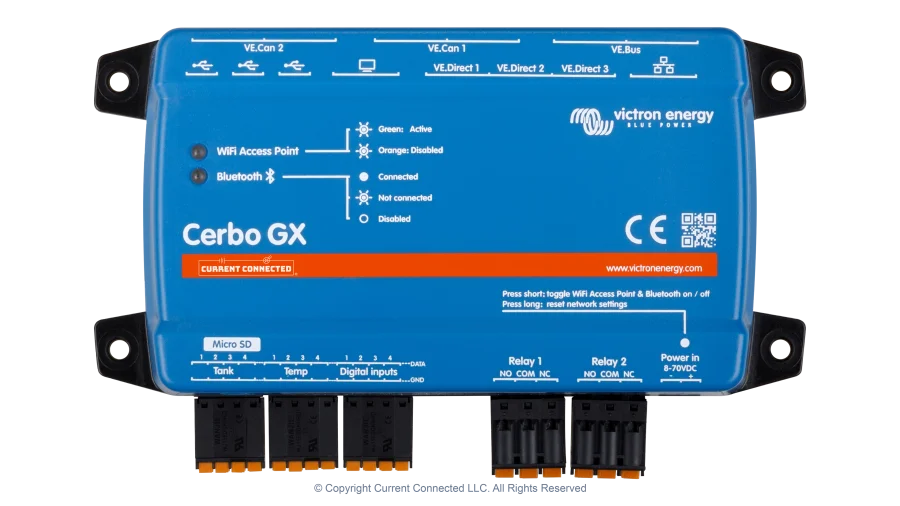
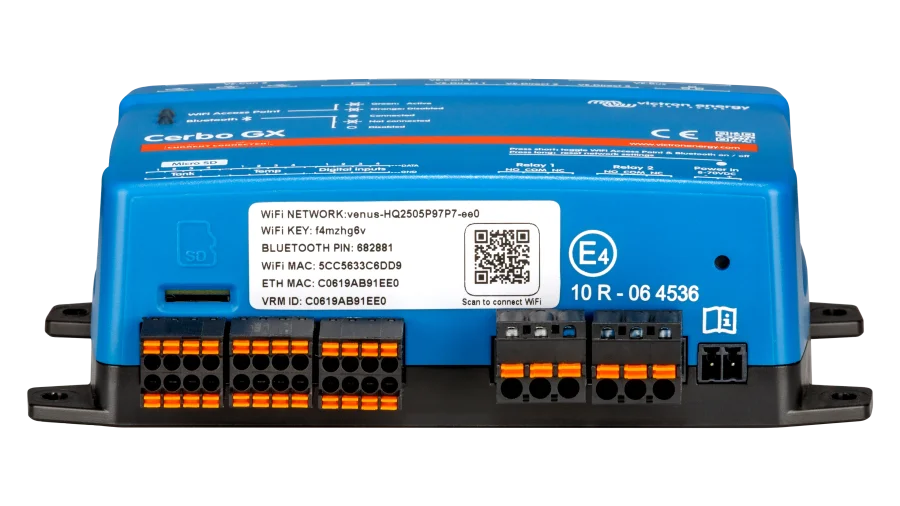
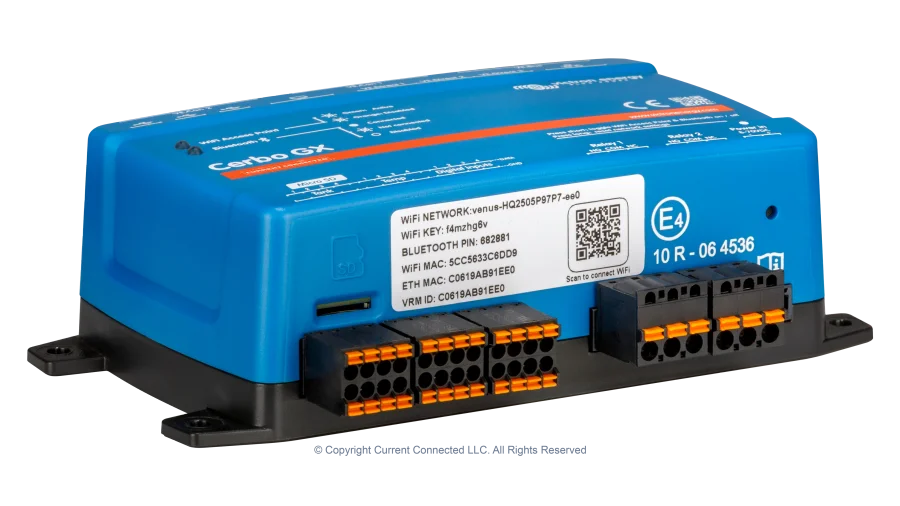
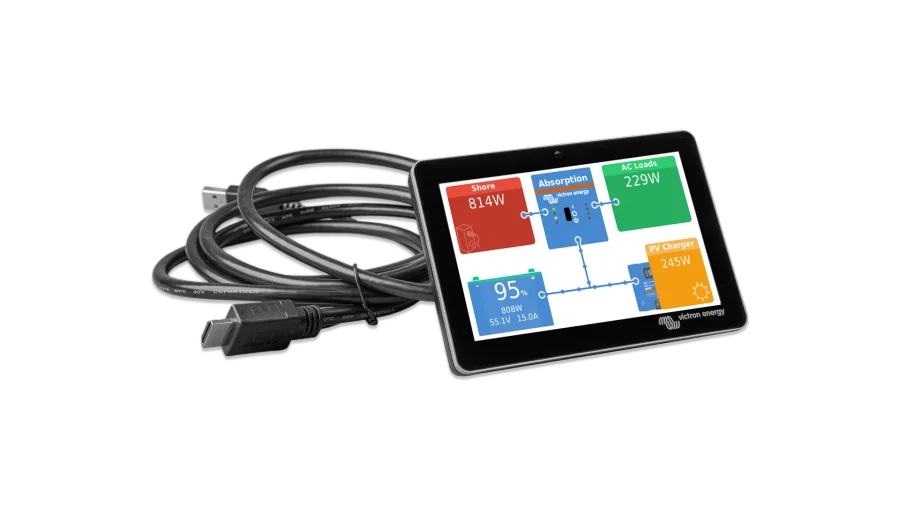
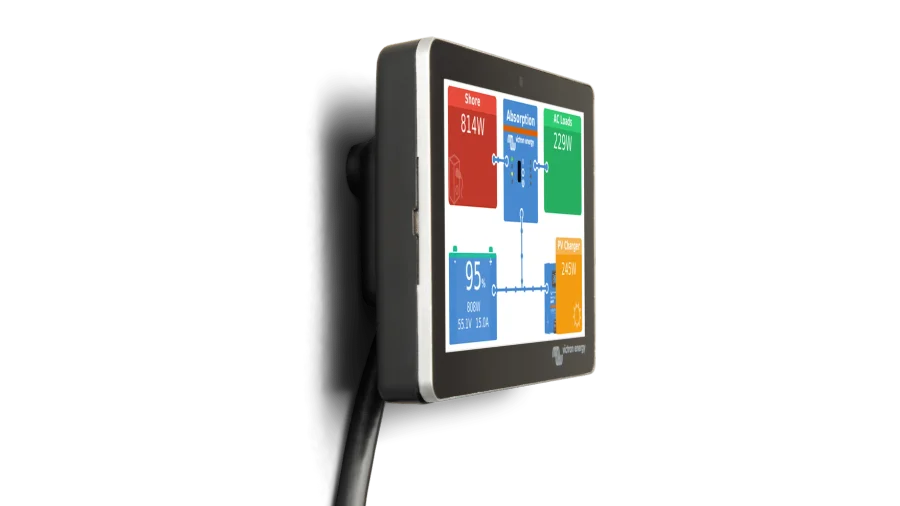
Victron Energy GX Touch 50, GX Touch 70 Display for Cerbo GX, 5in and 7in Options for Live Monitoring
Give your Cerbo GX a bright touchscreen

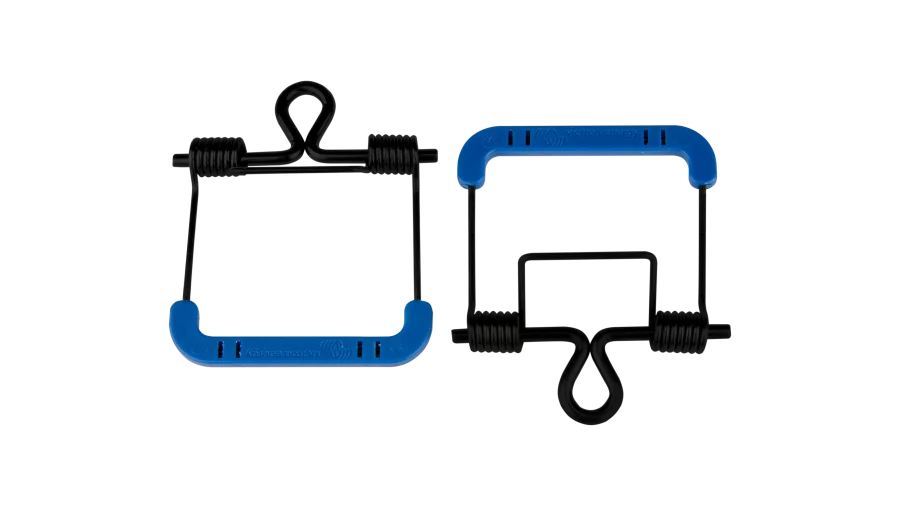
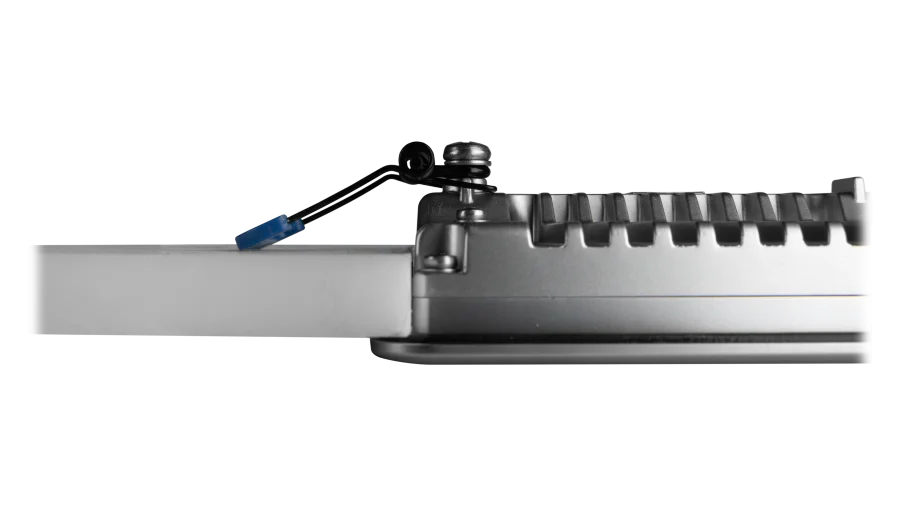
Victron Energy GX Touch Wall Mount Bracket, Mount for Victron GX Touch 50 and GX Touch 70 Displays for Cerbo GX
Mount your GX Touch display to a flat surface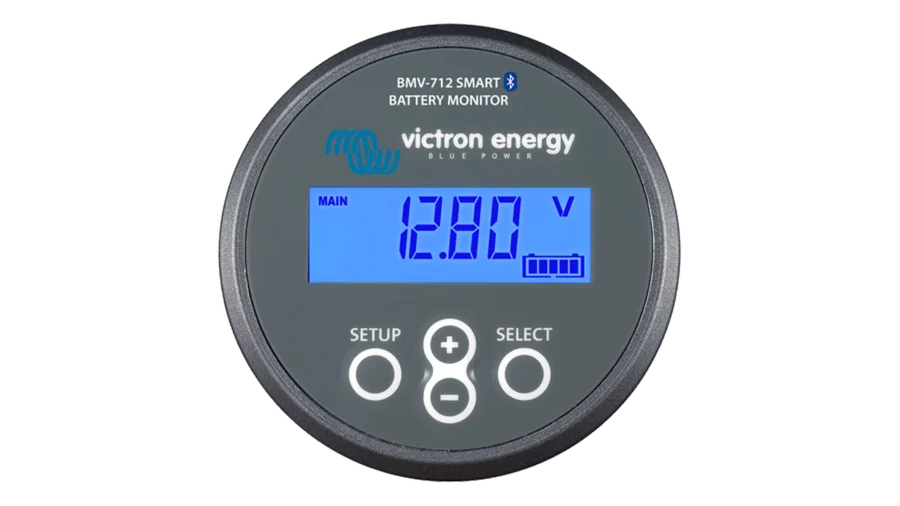
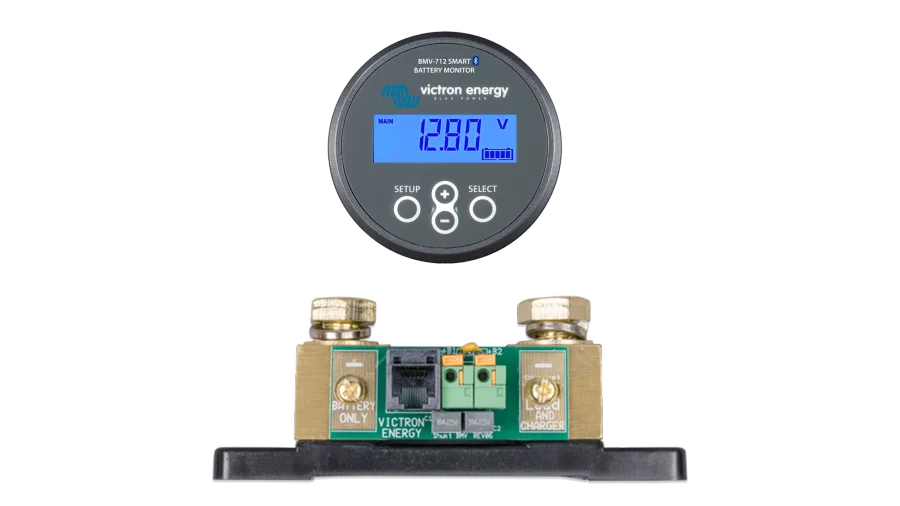
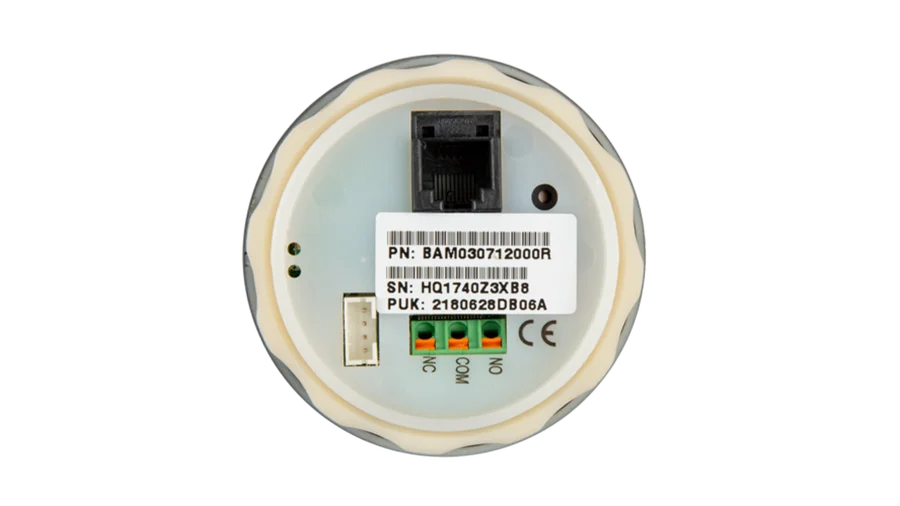
Victron BMV-712 Smart Battery Monitor for Voltage and State of Charge on Lithium and Lead-Acid Battery Banks
Similar to a SmartShunt but with a mountable display for quick reference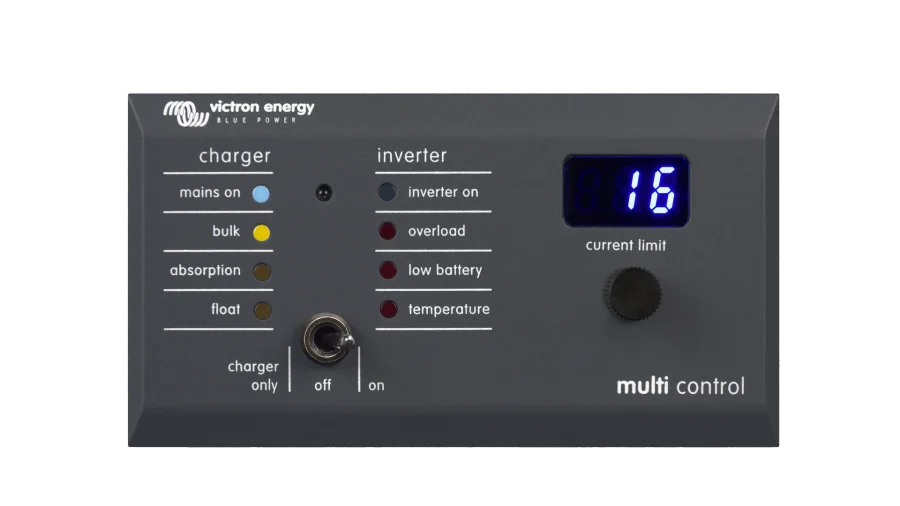
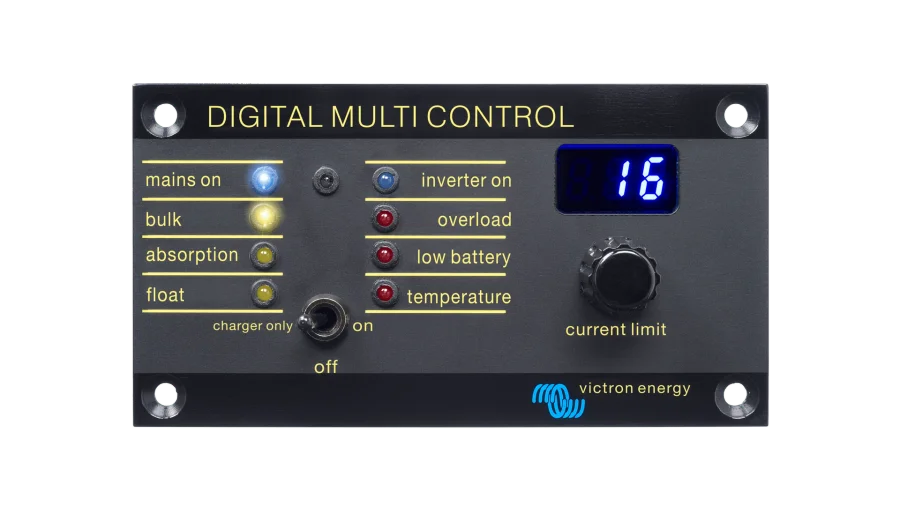
Victron Energy Digital Multi Control 200/200A, Input Current Limiter and Remote On/Off Switch for Victron Systems
Set your input current limit from a panel on the wall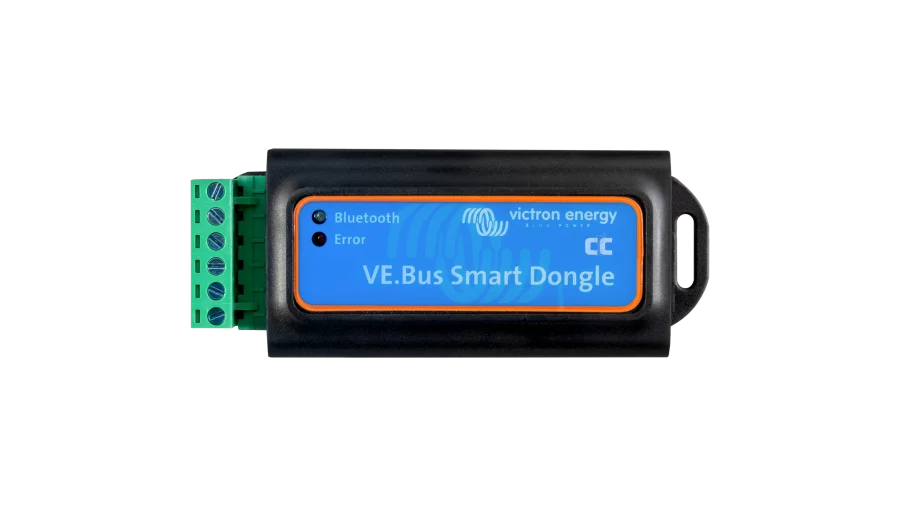
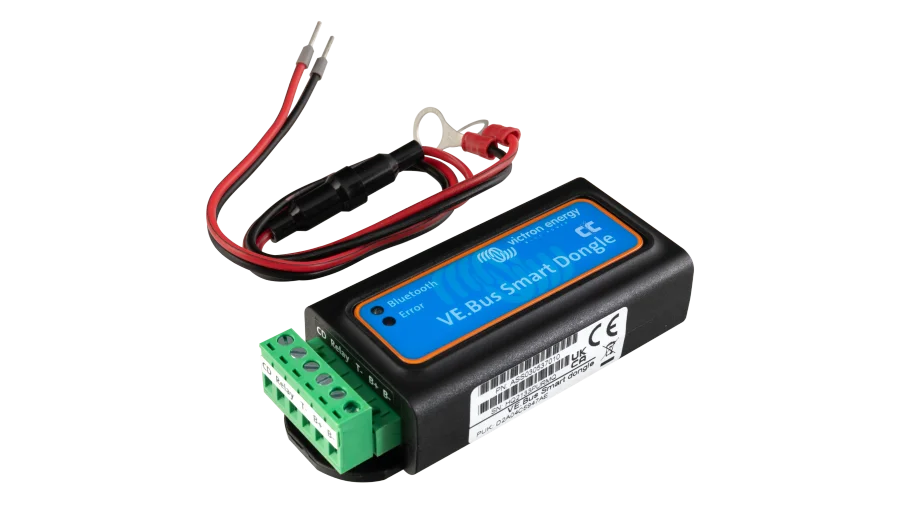
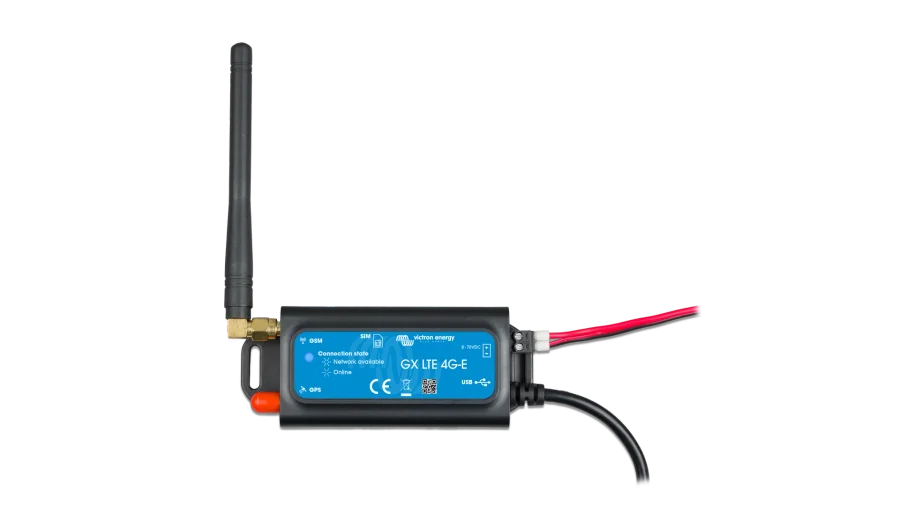
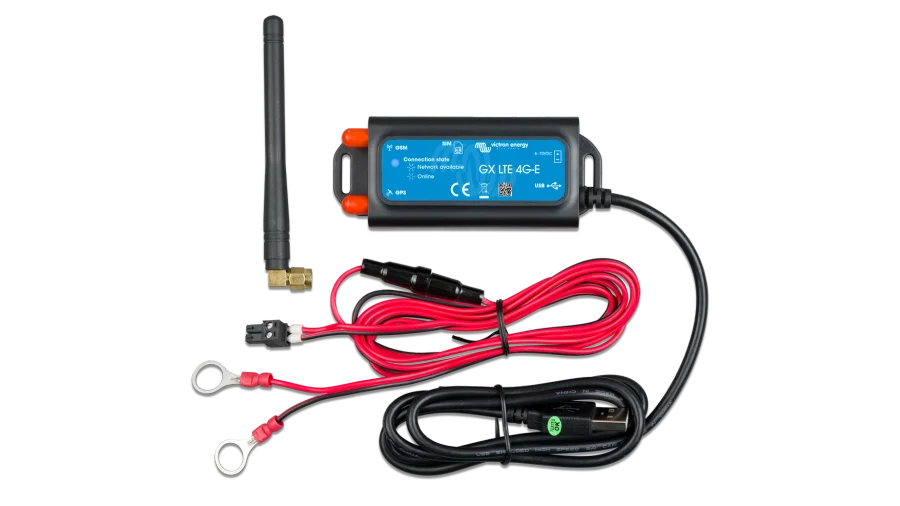
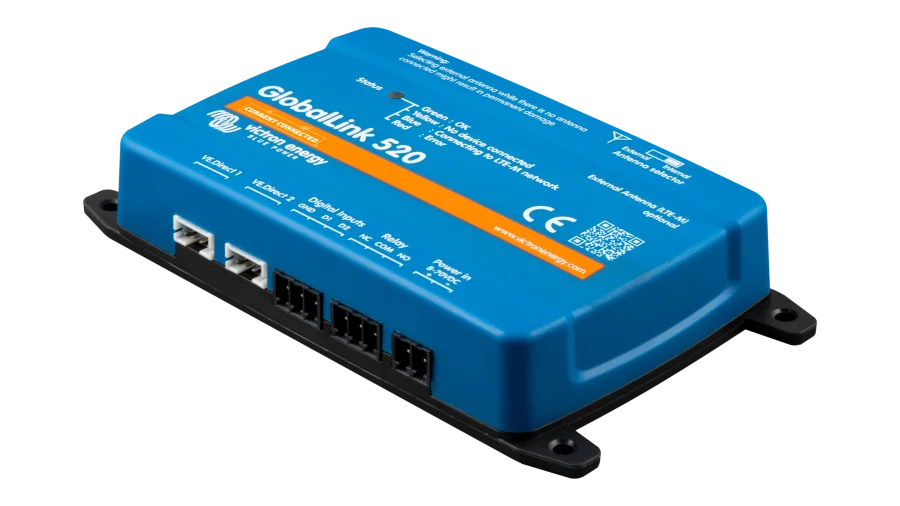

How to Choose an Energy Monitoring System
1. Decide What You Want to See
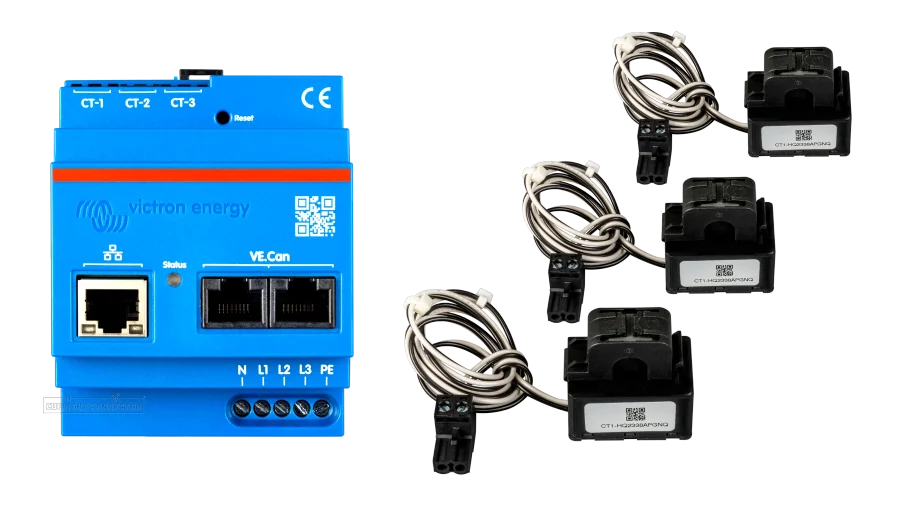
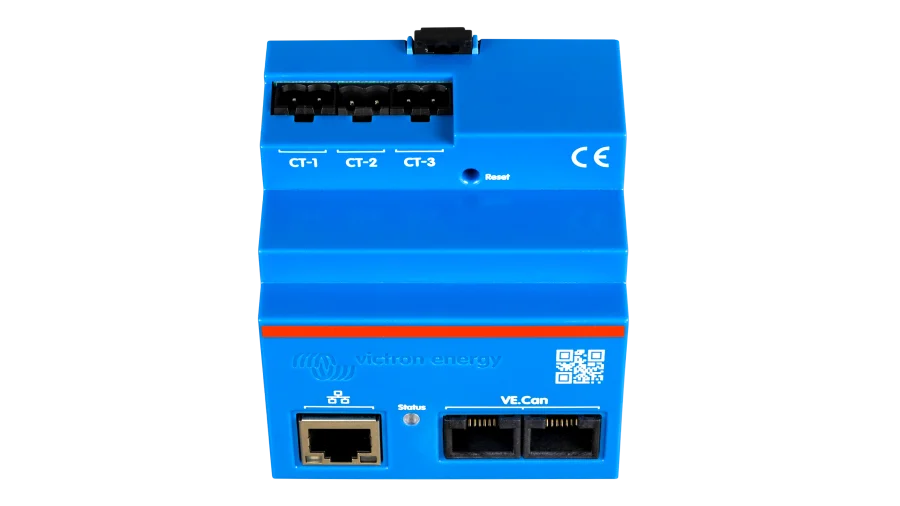
Battery state of charge? A Victron SmartShunt or BMV-712 measures every amp in and out of your bank. The whole system on one screen and online? A Cerbo GX or Ekrano GX ties a Victron system together and reports to the VRM portal. Whole-home energy use? Emporia and Victron energy meters clamp onto your panel. The Type filter sorts these out, along with WiFi and cellular gateways and accessories.
2. Size Your Shunt
A battery monitor’s shunt should be rated above your highest continuous current. The SmartShunt comes in 300A, 500A, 1000A, and 2000A versions, so match it to your inverter and charger loads.
3. Use Your System’s Own Dongle
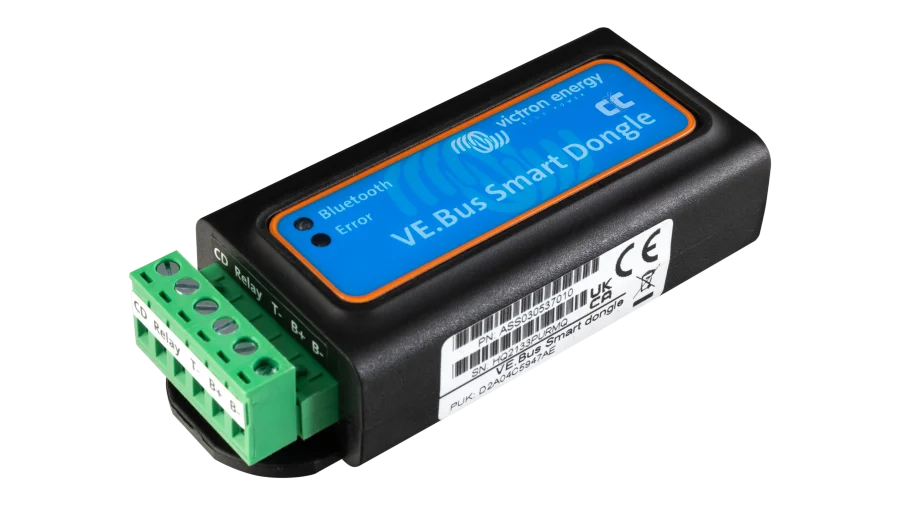
Most inverters and batteries work best with their maker’s monitoring dongle, so start with the Brand filter. Victron’s GX family can also read many third-party batteries over CAN.
4. Plan Connectivity
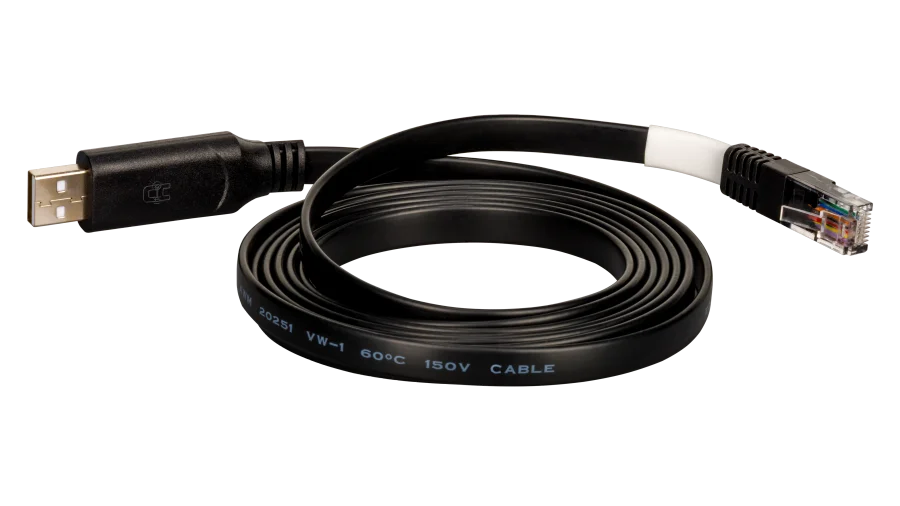
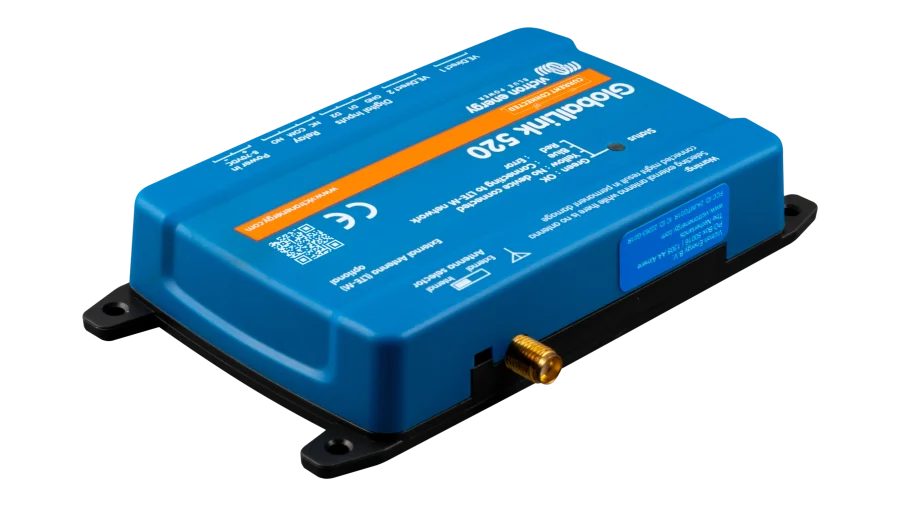
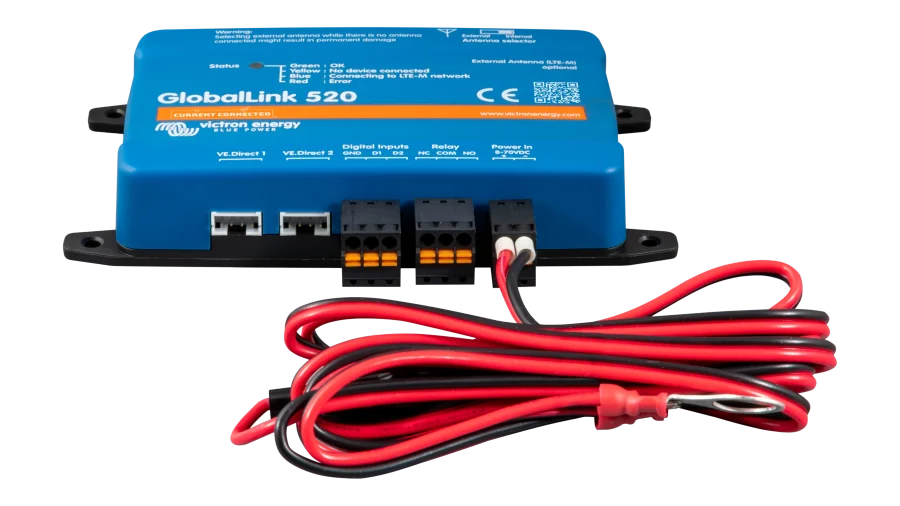
Decide where you’ll check your system. Bluetooth works on site, WiFi or ethernet covers most homes, and a 4G LTE gateway like the GX LTE or GlobalLink 520 keeps remote cabins and RVs online. Pick up any communication cables you’ll need.
Energy Monitoring FAQ
Many BMSs estimate state of charge, but a dedicated shunt measures every amp in and out for a more accurate reading, especially on banks with several batteries or lead-acid batteries without a BMS. It’s also handy for tracking loads over time. For more on why battery readings wander, see SOC drift explained.
A GX device, like the Cerbo GX or Ekrano GX, is Victron’s system controller. It connects inverters, chargers, MPPTs, batteries, and shunts, coordinates charging, and sends data to Victron’s free VRM portal for remote monitoring.
Yes. Connect your system to WiFi or ethernet, or add a cellular gateway for sites without internet. Victron systems report to the VRM portal, and EG4, Pytes, Fortress Power, and Aptos offer their own apps through their monitoring dongles.
The Emporia Vue 3 clamps onto your main panel feeds, with optional circuit sensors, to show real-time and historical home energy use in an app. It’s a great way to see what’s drawing power and size a solar or battery system around real numbers.