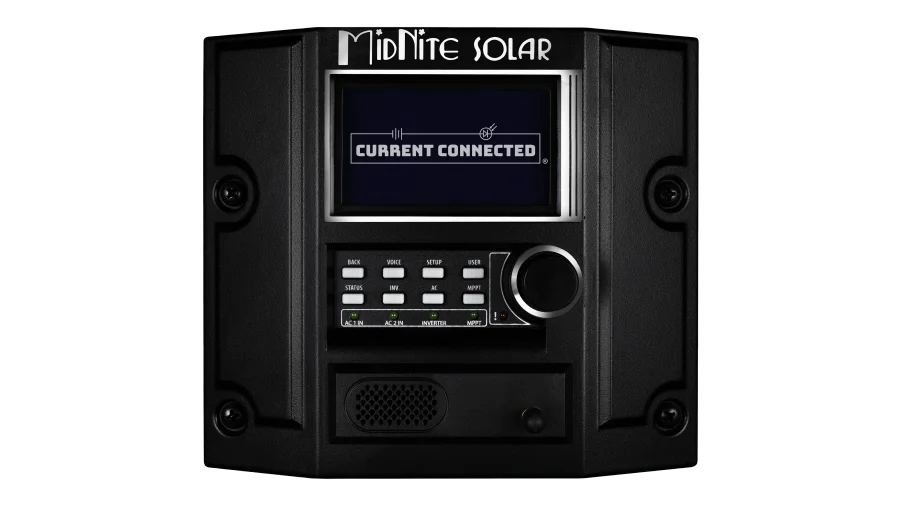
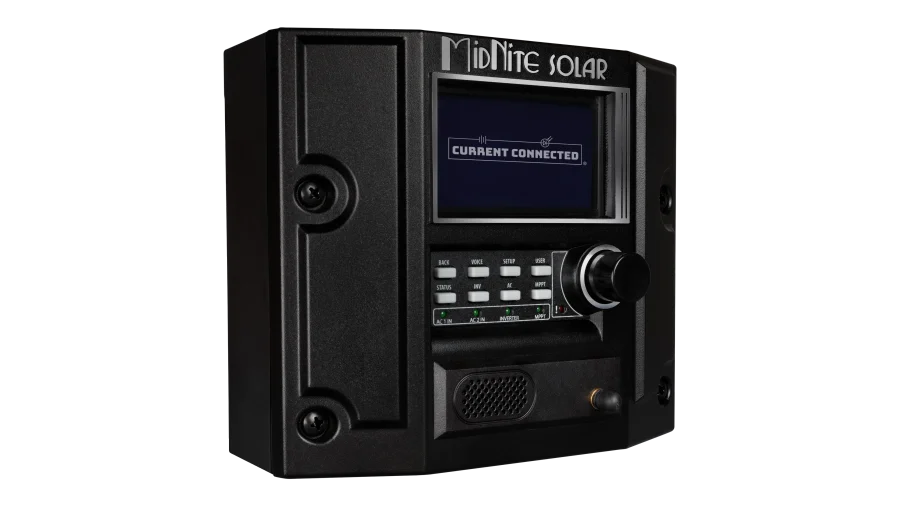
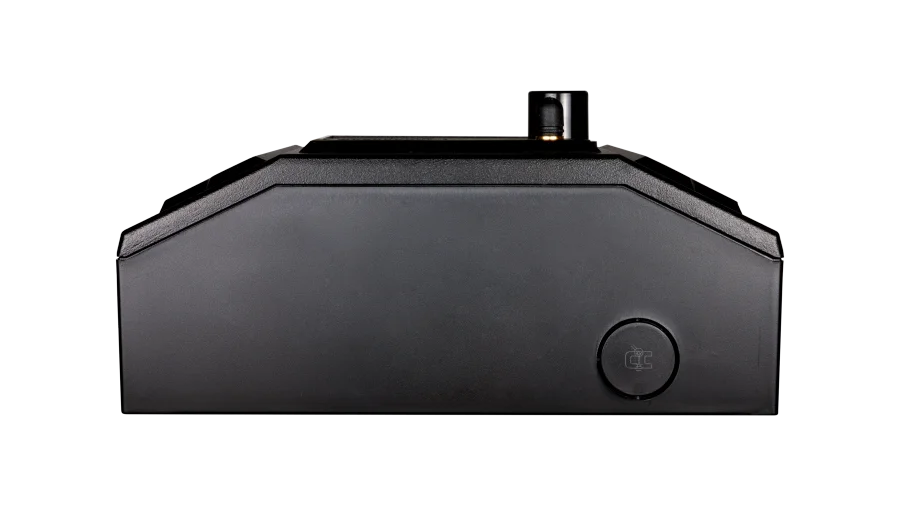
MidNite Solar MNGP2 Talking Graphical Control Panel and Display, Programming Module for MidNite Solar Devices
SKU: MNGP2
Log in to check member price and detailed stock information.
| Need more than what's available? Tell us what you need and we can source it for you. |
Product Summary
The MNGP2 is the central controller for MidNite Solar's current-generation product line. It aggregates data from every device on the CAN bus (inverters, charge controllers, battery BMS), processes system-wide current limits, and distributes those limits to individual devices. It also serves as the programming interface, monitoring display, and provides spoken voice alerts.
Specifications:
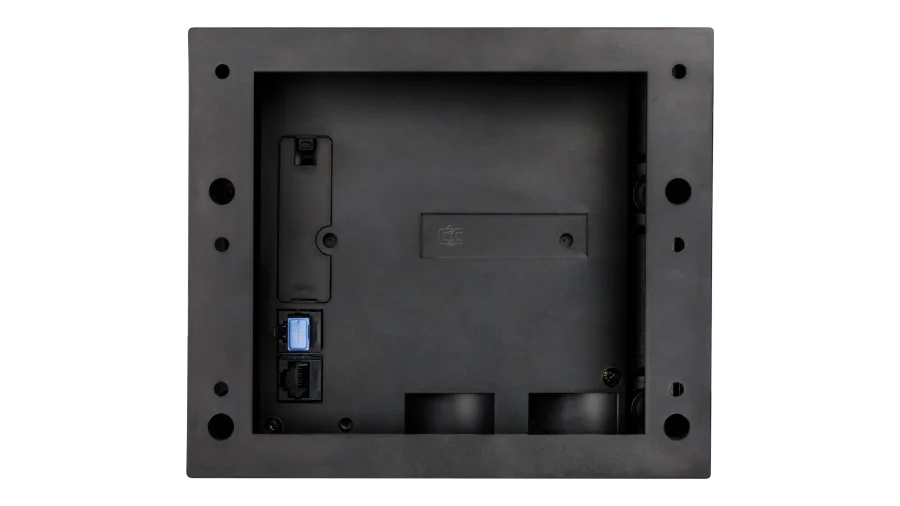
- Communication: CAN bus via dual RJ45 ports, Bluetooth for firmware updates
- Compatible devices: Rosie, Little Rosie, Barcelona, Hawke's Bay, WhizBang Jr.
- Navigation: Rotary dial with push button
- Display: LCD with graphical interface
- Voice alerts: Configurable (off, errors, warnings, menu, or all) with quiet hours
- Enclosure rating: Type 1 (indoor)
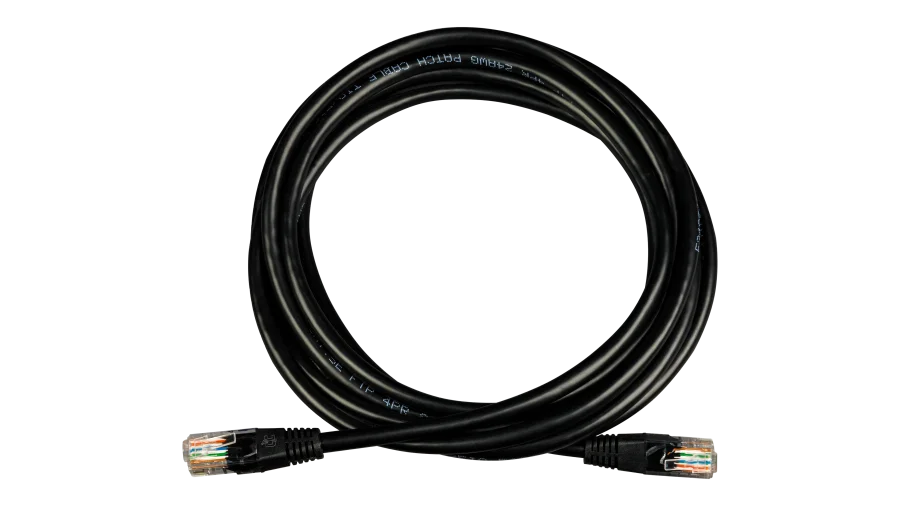
- Includes: One Cat5/Cat6 CAN cable
- Made in the USA, 5-year warranty


Current Connected is YOUR MidNite Solar product specialist
About the MidNite Solar MNGP2
The MNGP2 is more than a display. It's the system controller that ties a MidNite Solar installation together. Every device on the MidNite CAN bus (Rosie inverters, Barcelona and Hawke's Bay charge controllers, WhizBang Jr. shunts, and compatible lithium batteries) reports to the MNGP2, and the MNGP2 coordinates them.
The most important thing it does is manage battery communication. When a lithium battery BMS is connected to the CAN bus, the MNGP2 receives the battery's real-time current and voltage limits and distributes those constraints to the inverter and charge controllers. The individual devices don't need to speak the battery's protocol directly. The MNGP2 handles the translation and pushes global charge and discharge limits to each device on the network. This is what makes MidNite's lithium integration work as a system rather than a collection of independently configured boxes.
Programming and Configuration
The MNGP2 is where you set up everything: charge parameters, float and absorb voltages, equalization schedules, AUX relay modes, generator start logic, input current limits, and all other programmable settings across every connected device. A rotary dial with push button navigates the menu structure, and the graphical LCD displays real-time data from each device individually or as a system overview.
When the first device on the CAN bus is configured, additional MidNite devices connected to the same network automatically adopt those settings. If a device from a different system is integrated, the MNGP2 prompts you to choose which configuration to apply. This means multi-device systems (two Rosies in parallel, a Rosie with a Barcelona, etc.) don't require manual configuration of each unit individually.
Voice Alerts
The MNGP2 talks. It announces errors, warnings, and menu descriptions out loud through a built-in speaker. Five verbosity levels let you dial it in: off, errors only, errors and warnings, first-time menu messages, or everything. Configurable quiet hours keep it from waking you up at 2am over a non-critical warning. During commissioning and troubleshooting, turning voice to full is genuinely useful, especially when you're head-down in a wiring compartment and can't see the screen.
When You Need a Standalone MNGP2
The Barcelona and Hawke's Bay charge controllers have an MNGP2 built into them. If your system includes either of those controllers, you already have one, and it controls the entire CAN bus network including connected Rosie inverters.
You need a standalone MNGP2 when your system has a Rosie (or Little Rosie) without a Barcelona or Hawke's Bay. The Rosie has no built-in display or programming interface of its own. The MNGP2 is also required for commissioning parallel Rosie stacks. You may also want a second MNGP2 as a remote display mounted in a more accessible location.
SOC Monitoring with the WhizBang Jr.
The MNGP2 is required to set up and display data from MidNite's WhizBang Jr. DC shunt. The WhizBang Jr. monitors current flow into and out of the battery bank and calculates state of charge (SOC%). The MNGP2 displays this data and uses it to coordinate charge staging and generator start logic across the system. Without a WhizBang Jr. connected, SOC-based automation features are not available.
Recommended Accessories
Frequently Asked Questions
Only if you want a second display in a remote location. The Barcelona and Hawke's Bay both have an MNGP2 built in, and it controls the entire CAN bus network including any connected Rosie inverters.
The MNGP2 receives real-time charge and discharge limits from the battery BMS over the CAN bus, then distributes those limits to each connected inverter and charge controller. The individual devices don't process battery protocol directly. The MNGP2 acts as the translator and coordinator, which is why MidNite's lithium integration works across the whole system without configuring each device to talk to the battery separately.
Yes. Five levels are available: completely off, errors only, errors and warnings, first-time menu messages when entering a new menu, or all messages always. You can also set quiet hours so it only speaks during certain times of the day.
Standard Cat5/Cat6 Ethernet cables plugged into the RJ45 CAN ports on the back. One cable is included. Daisy-chain multiple devices together. CAN bus terminators are required at each end of the chain.
Yes. Run a Cat5/Cat6 cable from the Rosie (or other CAN device) to wherever you want to mount the MNGP2. It doesn't need to be right next to the equipment.
Data logging is handled by the individual charge controllers (Barcelona, Hawke's Bay), not the MNGP2 itself. The MNGP2 displays logged data from those devices but does not store its own historical records.
The MNGP2 has a built-in Bluetooth radio. Firmware updates are pushed through the MNBLE UPDATE phone app (available for iOS and Android), which connects to the MNGP2 over Bluetooth. The MNGP2 then distributes the update to the appropriate device on the CAN bus. This means you update your entire system from one point rather than connecting to each device individually. MidNite actively releases free feature updates and fixes, so the system improves over time.
No. The Classic controllers use the original MNGP display (RJ12 connection) and Ethernet-based monitoring, which is a different communication protocol. The MNGP2 is CAN bus only and works with the Rosie, Little Rosie, Barcelona, and Hawke's Bay product lines. If you're running a Rosie with a Classic, the MNGP2 controls the Rosie while the Classic operates independently through its own display and Ethernet monitoring.
Customer Reviews
No reviews yet. Be the first to review this product!