Victron GX LTE 4G-A Cellular Modem for North America, 4G LTE Internet for Cerbo GX and Other GX Devices, VRM Remote Monitoring, Built-In GPS
SKU: GSM100200400
Log in to check member price and detailed stock information.
| Need more than what's available? Tell us what you need and we can source it for you. |
Product Summary
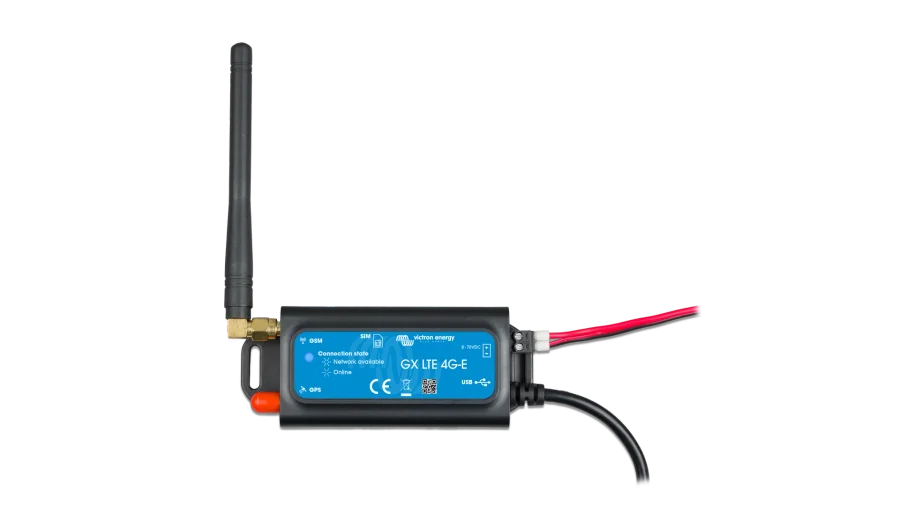
The Victron GX LTE 4G-A gives your Cerbo GX, Ekrano GX or any other GX device its own cellular internet, so a cabin, RV, boat or remote shop keeps reporting to the VRM Portal with no WiFi or Ethernet on site. Add an activated Mini-SIM, plug the modem into a USB port, and you can check battery charge, solar harvest and alarms from your phone wherever there's signal.
Specifications:
-
North America model running LTE Cat-1 on bands 2, 4 and 12, up to 10 Mbps down and 5 Mbps up
-
Works with every Victron GX device running Venus OS v2.60 or newer, over its attached 3.3 ft (1 m) USB cable
-
Takes a regular Mini-SIM card (1.8V or 3V); SIM and data plan sold separately
-
Draws under 1W at idle and 2.5W while sending data (plus 0.4W with GPS on) from any 8 to 70 VDC supply
-
Built-in GPS receiver for VRM tracking and geofencing once you add the active GPS antenna
-
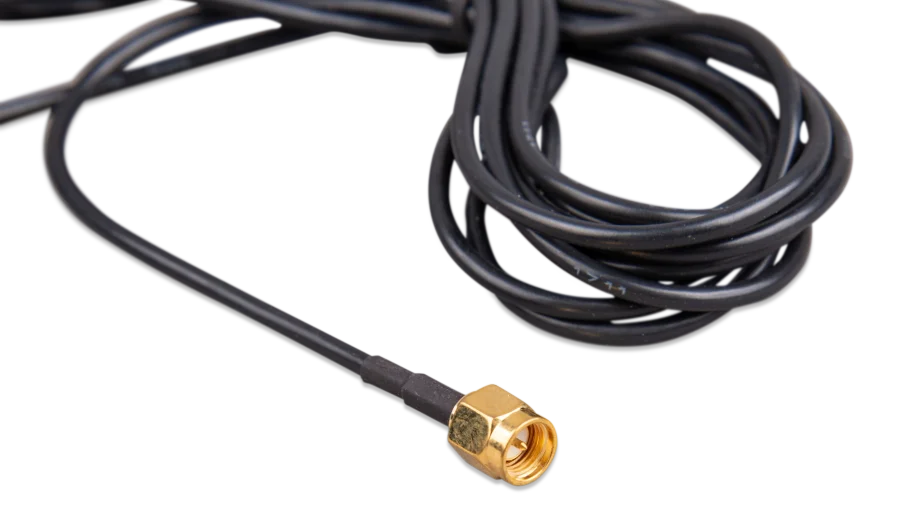
SMA connectors for the LTE and GPS antennas, so you can move up to an outdoor antenna
-
Operates from -40°F to 122°F (-40°C to 50°C)
-
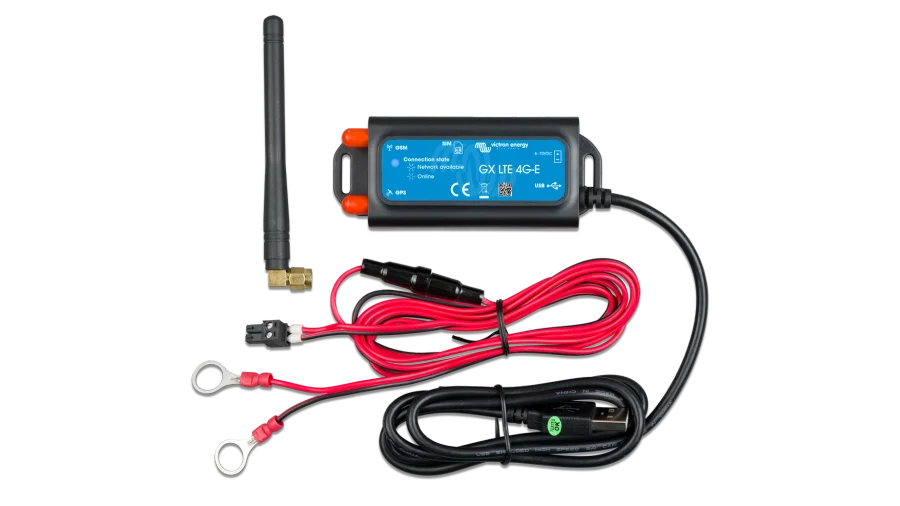
Includes the modem, an indoor LTE antenna, and a 4.6 ft (1.4 m) DC power cable with an inline 3.15A fuse


Current Connected is YOUR Victron product specialist
About the Victron GX LTE 4G-A Cellular Modem
The GX LTE 4G-A puts your Victron system online anywhere it can reach a cell tower. Batteries, inverter-chargers and solar chargers report to the VRM Portal around the clock, VRM sends you alarms, and with a solid signal you can open the Remote Console and change settings from home instead of driving out to the site.
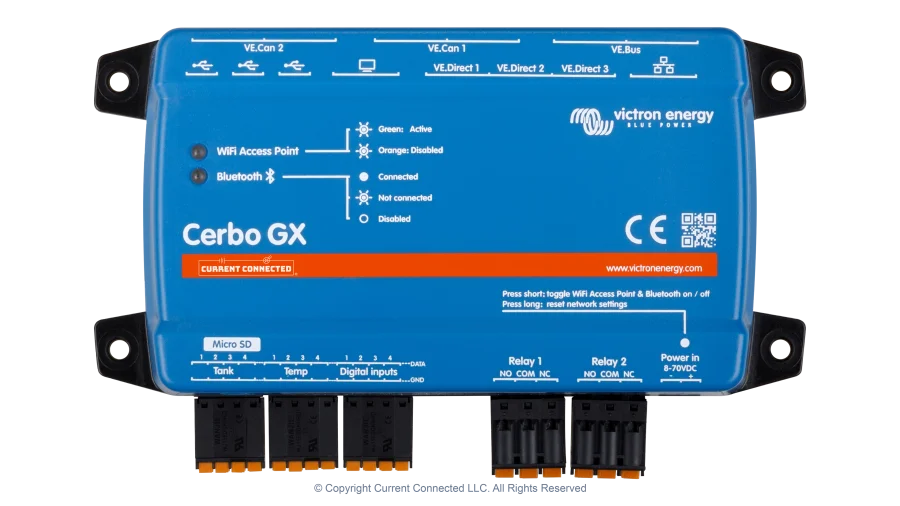
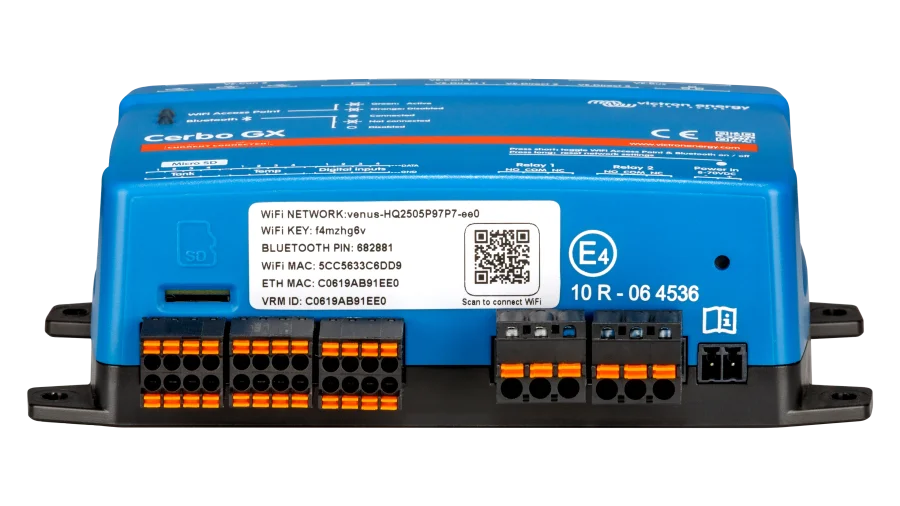
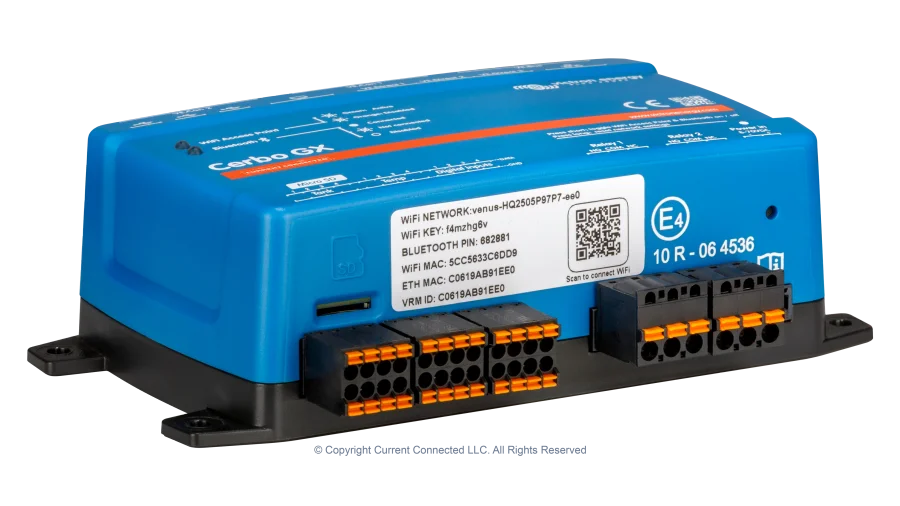
Victron made it the 4G replacement for the GX GSM, its older 2G and 3G modem, as carriers shut down their 3G networks. The modem plugs into a GX device, which does the monitoring. If your system doesn't have one yet, start with the Cerbo GX MK2, which brings your inverter, solar chargers and battery monitor into one VRM dashboard.
Which SIM Card Works in the GX LTE 4G-A
The modem takes a regular Mini-SIM, and both 1.8V and 3V cards work. You supply the SIM and plan, so the carrier is your call. This model connects on LTE bands 2, 4 and 12, so confirm with the carrier that it covers those bands where the system lives before you sign up.
Setup happens on the GX device. A SIM with its PIN turned off connects with no configuration at all. If the carrier needs an APN, or you keep a PIN on the SIM, enter them under Settings > GSM modem, where you can also turn on roaming.
Signal Strength, Outdoor Antennas and GPS Tracking
One bar of signal is enough for VRM logging, and the Remote Console wants two to three. Mount the modem away from metal to get the most from the included indoor antenna. In a steel enclosure, a van or an RV, or at the edge of coverage, screw an outdoor 4G antenna onto the SMA connector instead. Victron puts the typical gain from an outdoor antenna at 15 to 25 dB.
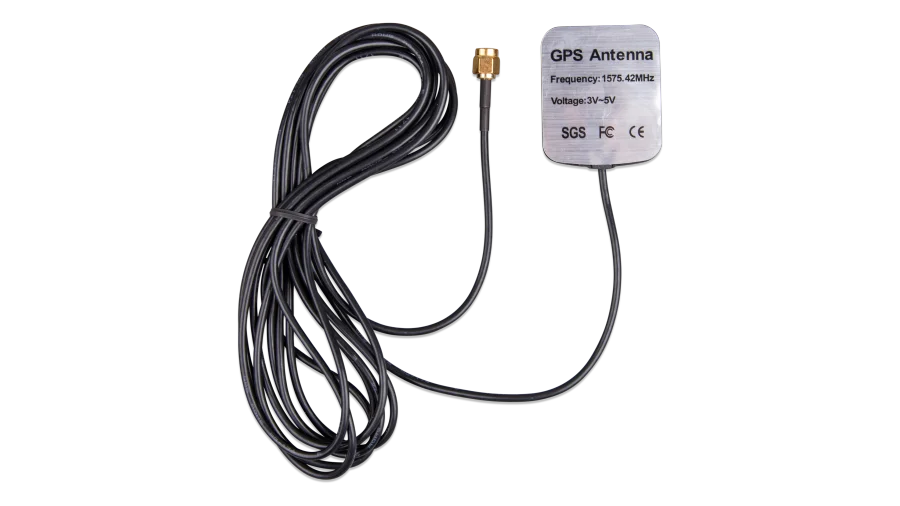
The built-in GPS receiver needs the active GPS antenna, a magnetic-mount puck on a 9.8 ft (3 m) cable. With it, VRM shows where the system is and can geofence it, which matters for RVs, boats, trailers in storage and job-site power that moves around.
GX LTE 4G vs. a Cellular Router or GlobalLink 520
This modem gives internet to the GX device only, so laptops, phones and other gear on site can't share it. When an RV, boat or shop needs internet for everyone, or reliable failover between connections, Victron recommends a cellular router that feeds the GX device over Ethernet or WiFi.
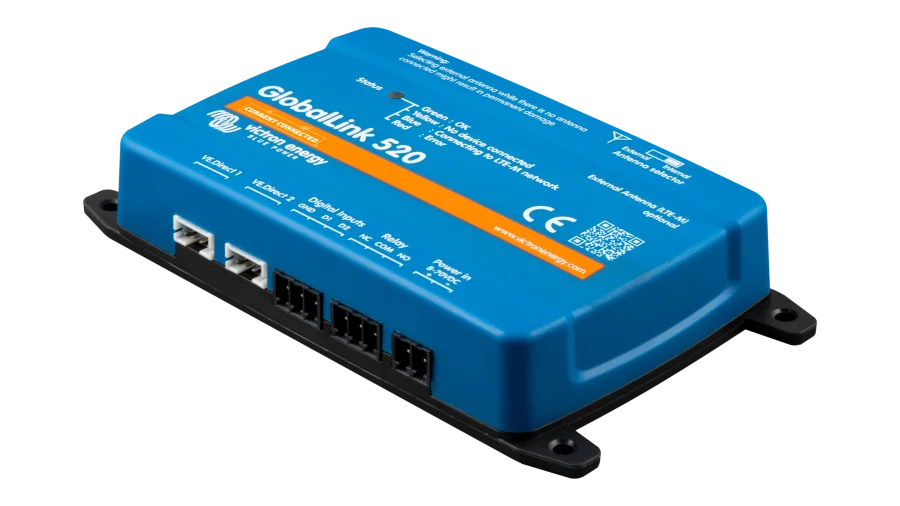
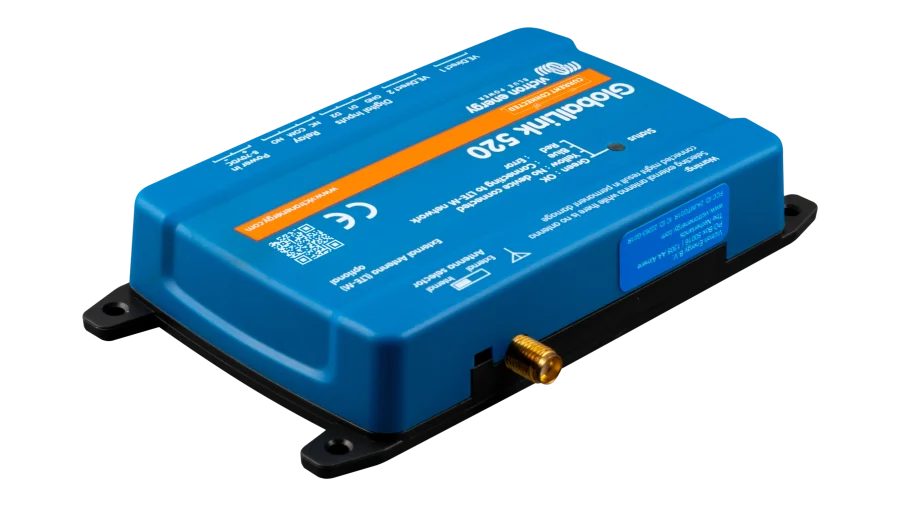
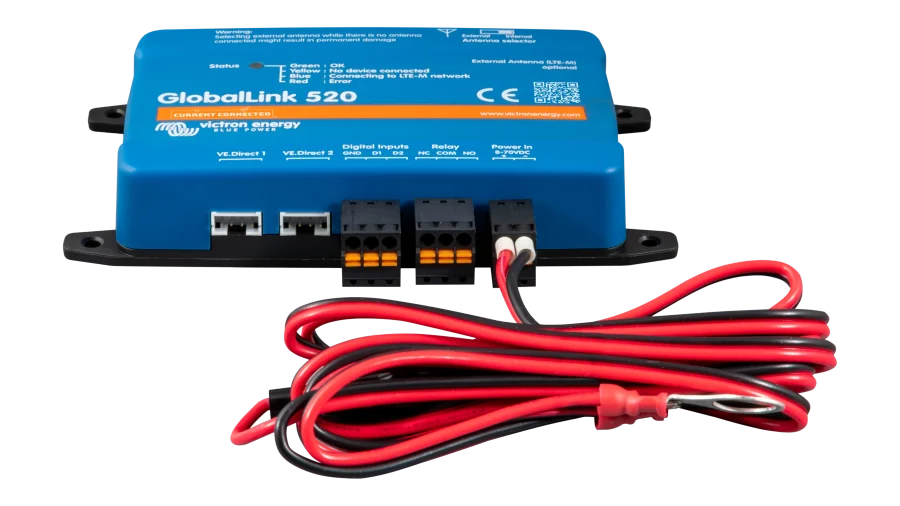
A small system with no GX device, such as a solar charger and a SmartShunt in a camper, can report to VRM through the GlobalLink 520 instead. It runs on LTE-M, comes with a prepaid SIM covering five years of data, and connects two VE.Direct products by cable plus up to ten more over Bluetooth. If your system already runs a GX device, this modem is the one to use.
Wiring and Fusing the GX LTE 4G
The modem runs on any 8 to 70 VDC source, so it wires straight to a 12V, 24V or 48V battery bank. The included 4.6 ft (1.4 m) power cable carries an inline 3.15A slow-blow fuse, a terminal block and 10 mm (M10) ring terminals. For a longer run in your own wire, Victron calls for 28 to 16 AWG (0.5 to 1.5 mm²) and a 500mA fuse at 12V, 250mA at 24V or 100mA at 48V.
Tie the modem's negative to the same ground as the GX device, which is usually battery negative. Idle draw stays under 1W, less than 24Wh a day, so an unattended cabin bank barely notices it. Questions about fitting it into your system? Our team is happy to help.
Recommended Accessories
Frequently Asked Questions
Press a pen tip into the eject hole to release the SIM tray, seat the Mini-SIM in it, and push the tray all the way back in. A closed tray sits slightly recessed, so if the GX device reports "SIM not inserted," check that the tray isn't sticking out. Once the modem has power and USB, the SIM should show as Ready under Settings > GSM modem.
The LTE port is a standard SMA female connector, so an outdoor cellular antenna with an SMA male plug threads right on. Victron's own outdoor 4G antenna comes on a 9.8 ft (3 m) cable. For a third-party antenna, Victron suggests confirming with the antenna maker that it covers the bands of the modem's SIMCom SIM7600A module, which are LTE bands 2, 4 and 12 on this model.
The GX device always prefers Ethernet and WiFi and uses cellular when neither is connected. It won't switch when Ethernet is still plugged in but the internet behind it is down, because the GX device still sees a gateway. To keep cellular as the main connection with Ethernet attached, set IP configuration to Manual under Settings > Ethernet and set the gateway to 0.0.0.0.
This model covers North American LTE bands 2, 4 and 12. Victron makes the GX LTE 4G-E for Europe, the Middle East, Africa, Korea and Thailand, and the GX LTE 4G-SA for Australia, New Zealand and South America. For a boat or RV that crosses regions, check which bands the carriers use along your route.
VRM stops updating until the modem finds signal again. If you've turned on "Reboot device when no contact" in the GX device's VRM settings, turn it off before you leave coverage or set a long timeout such as two hours. Otherwise the GX device restarts every time that timer runs out while you're out of range.
Customer Reviews
No reviews yet. Be the first to review this product!