
Shop Battery and Inverter Communication Cables and Interfaces
Communication cables let your batteries, inverters, and monitors share data, so the whole system charges smarter and tells you what it’s doing. We carry Victron VE.Direct, VE.Can, and BMS cables, EG4 and Pytes battery cables and adapters, and RJ45 patch cables.
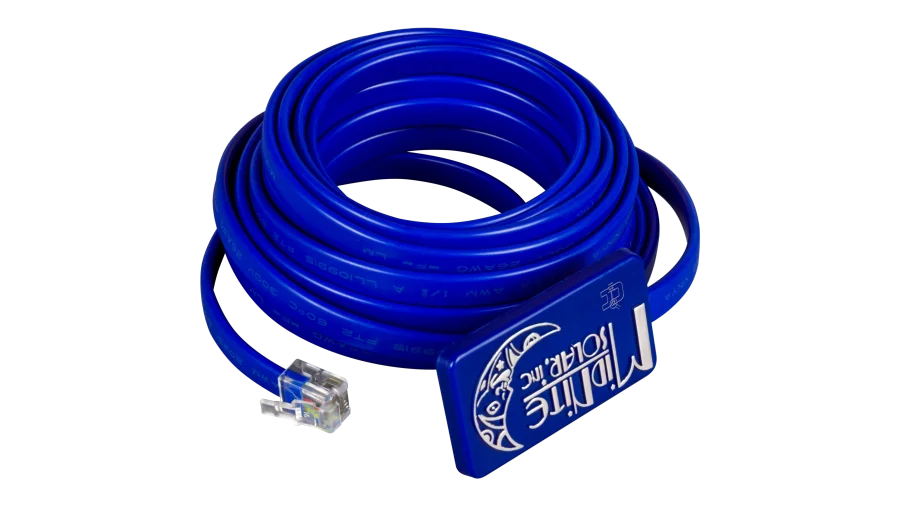
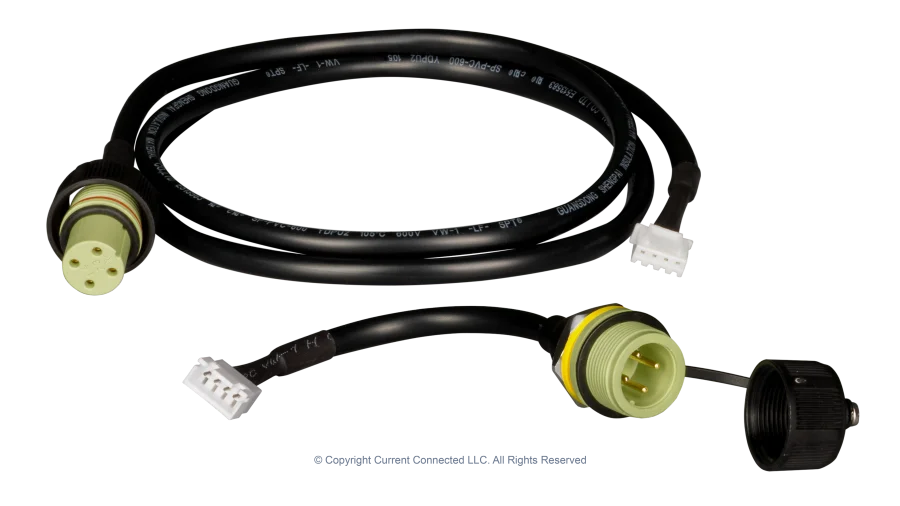
MidNite Solar MNBTS 15ft Remote Battery Temperature Sensor
Bring temperature compensation to battery charging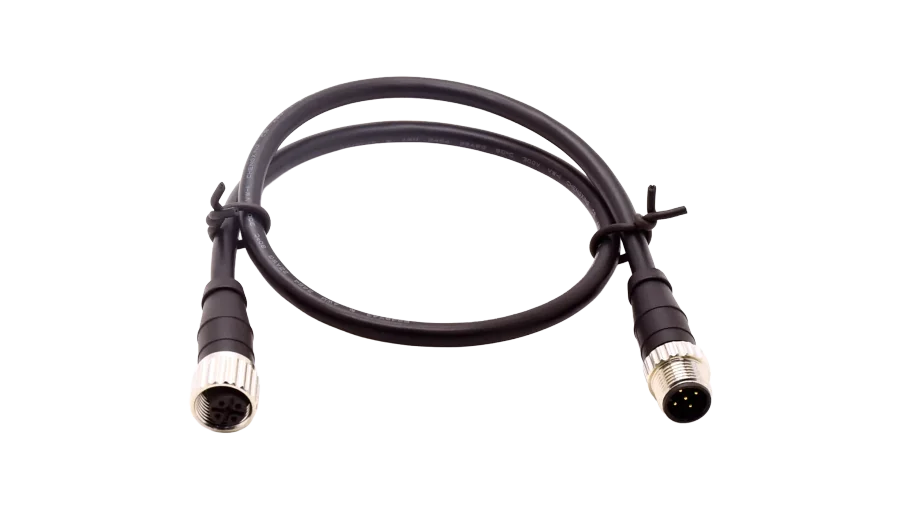
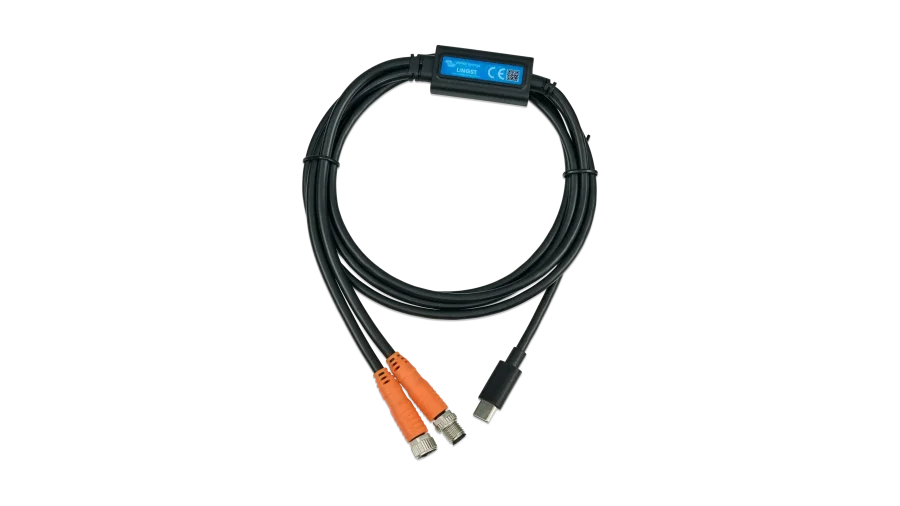
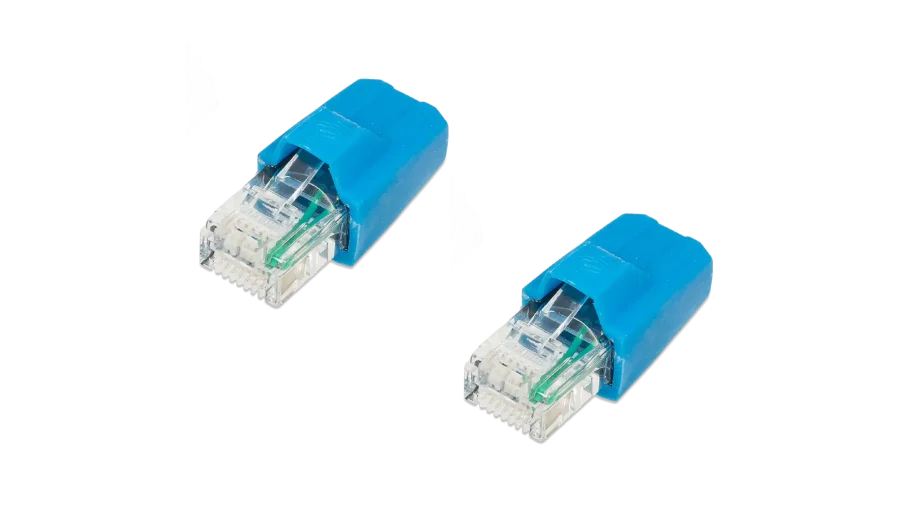
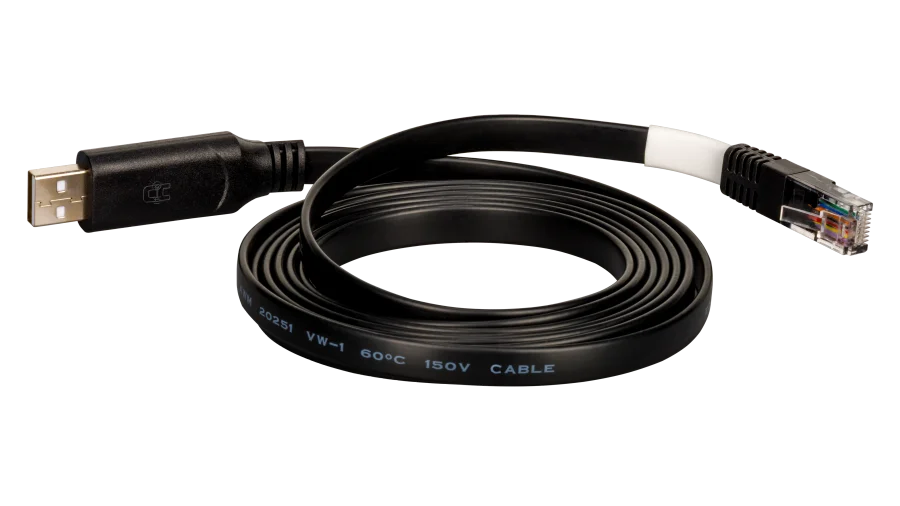
EG4 Electronics USB Battery Read-Write and Firmware Update Communication Cable for LL, LifePower4, And WallMount Batteries
Monitor and update your EG4 batteries with these cables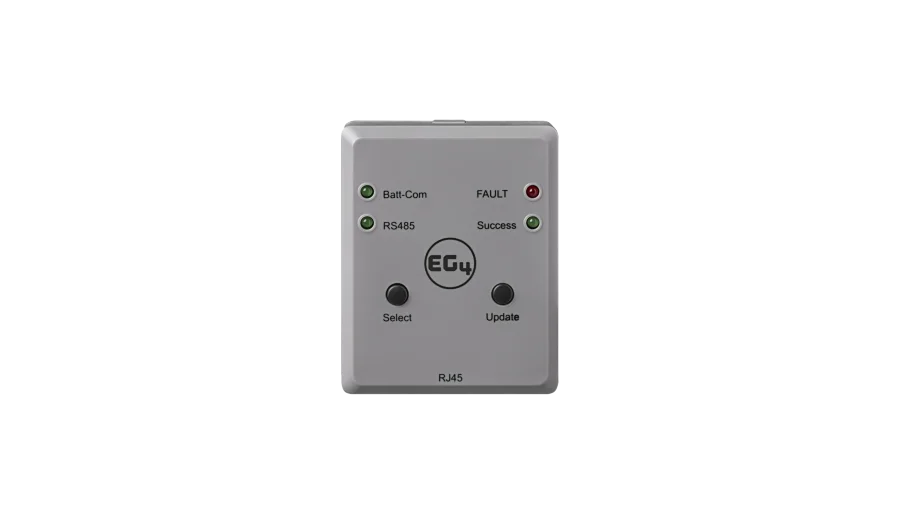
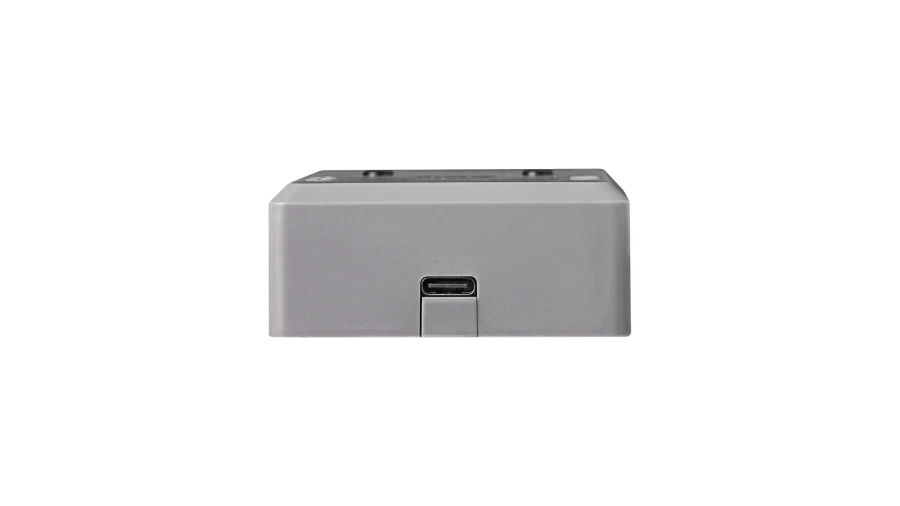
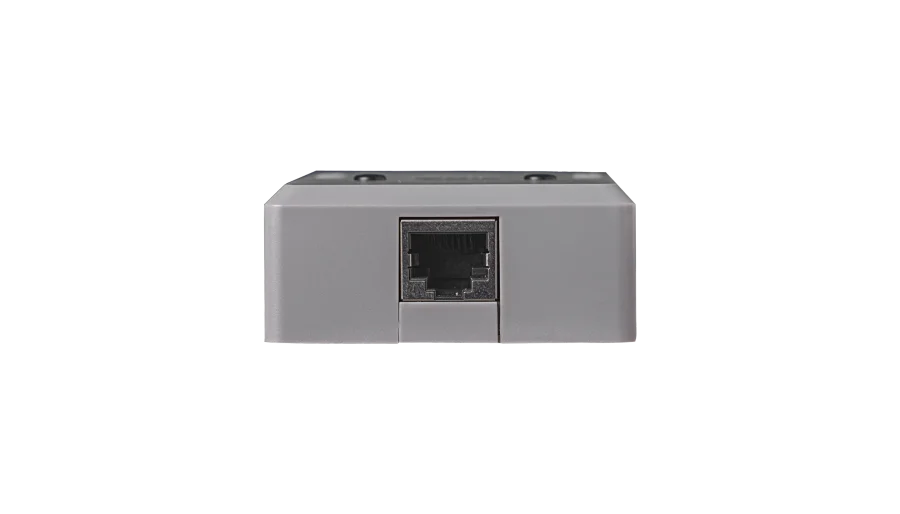
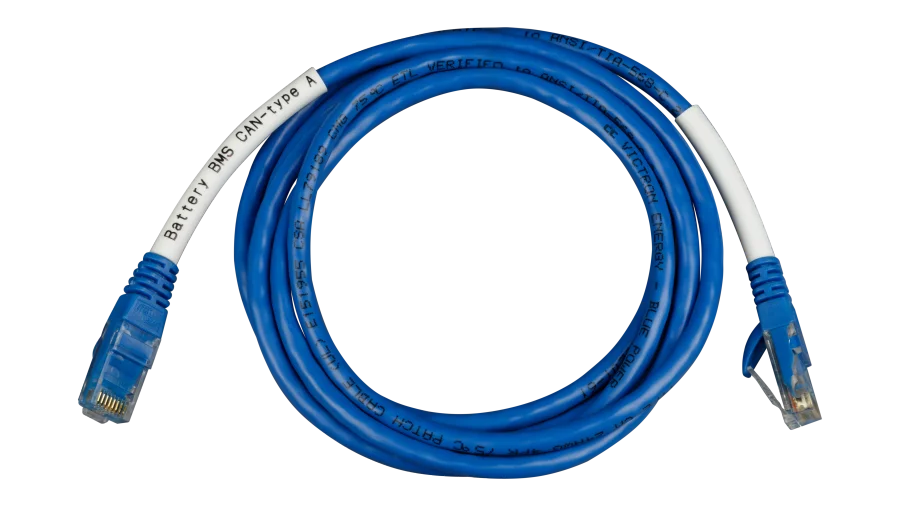
Victron Energy BMS-CAN Type-A Cable for Victron GX Device Communication with Lithium Batteries
Custom mapped cable for closed-loop Cerbo to battery communications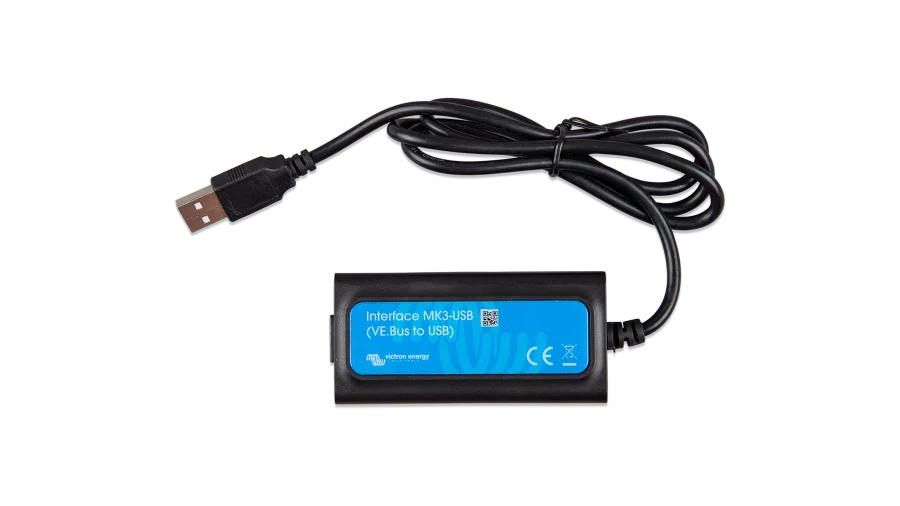
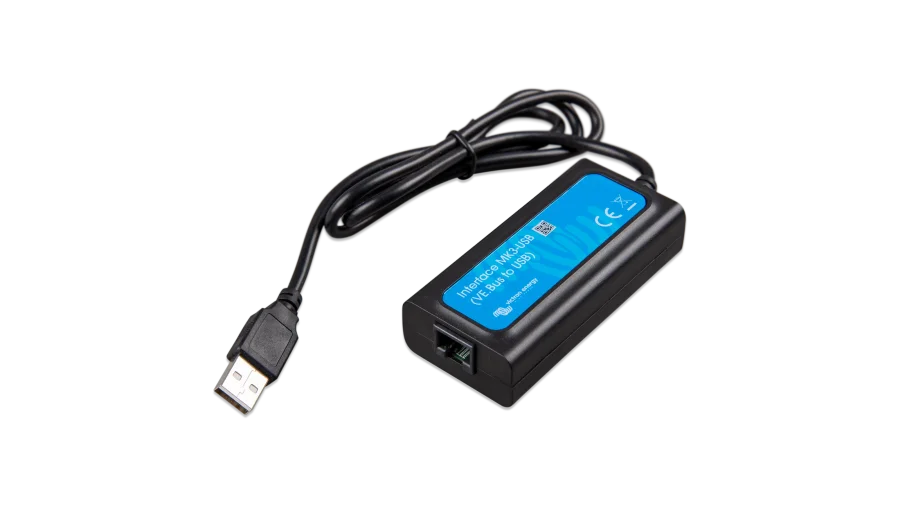
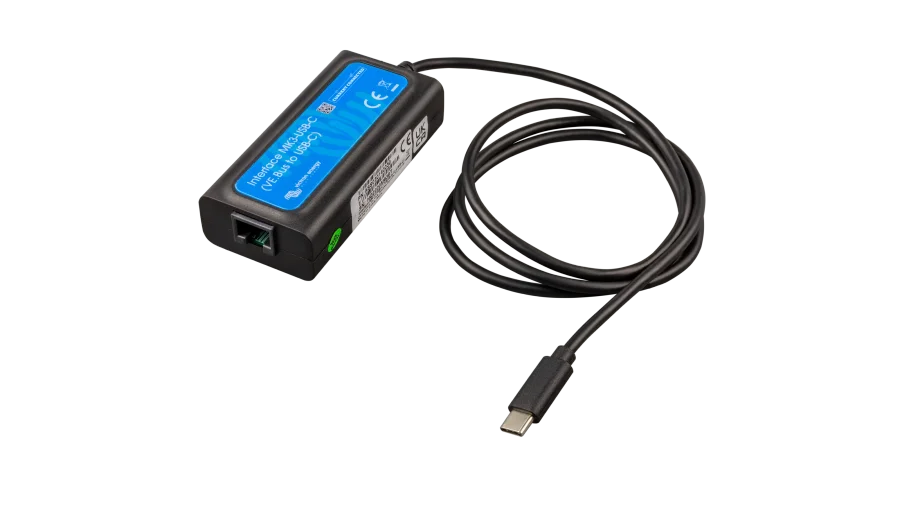
Victron Energy Interface MK3-USB, VE.Bus to USB Configuration and Programming Tool, for MultiPlus, Quattro, and VE.Bus Inverters
Connects Victron inverters to your PC for programming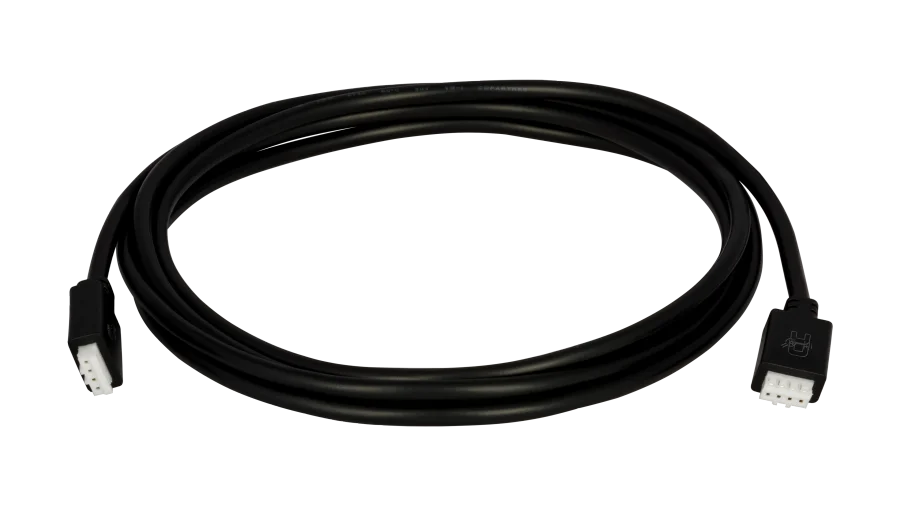
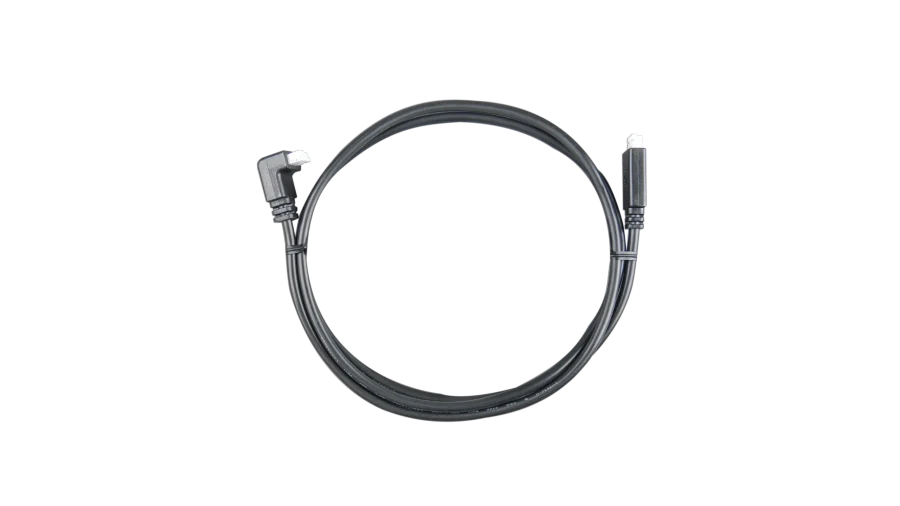
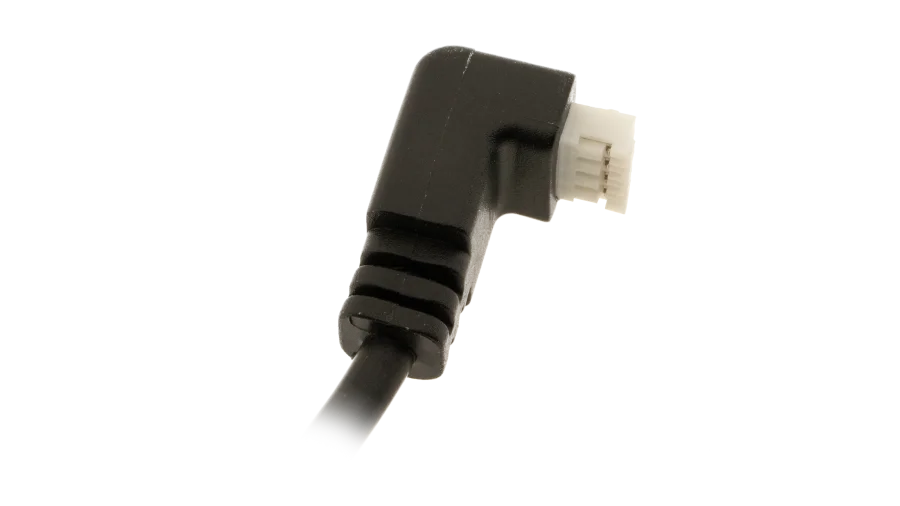
Victron Energy VE.Direct Cable, 0.3m to 10m Lengths, Straight or 90 Degree Angle Plug, for Victron VE.Direct Devices
The right VE.Direct cable length for every connection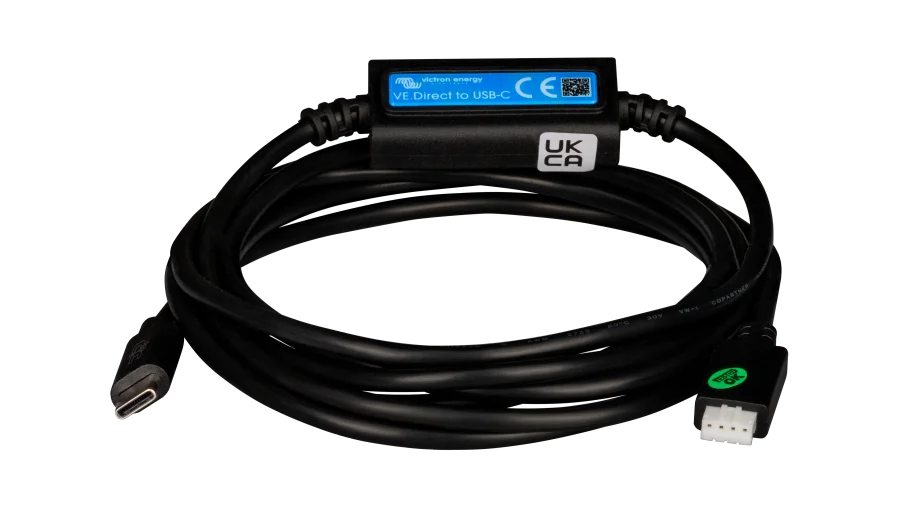
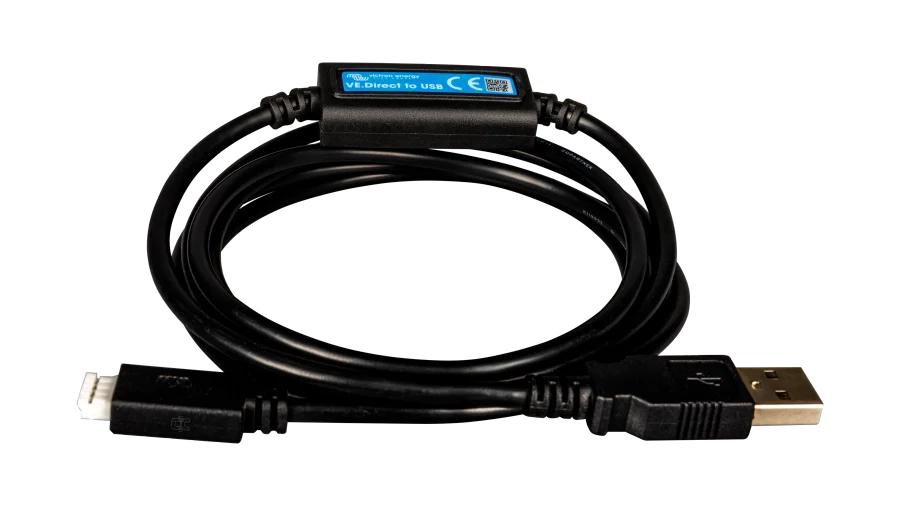
Victron VE.Direct to USB Interface Dongle for Monitoring and Controlling Victron Devices
Expand the VE.Direct capability of a Cerbo GX or connect your device directly to your computer
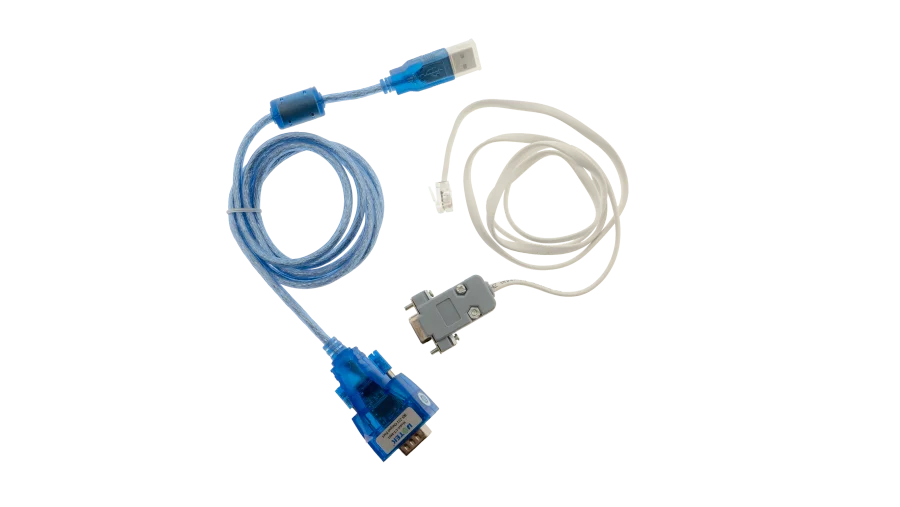

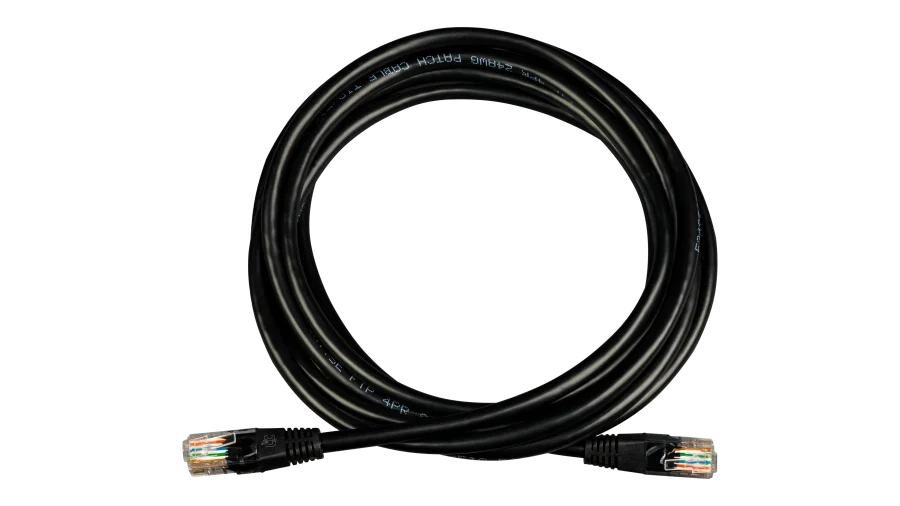
RJ45/CAT5e Ethernet Patch Cables from 1ft to 25ft, Communication and Data Cables for Energy Systems
Great for networking, battery/inverter communication, and more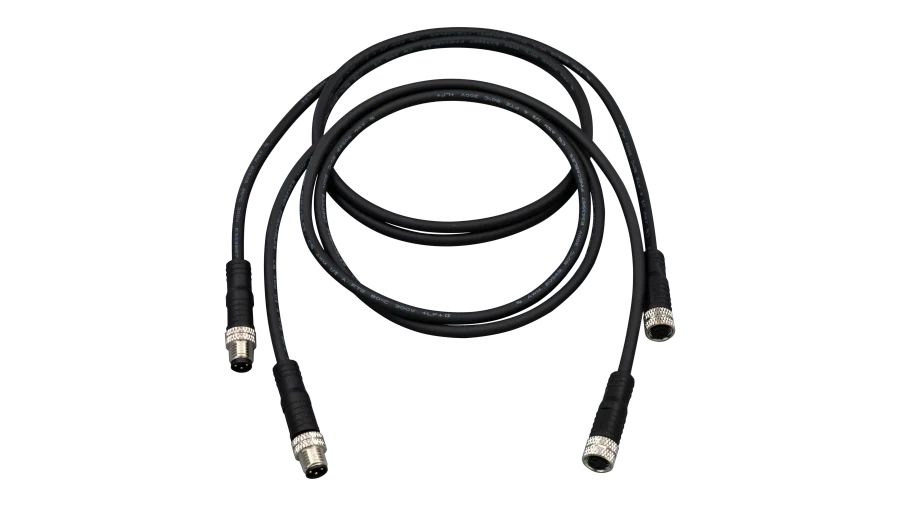
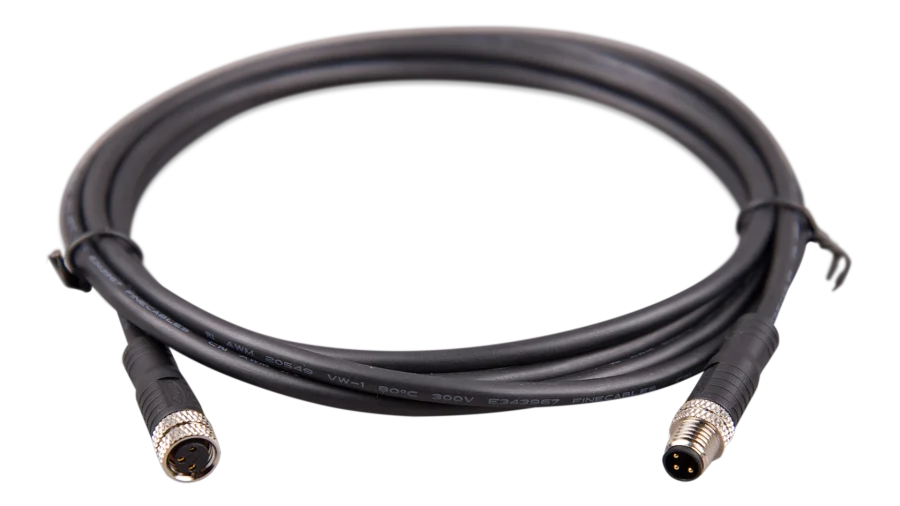
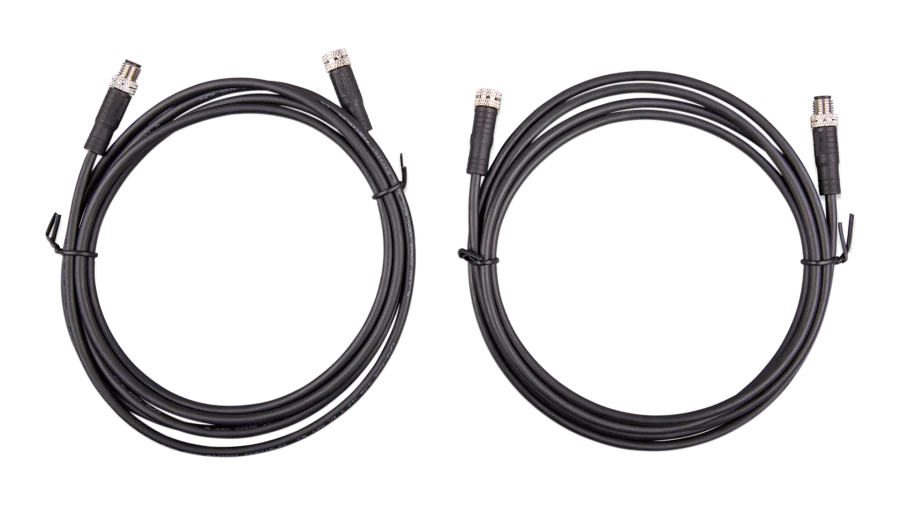
How to Choose Communication Cables
1. Know What You’re Connecting
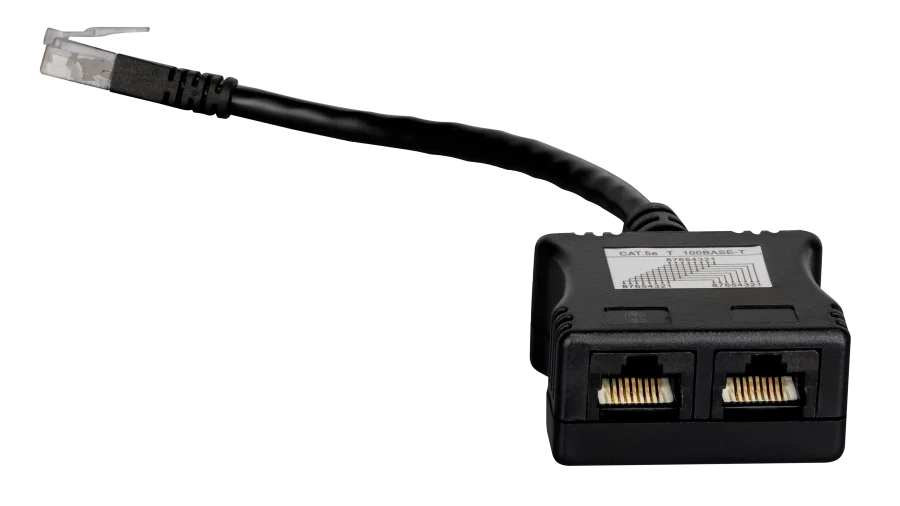
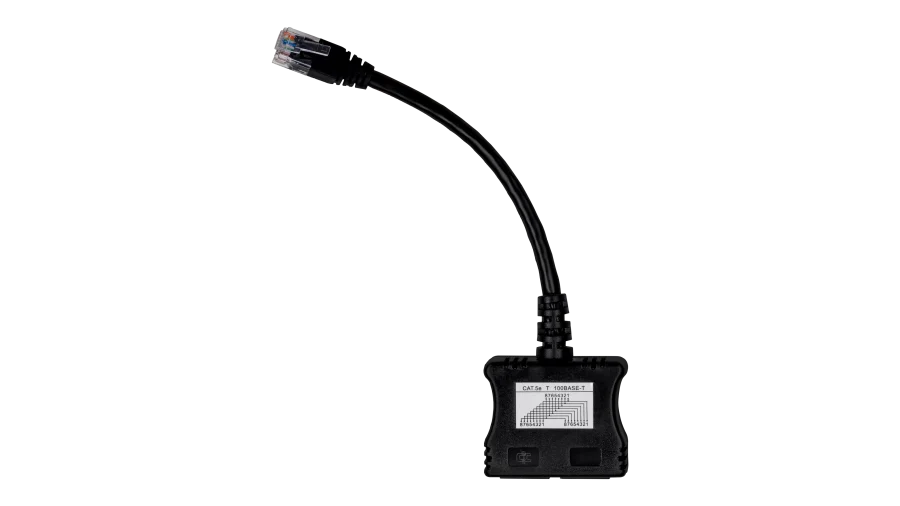
Linking a battery BMS to an inverter, a charge controller to a GX device, or a laptop to your inverter for setup? Each job uses a different cable or interface. The Type filter separates Communication Cables, Interfaces and Adapters like the Victron MK3-USB, and the Terminators and Splitters that finish a VE.Can or VE.Bus network.
2. Match the Protocol and Pinout
Two RJ45 plugs that look identical can carry very different signals. CAN, RS485, and VE.Bus all use RJ45 jacks with different pinouts, so use the cable your battery and inverter makers specify.
3. Stick With Your Brand’s Cables
Victron gear talks over VE.Direct, VE.Bus, and VE.Can, EG4 batteries use their own read-write and firmware adapters, and Pytes batteries connect through RJ45 and WiFi accessories. The Brand filter keeps you in your ecosystem.
4. Plan Length and Routing
Measure the run between devices and add some slack. Keep data cables away from high-current DC and AC conductors where you can, and close each end of a VE.Can network with a terminator.
Communication Cable FAQ
Closed-loop means the battery’s BMS sends live data, like state of charge, temperature, and charge limits, to the inverter or charge controller. The charger then follows the battery’s requests instead of fixed voltage settings, which protects the cells and improves accuracy.
Sometimes. Some batteries and inverters use straight-through CAT5e cables, but many need a specific pinout. Check both manuals, and use the manufacturer’s cable when one is listed.
Yes. A VE.Can network needs a terminator at each end to work reliably. Many Victron VE.Can devices ship with terminators, and extras come in handy when you add devices.
Many devices update over Bluetooth or through a GX device. Others need an interface, like the Victron MK3-USB for VE.Bus inverters or the EG4 battery firmware adapter. Follow the manufacturer’s update instructions step by step.