Victron Energy LiNGST Lithium NG Service Tool USB-C, Diagnostic and Monitoring Tool for Victron Batteries and BMS
SKU: ASS032300030
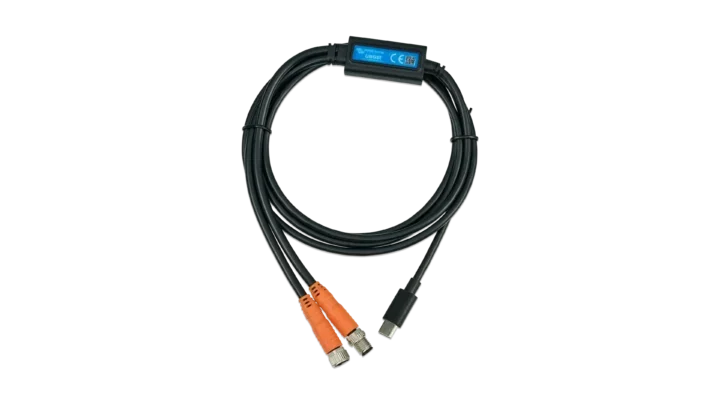
Product Summary
The LiNGST (Victron Lithium NG Service Tool) is a Victron wired battery diagnostic and commissioning adapter that connects a Windows PC directly to the M8 service port on Victron Lithium NG batteries and BMS NG units. It’s designed for trained installers and service personnel, and it delivers cell-level monitoring, data logging, and simulation for troubleshooting.
Specifications:
- USB-C to M8 wired connection (USB cable: 59.1in; M8 connector lead: 7.9in)
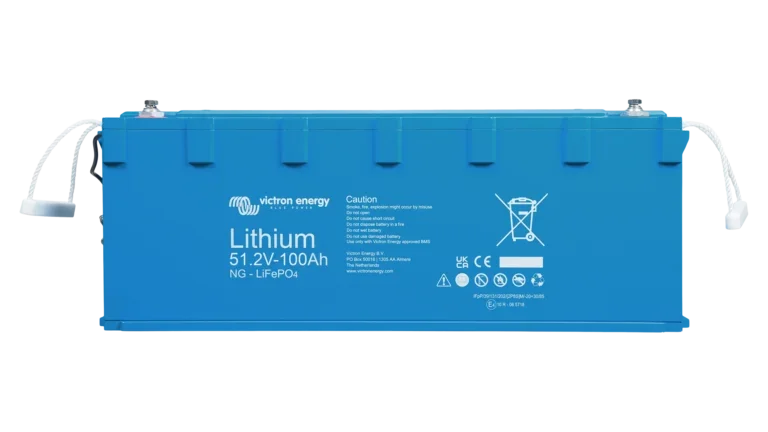
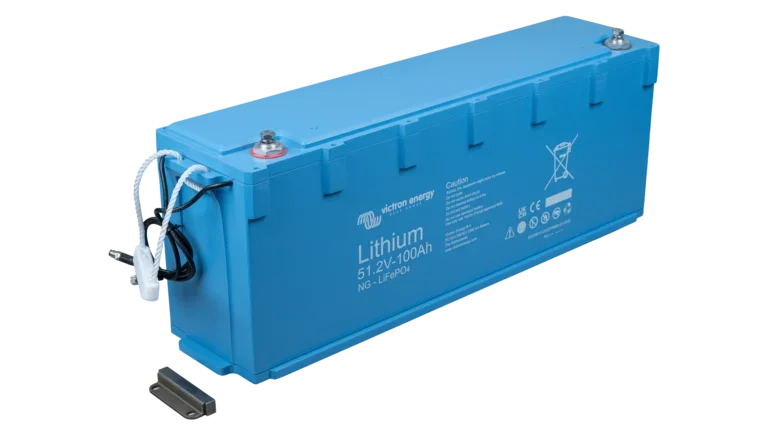
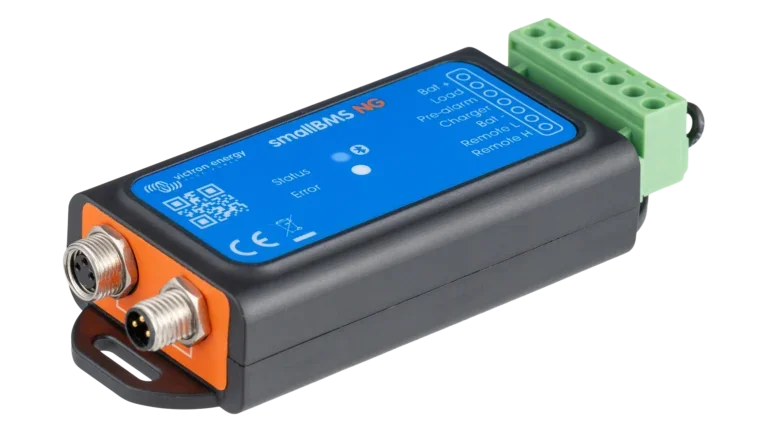
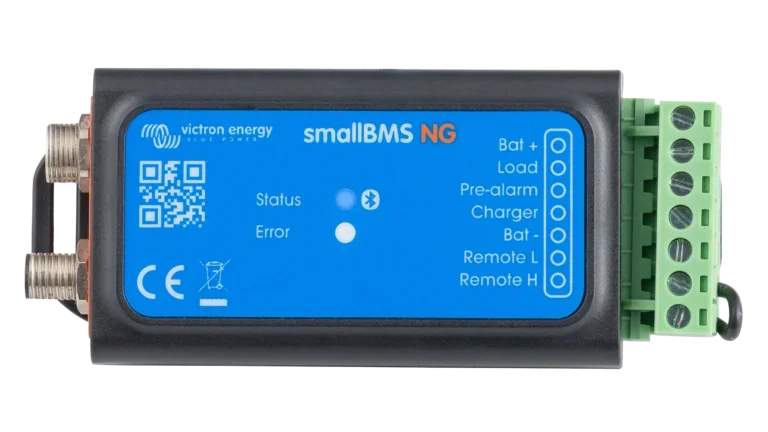
- Compatible with: Lithium NG battery, Lynx Smart BMS NG 500, Lynx Smart BMS NG 1000, VE.Bus BMS NG, smallBMS NG
- Tests a BMS, a battery, or a set of connected batteries
- Configurable sampling rate (minimum 1 second interval)
- Monitors and logs data
Log in to check member price and detailed stock information.
| Need more than what's available? Tell us what you need and we can source it for you. |


Current Connected is YOUR Victron product specialist
The Victron Lithium NG Service Tool
The Victron LiNGST directly connects a Windows PC to the M8 service connector on Victron Lithium NG batteries and BMS NG units. It is a Victron BMS diagnostic tool which provides access to detailed commissioning and diagnostic information. Since it directly connects two energy components, you can use it without WiFi or Bluetooth connectivity.
The software includes many customizable settings so you can record needed information and share logged data with technical support.
Battery Tester: Cell-Level Monitoring and Logging
When used as a battery tester, the LiNGST serves as a Victron battery cell monitor. The table displays individual cell information for remote monitoring and assistance. This includes cell ID, voltage, current, temperature, serial number, firmware version, ProdID, and BootLoader version. The software displays both low range and high range current values to help with troubleshooting and diagnostics under varying load conditions.
BMS Tester: Commission and Troubleshoot Without a Physical Battery
The BMS tester function lets you emulate a connected battery, so you can test functions like ATD (Allow to Discharge), ATC (Allow to Charge), Pre-alarm, and Relay status without a connected battery during commissioning or troubleshooting. The software shows data sent to and from the simulated battery, and you can configure the battery current and other information as needed.
Data Sniffer: System-Wide Logging Across a Daisy-Chained Bank
The data sniffer provides the same monitoring and logging capabilities as the battery tester, but targets complete Lithium NG systems with multiple batteries connected in a daisy chain. Rather than reading a single battery, the sniffer reads the full chain and displays each battery's cell data in the same table format. This makes it practical for commissioning multi-battery installations where you need to confirm that all units are communicating and reporting correctly before the system goes into service.
Recommended Accessories
Frequently Asked Questions
No. The Victron Lithium NG Service Tool application runs on Windows only.
The LiNGST communicates with Lithium NG batteries, Lynx Smart BMS NG 500, Lynx Smart BMS NG 1000, VE.Bus BMS NG, and smallBMS NG.
Download the free application from the Software Downloads section on the Victron Energy website.
Use the BMS tester when you need to verify BMS NG behavior like ATD, ATC, pre-alarm, or relay status without an attached battery. This is useful during commissioning or troubleshooting.
Use the battery tester for monitoring and logging actual battery data.
The battery tester reads data from a single Lithium NG battery connected to the M8 service port. The data sniffer reads the full daisy chain, simultaneously displaying cell-level data for every battery in the system. Use the data sniffer on multi-battery installations to confirm all units are communicating and logging expected values.
Log files are plain text. The separator between values is a space, the decimal separator is a comma, and current measurements appear in two columns labeled "L" (low range) and "H" (high range). The application names battery tester files Recording_[number] and data sniffer files DataSnifferRecording_[number]. Both save to a "Recording" folder in the same directory as the application.
The battery tester logs per-cell data including cell ID, voltage, current (L and H range), temperature, serial number, firmware version, ProdID, and BootLoader version. You can log only values that change (default), all records including identifier values, or a custom data set. The minimum sampling interval is one second.
No.
An incorrect selection may lock the BMS for a few seconds while it tries to update the simulated battery firmware. After finishing the imaginary update, the BMS will connect to the simulated battery.
Customer Reviews
No reviews yet. Be the first to review this product!