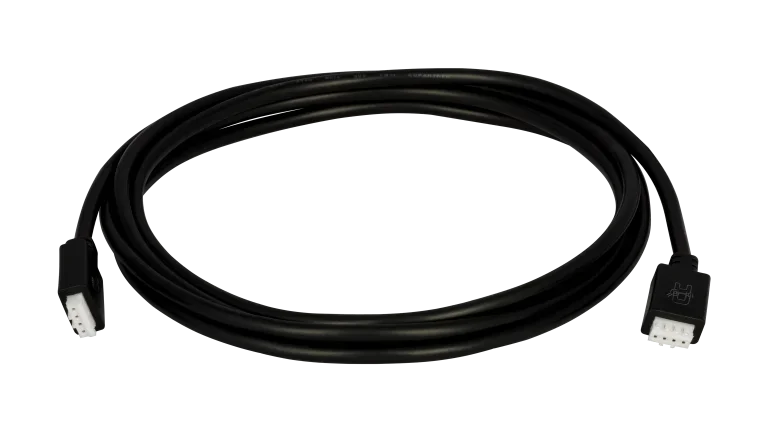
About the Victron VE.Direct Cable
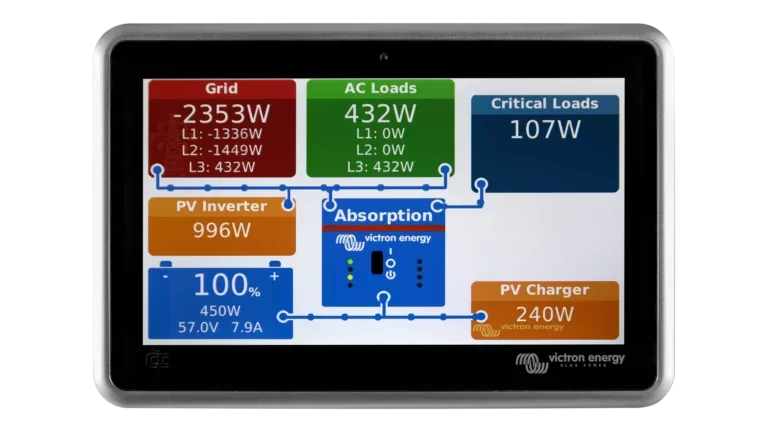
The VE.Direct cable is how Victron components talk to each other. It carries data between VE.Direct-equipped devices and a GX monitoring hub, enabling real-time system visibility, remote monitoring through the VRM portal, and centralized configuration. Without it, each component operates independently with only local Bluetooth access. With it, your entire system reports to one place.
What It Connects
One end plugs into any Victron product with a VE.Direct port. The other end plugs into a GX device. Common connections include:
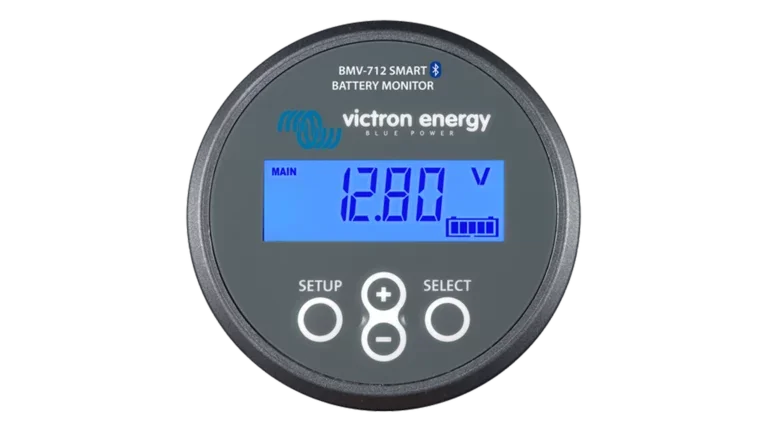
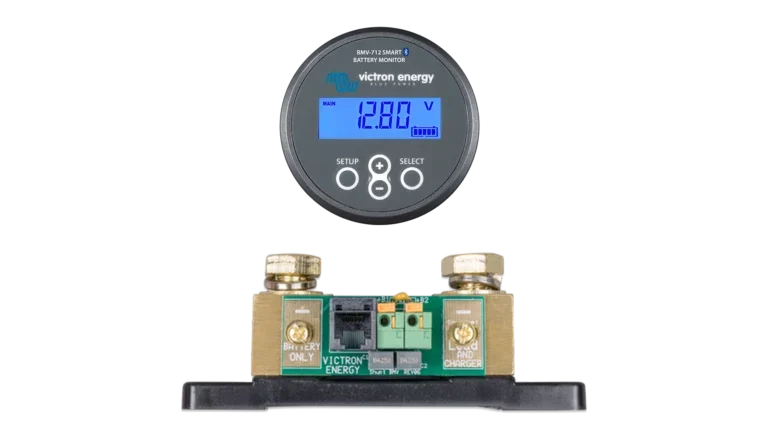
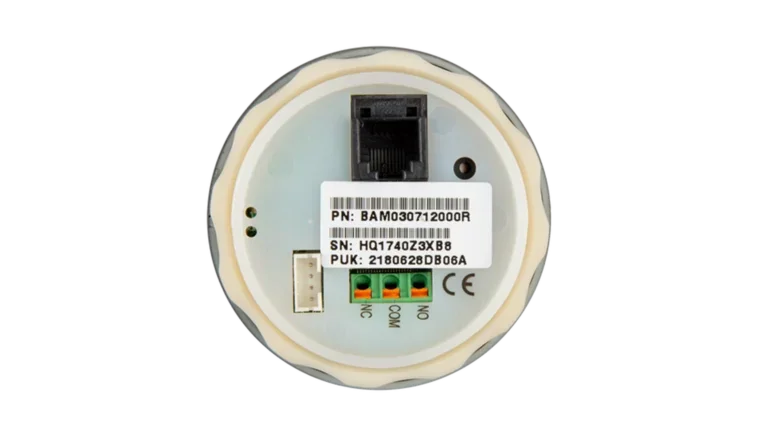
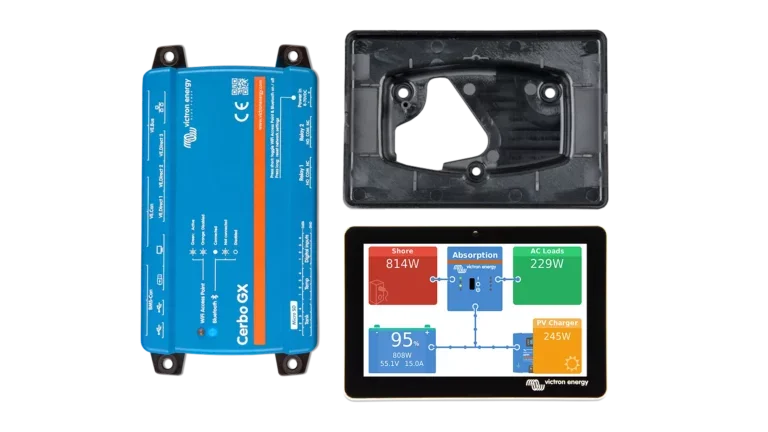
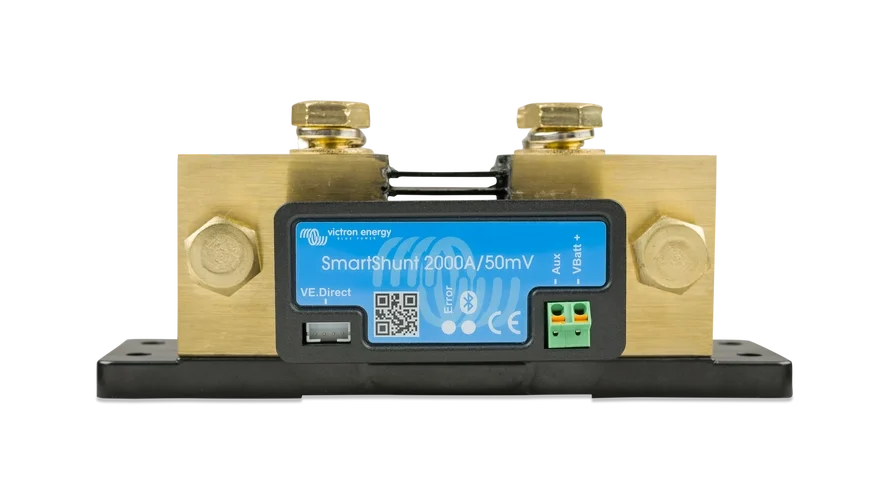
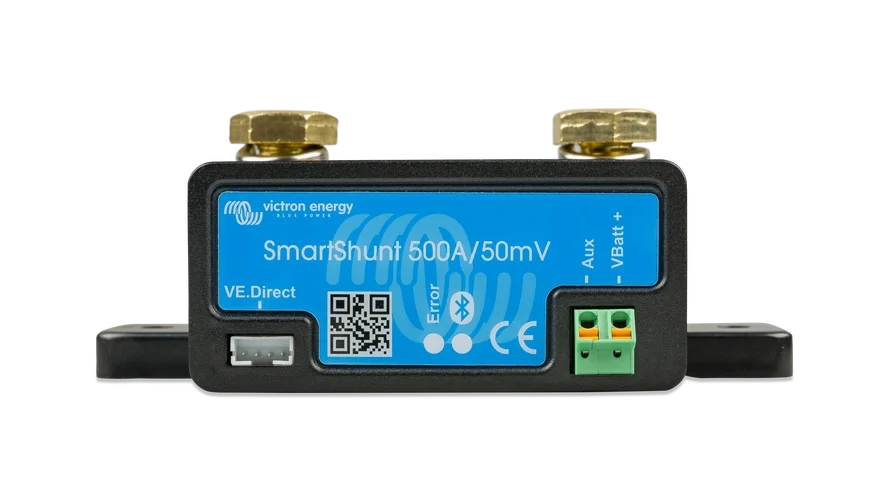
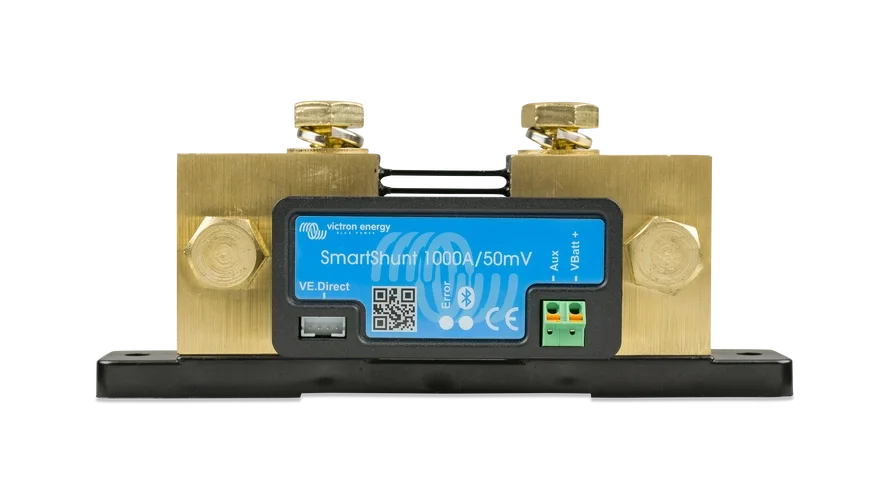
A SmartShunt or BMV battery monitor to a Cerbo GX, giving you battery SOC, voltage, current, and history in the VRM dashboard alongside your other system data.
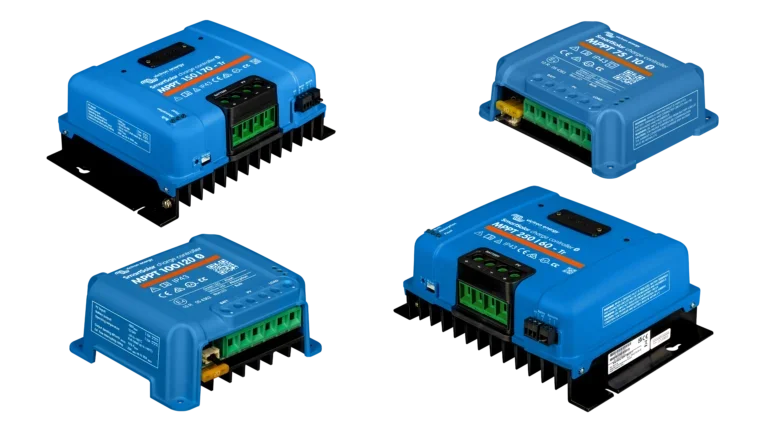
An MPPT SmartSolar charge controller to a Cerbo GX, so solar harvest data, battery charging status, and error conditions are all visible and logged remotely.
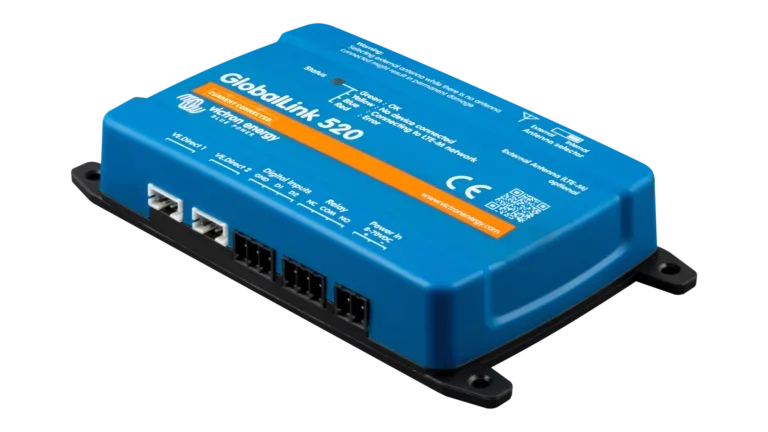
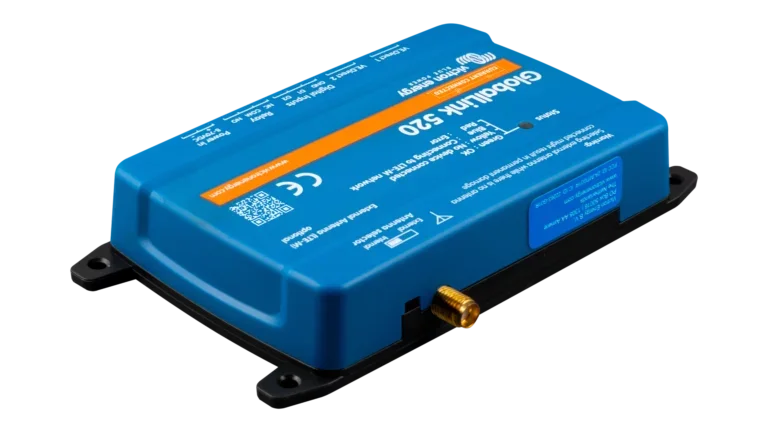
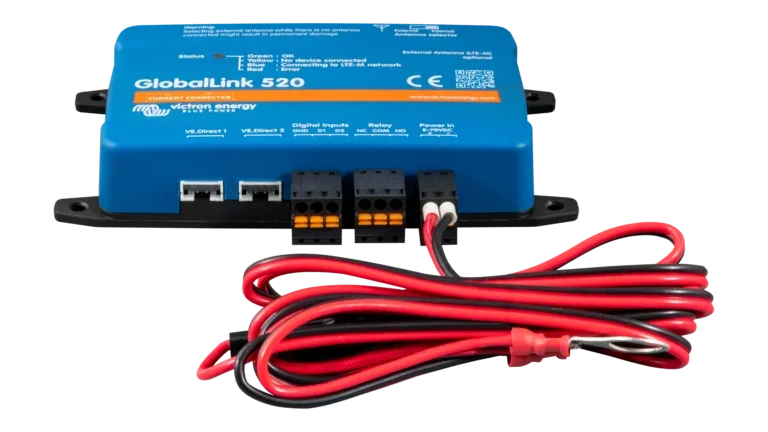
Any VE.Direct device to a GlobalLink 520 for cellular-based remote monitoring in locations without Wi-Fi or Ethernet.
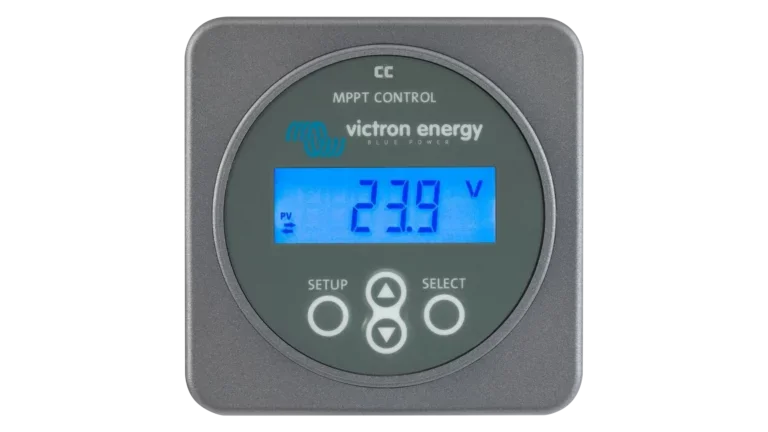
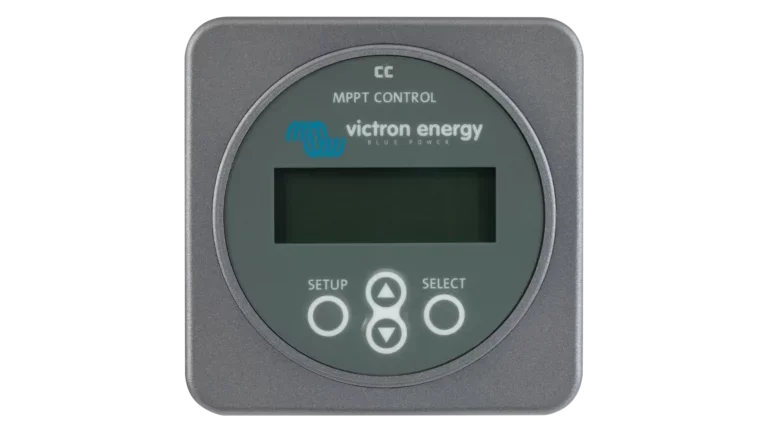
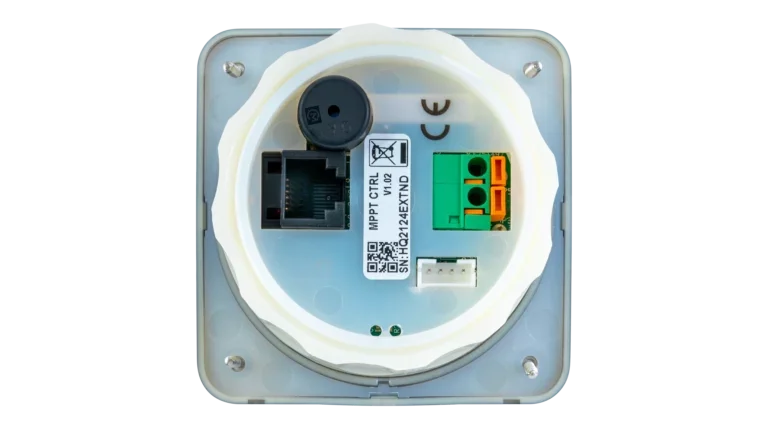
An MPPT Control Display to a SmartSolar or BlueSolar charge controller, giving you a dedicated physical readout of solar watts, battery voltage, charge current, and 30-day harvest history without needing a phone or GX device.
Choosing a Length
Measure the actual cable routing distance between your two devices, not the straight-line distance. Account for bends around enclosures, conduit runs, and service loops. If you're between sizes, go one size up. Available lengths are 0.3m (1 ft), 0.9m (3 ft), 1.8m (6 ft), 3m (9.8 ft), 5m (16.4 ft), and 10m (32.8 ft).
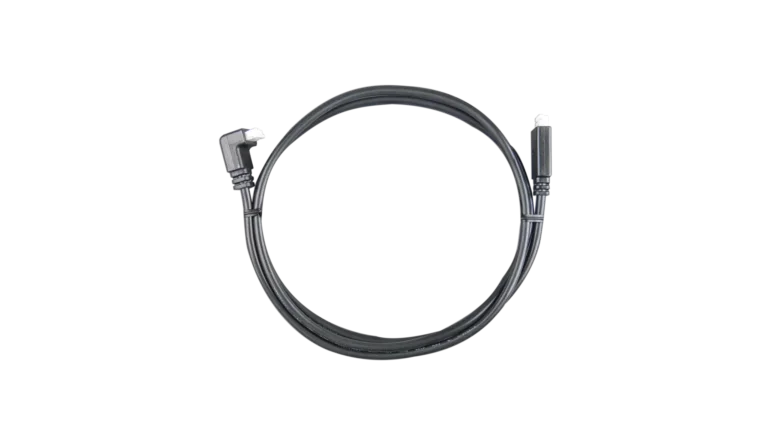
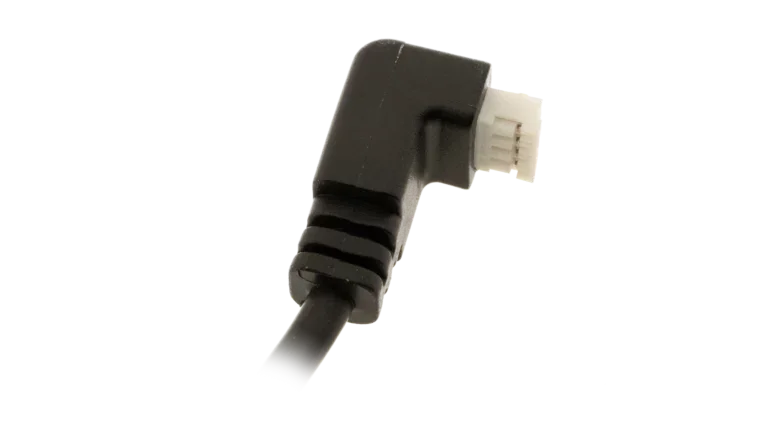
Straight vs. Right-Angle Connector
The straight connector works for most installations. Choose the right-angle option when the VE.Direct port faces a wall, adjacent device, or enclosure panel and a straight plug would create a tight bend in the cable or prevent the enclosure from closing.