Ben LaskowskiFebruary 2, 2026 Verified Purchase
This adapter makes it easy to access all the features of a Multiplus both statically (using VE.Configure) and dynamically (using Venus OS and Node Red). I consider it a "must" for any VE.Bus system.

SKU: Please select an option...
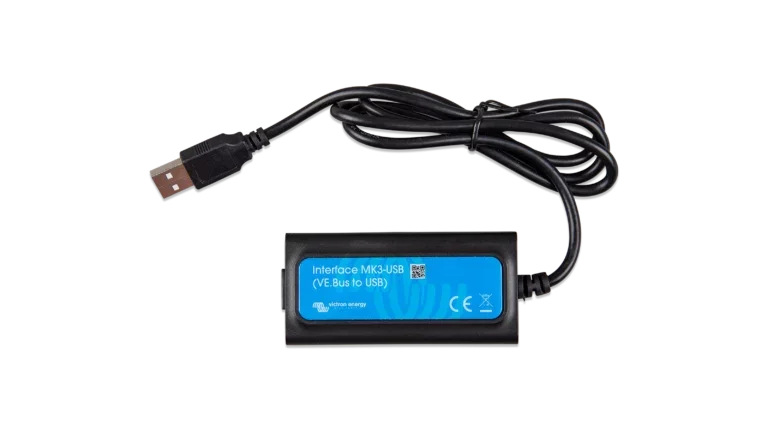
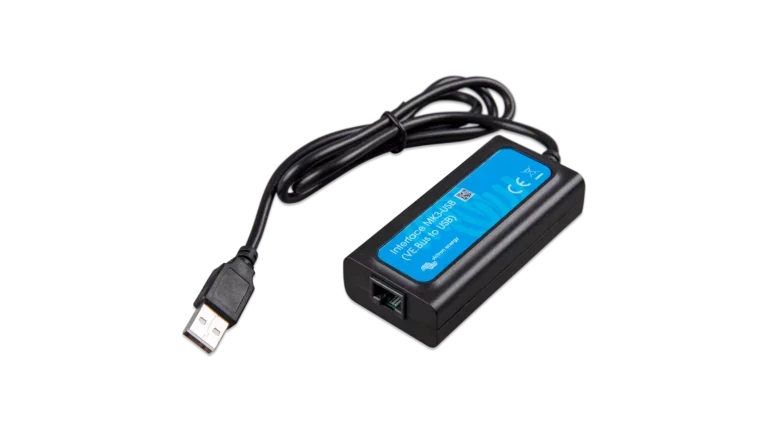
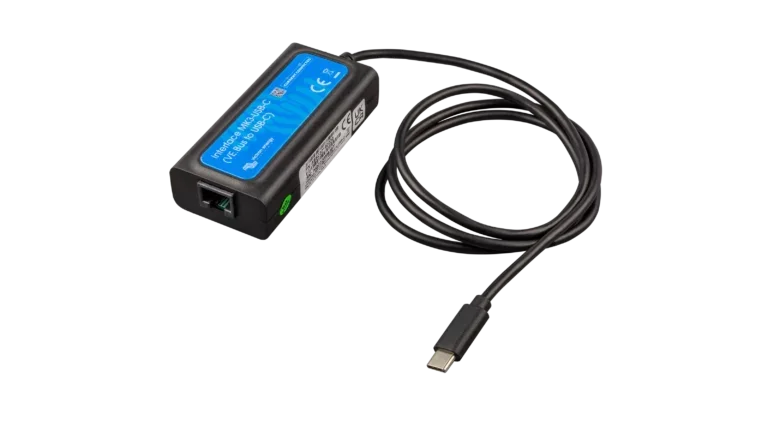
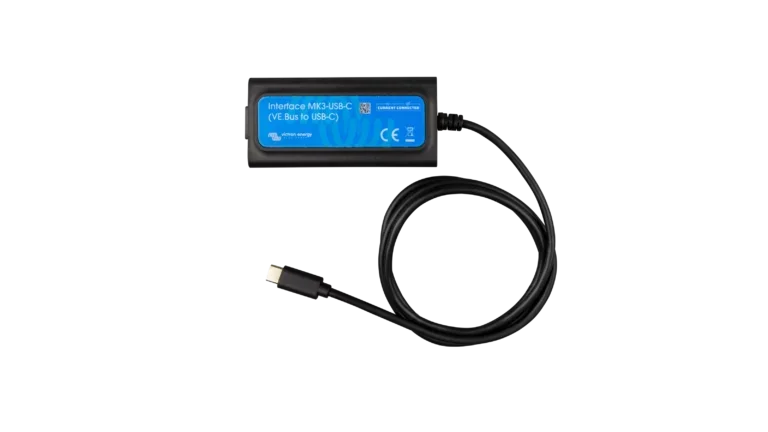
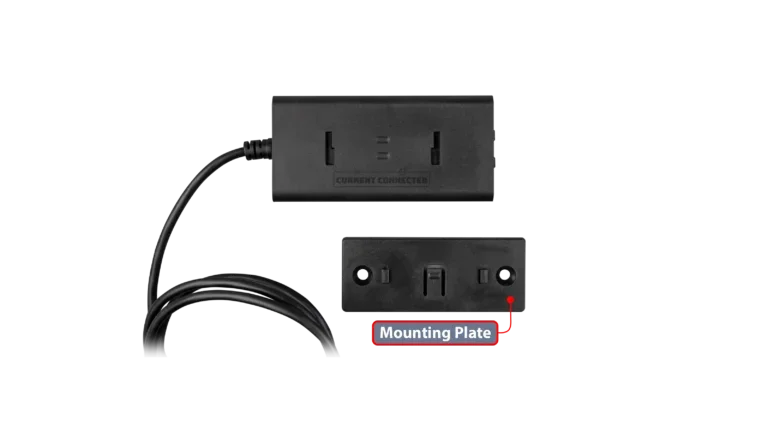
The MK3-USB connects any VE.Bus inverter or inverter/charger to a computer for full configuration access, firmware updates, and diagnostics through VictronConnect. This is the only interface that provides direct local Settings mode access to VE.Bus products (the VE.Bus Smart Dongle is limited to monitoring and basic controls).
Log in to check member price and detailed stock information.
Please select all options above to add to cart.

Current Connected is YOUR Victron product specialist
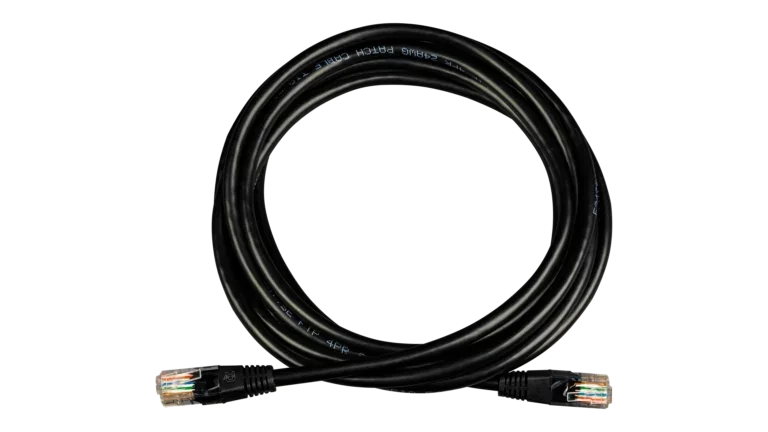
The MK3-USB is Victron's current-generation VE.Bus configuration tool, replacing the older MK2-USB (which is not compatible with VictronConnect). It plugs into any VE.Bus RJ45 port on one end and into a computer's USB port on the other. An RJ45 UTP cable bridges the gap between the MK3 dongle and the inverter. Use a factory-made cable for this connection. Victron's documentation specifically warns that hand-crimped RJ45 cables frequently cause communication failures, even if they work fine for ethernet networking.
The MK3 works with VictronConnect on Windows, Mac, and Android. It does not work on iPhone or iPad.
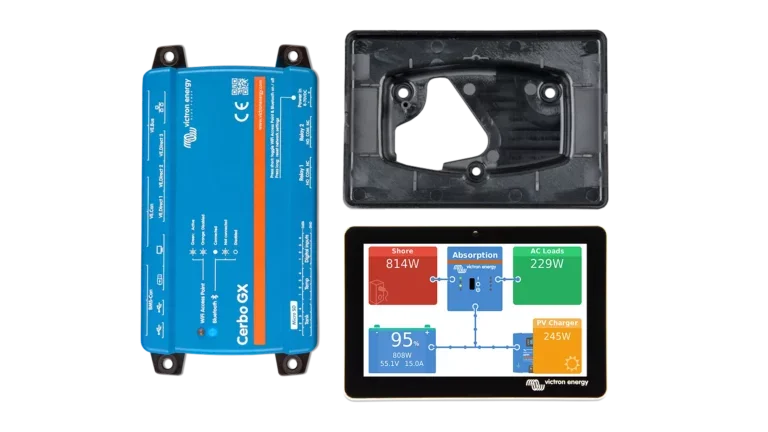
Systems purchased through Current Connected ship with firmware updated and phase configuration already applied. Day-to-day settings like charge voltages, AC input current limits, and PowerAssist parameters can all be changed through VRM once your Cerbo GX is online. For most customers, the MK3 stays in the toolbox.
The MK3 becomes the right tool when you are adding inverters to an existing system and need to re-assign phase roles. Initial parallel, three-phase, and split-phase configuration can only be done through a direct MK3 connection. Once the units are phased, everything else can go back through VRM. The MK3 is also the only local configuration option for systems without a GX device or internet access.
VictronConnect through the MK3 provides direct access to all VE.Bus settings: charge voltage and current parameters, AC input current limits, PowerAssist configuration, Assistant installation, and firmware updates. Configuration files can be saved to disk and loaded onto other units, which speeds up multi-unit installations. Firmware updates happen locally with no internet required. VictronConnect bundles the firmware files and applies them directly.
The MK3-USB also serves as the VE.Bus interface for custom Raspberry Pi-based Venus OS builds, providing the same data connection that a Cerbo GX or other GX device would use with its built-in VE.Bus port.
Probably not right away. Systems purchased through Current Connected ship with firmware updated and phase configuration already applied. All routine settings changes can be handled through VRM once your Cerbo GX is online. The MK3 becomes necessary if you add inverters to the system later and need to re-assign phase roles, or if you need local configuration access without internet.
No. You need a straight-through RJ45 UTP cable (sometimes called an ethernet patch cable) to connect the MK3 to the inverter's VE.Bus port. Use a factory-made cable. Victron specifically warns that hand-crimped cables cause communication problems even when they work for networking.
No. The MK3 requires a USB connection, which iPhones and iPads do not support for this type of device. It works on Windows, Mac, and Android. For iPhone-based monitoring (Status mode only, not full configuration), use the VE.Bus Smart Dongle over Bluetooth instead.
This adapter makes it easy to access all the features of a Multiplus both statically (using VE.Configure) and dynamically (using Venus OS and Node Red). I consider it a "must" for any VE.Bus system.
Higly recommended this purchase, especially if you don't have the Cerbo GX for updates.