Victron Energy MPPT Control Display for Victron Energy SmartSolar and BlueSolar MPPT Charge Controllers, VE.Direct Connection
SKU: SCC900500000
Product Summary
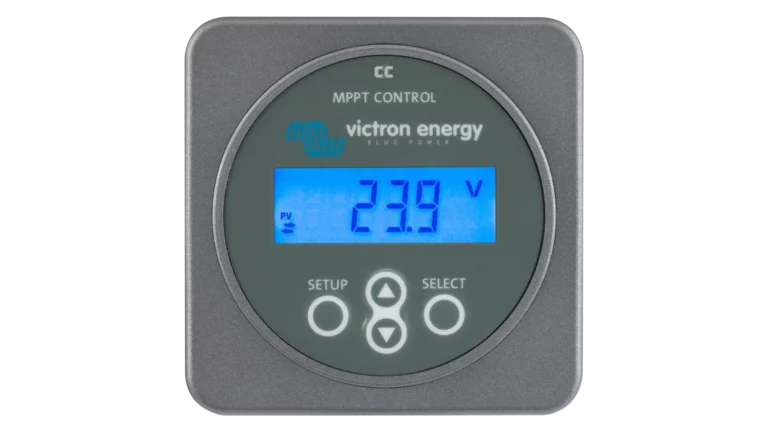
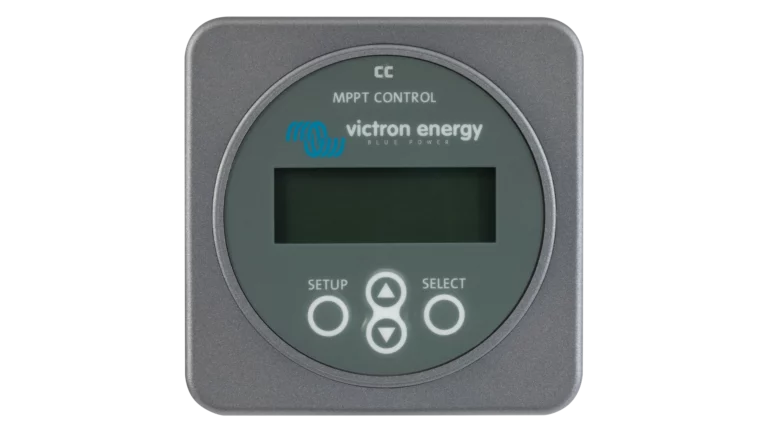
The MPPT Control Display connects to any Victron SmartSolar or BlueSolar MPPT charge controller through a VE.Direct cable (sold separately). It shows live solar watts, battery voltage, charge current, load output status, and 30 days of harvest history on a backlit LCD. The display mounts in a standard panel cutout or in an optional wall mount enclosure, so you can check your solar system's status at a glance without pulling out a phone.
Specifications:
- Compatible with all VE.Direct SmartSolar and BlueSolar MPPT charge controllers
- Backlit LCD display
- Live readout: solar watts, battery voltage, charge current, load output
- 30-day historical data logging
- Configurable charge controller settings via display buttons
- Panel mount (54mm cutout) or optional wall mount enclosure
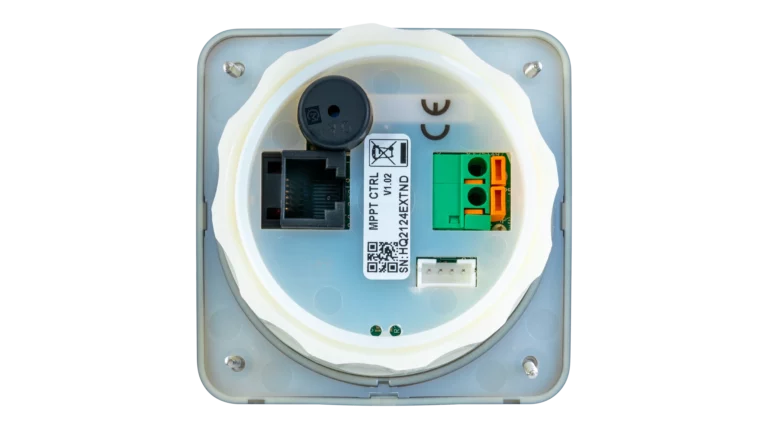
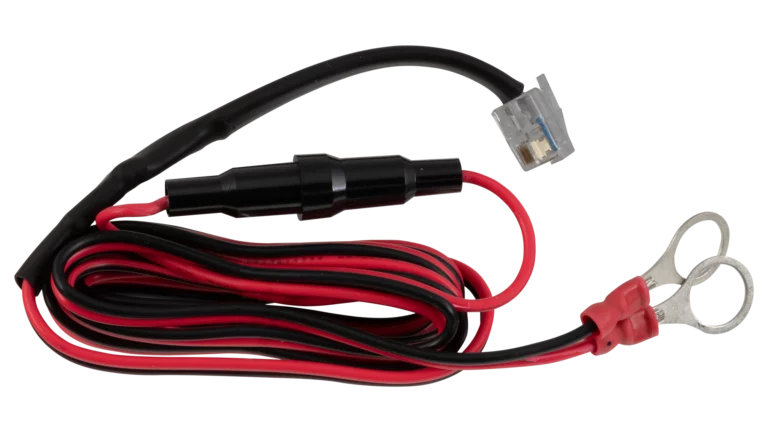
- Connects via VE.Direct cable (sold separately)
Log in to check member price and detailed stock information.
Log in to see additional stock details


Current Connected is YOUR Victron product specialist
About the Victron MPPT Control Display
The MPPT Control Display gives you a dedicated, always-visible readout of what your solar charge controller is doing. Instead of opening an app on your phone every time you want to check solar production or battery voltage, you get a permanent mounted display showing live data and 30 days of history. It connects to your charge controller through a VE.Direct cable (sold separately), which means it can be mounted anywhere within cable reach, not just next to the charge controller itself.
Live Data and History
The display shows real-time solar panel wattage, battery voltage, charge current, and charging stage (bulk, absorption, float). On charge controllers with a load output terminal, it also shows load status and current. The history screen logs daily solar harvest, maximum recorded power and voltage, time spent in each charge stage, peak battery current, and min/max battery voltages for the past 30 days. This is useful for spotting trends like declining harvest from panel shading or soiling, or for confirming that your batteries are consistently reaching full charge.
Configuration Without an App
Beyond monitoring, the MPPT Control Display lets you view and adjust charge controller settings directly. You can change battery type, set custom charge voltages, configure load output behavior, and lock settings to prevent accidental changes. For most installations this covers the settings you'd typically adjust. More advanced settings like TX/RX port configuration still require the VictronConnect app.
Mounting Options
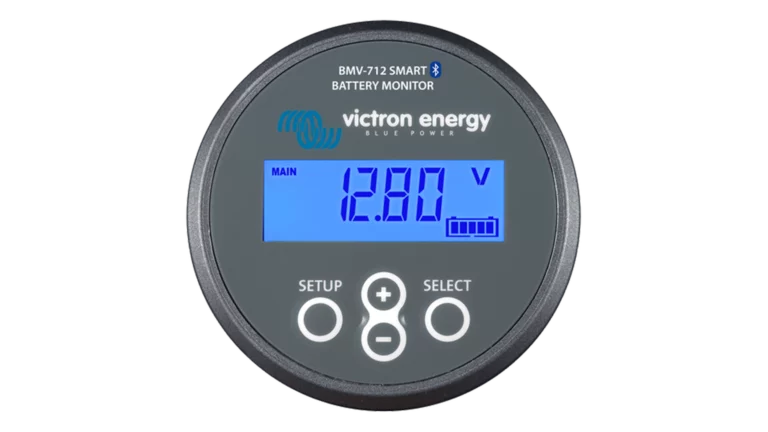
The display is designed for flush panel mounting in a 54mm round cutout, matching the same housing as the BMV-700 series battery monitors. This keeps your monitoring panel looking consistent if you're running both a battery monitor and an MPPT display side by side. For surface mounting on a wall or bulkhead, Victron offers an optional wall mount enclosure.
Compatibility
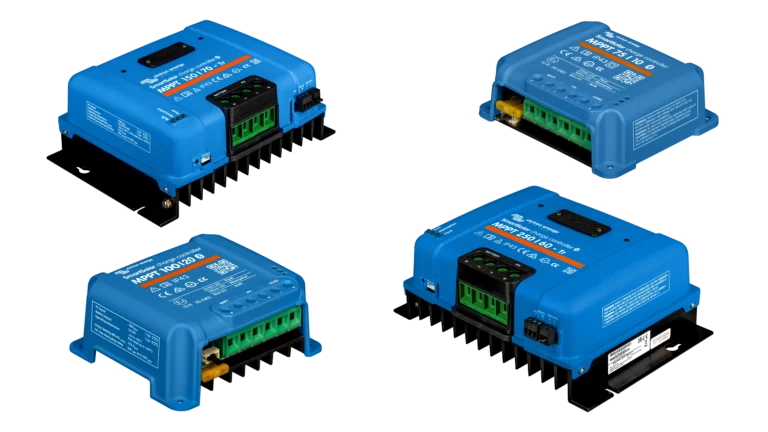
The MPPT Control Display works with any Victron SmartSolar or BlueSolar MPPT charge controller that has a VE.Direct port. This covers the full range from the SmartSolar 75/10 through the 250/100. It does not work with VE.Can-only charge controllers or with discontinued models that lack VE.Direct.
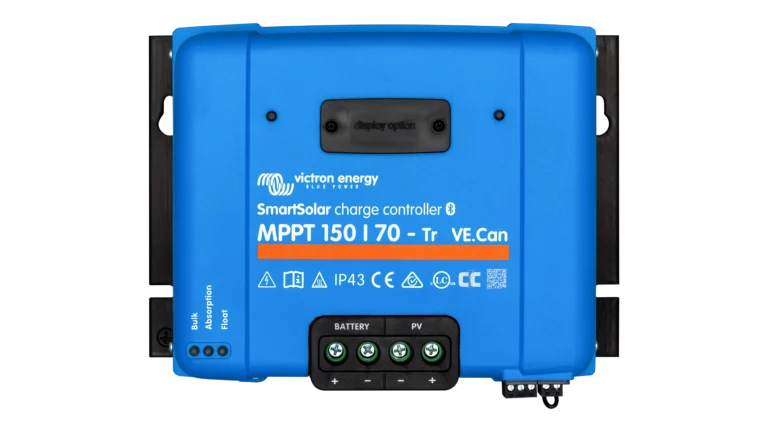
Note: this is a remote display that connects via cable. If you have a larger frame SmartSolar charge controller (150/45 and up) with a "display option" slot on the front face, you may also want to consider the SmartSolar Pluggable Display, which plugs directly into the charge controller without a cable.
Recommended Accessories
Frequently Asked Questions
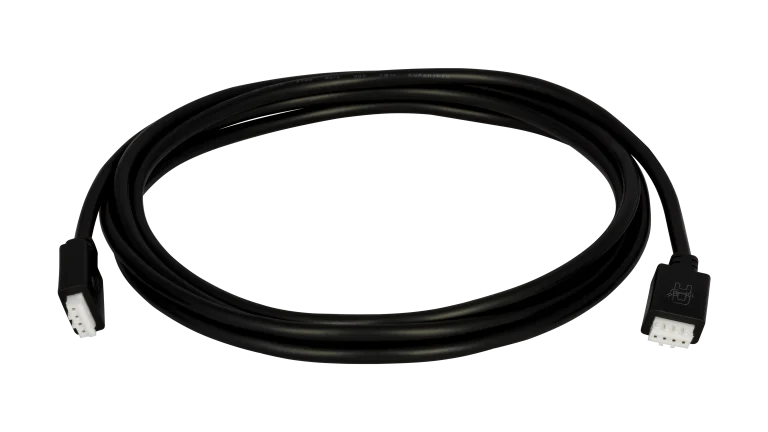
No. The VE.Direct cable is sold separately. This lets you choose the right length for your installation rather than being stuck with a fixed cable length.
The MPPT Control Display connects via a VE.Direct cable and can be mounted remotely, anywhere within cable reach of your charge controller. It works with the entire SmartSolar and BlueSolar MPPT range. The Pluggable Control Display physically snaps into the front face of larger frame SmartSolar controllers (150/45 and up) and doesn't need a cable. If your charge controller has a "display option" slot on the front, either display will work. If it doesn't have that slot, the MPPT Control Display is your option.
No. The charge controller has one VE.Direct port. If the MPPT Control Display is connected to it, you can't simultaneously connect a VE.Direct cable to a Cerbo GX or other GX device from that same port. If you need both a local display and GX system integration, use the VictronConnect app via Bluetooth for local monitoring and dedicate the VE.Direct port to the GX device.
It works with any SmartSolar or BlueSolar MPPT controller that has a VE.Direct port. This covers the vast majority of current and recent models. It does not work with VE.Can-only models or very early discontinued units without VE.Direct.
Yes. You can adjust battery type, charge voltages, load output behavior, and other core settings using the display's button interface. You can also lock settings from the display to prevent accidental changes. Some advanced settings (TX/RX port configuration) still require the VictronConnect app.
54mm round cutout. This is the same size as the BMV-700 series battery monitors, so if you're mounting both in the same panel they'll match.
Not necessarily. A Cerbo GX with a connected display (like the Ekrano GX or a GX Touch) already shows charge controller data alongside all your other system information. The MPPT Control Display is most useful in systems without a GX device, or when you want a dedicated readout in a specific location like a helm station or equipment room.
Customer Reviews
No reviews yet. Be the first to review this product!