About the GX Touch Display
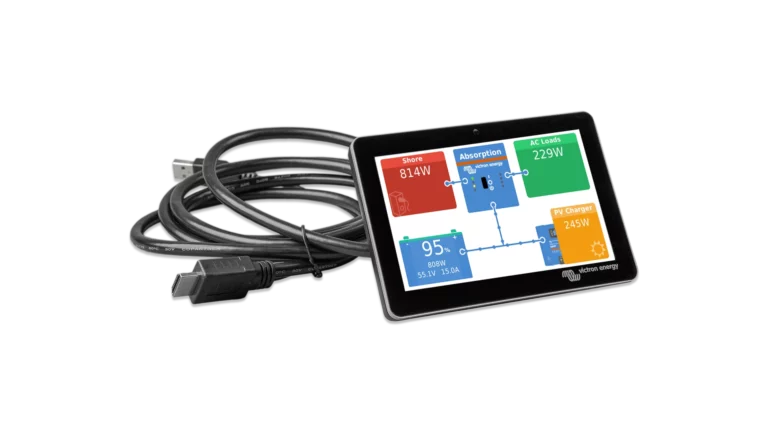
The GX Touch gives you a dedicated, always-on view of your system right at the installation. Battery state of charge, solar production, AC input and output, tank levels, temperature readings, and system alarms are all visible at a glance. The touchscreen interface lets you navigate menus, change settings, adjust AC input current limits, start or stop generators, and switch operating modes directly on the display.
Single-Cable Installation
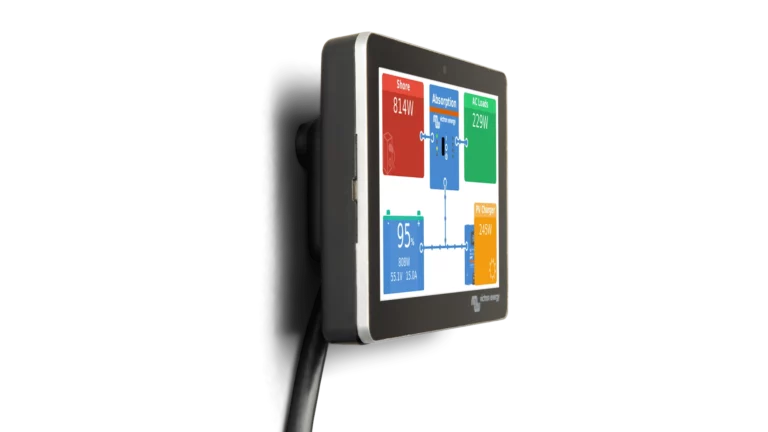
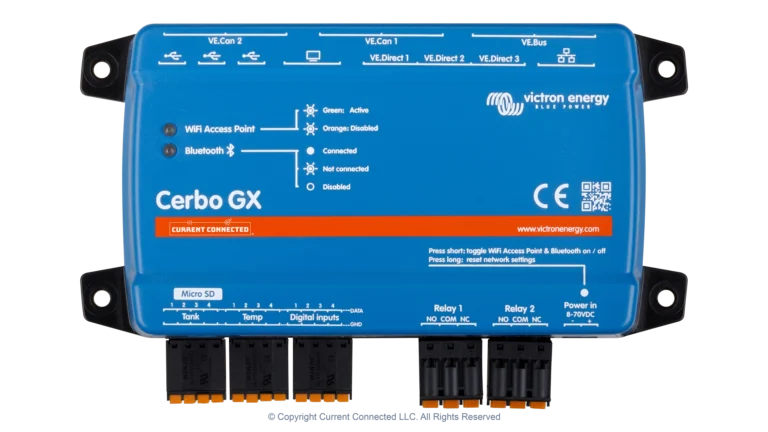
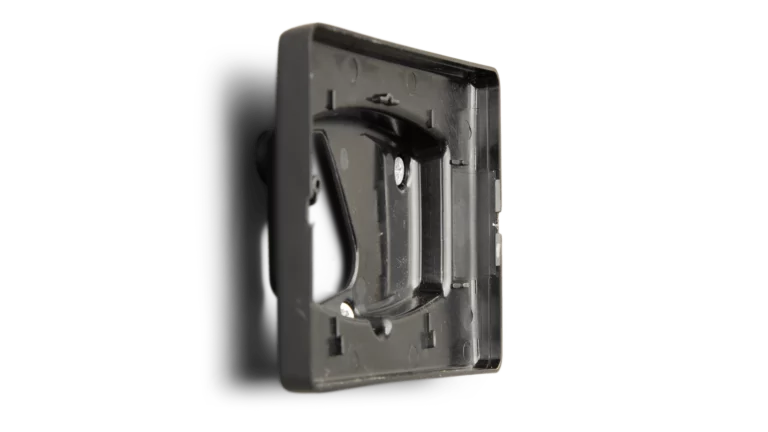
The GX Touch connects to the Cerbo GX with one combined HDMI and USB cable. The HDMI carries the video signal, and the USB provides touch input and power. The included cable is 2 meters (6.5 ft), which gives enough length to mount the display at a convenient viewing location away from the Cerbo itself. The display bolts to the surface of a panel or dashboard from the front side, so there is no cut-out to measure or route. Four mounting screws and the display sits flush.
IP54 Rated for Exposed Installations
The IP54 rating means the GX Touch is protected against dust ingress and water splashes from any direction. For installations in engine compartments, outdoor enclosures, or anywhere the display may be exposed to moisture or debris, Victron also offers optional protection covers that add UV and additional water protection.
Works Without Internet
The GX Touch runs entirely off the Cerbo's local data. It does not require WiFi, Bluetooth, or any network connection to function. For off-grid installations without internet, the GX Touch provides full system monitoring and control that would otherwise require VRM access through a browser or the VRM app.